Epson Printers: Everything You Need to Know Before You Buy or Use One
Epson is one of the few printer brands that has genuinely earned its reputation across both home and professional markets. Whether you're printing shipping labels, borderless photos, or office documents, there's almost certainly an Epson model built specifically for that task and that specificity is exactly what makes the brand stand out.
This page covers what Epson actually is, what its printer lineup looks like, which technologies define its products, and how to pick the right model for your real-world needs.
The Company Behind the Printer
Epson isn't just a printer brand. It's a division of Seiko Epson Corporation, the same Japanese conglomerate behind Seiko watches. The parent company, Seiko Group, was founded back in 1942 in Suwa, Nagano, a region of Japan that has historically been home to precision manufacturing. That background matters more than it sounds, because Epson's engineering philosophy is deeply rooted in precision at the component level, not just the finished product.
Today, Seiko Epson is one of the top three printer manufacturers globally, sitting alongside HP and Canon. But unlike those two companies, Epson has stayed more focused on inkjet technology rather than splitting its attention between inkjet and laser. That focus shows in the products.
Epson's Core Printer Technologies
Understanding Epson starts with understanding the two technologies that define its product strategy.
PrecisionCore Inkjet Technology
Epson's PrecisionCore print head is arguably the most important piece of engineering in its consumer and business lineup. Unlike traditional inkjets that heat ink to form droplets, PrecisionCore uses piezoelectric elements tiny crystals that flex mechanically when voltage is applied to eject ink at precise volumes without heating it.
The practical result: ink doesn't degrade from heat, color accuracy is significantly higher, and the print head lasts considerably longer. Epson claims PrecisionCore heads can fire up to 50,000 nozzles producing precise droplets as small as 1.5 picoliters, which directly affects fine detail reproduction in photos and graphics.
EcoTank (Ink Tank System)
Launched globally around 2015, Epson's EcoTank lineup replaced the traditional ink cartridge model with large, refillable ink reservoirs built into the printer body. The tanks hold roughly 20–30 times more ink than standard cartridges.
The financial math is compelling: while an EcoTank printer costs more upfront (typically $200–$500 vs $80–$150 for a cartridge model), the cost per page drops dramatically. Epson reports page costs as low as $0.003 per black page and $0.008 per color page with EcoTank systems — compared to $0.05–$0.10+ per page with replacement cartridges.
For households or small businesses that print 300+ pages per month, the break-even point is typically within 12–18 months.
Epson Printer Series: A Practical Breakdown
EcoTank Series - Best for High-Volume Home & Office Printing
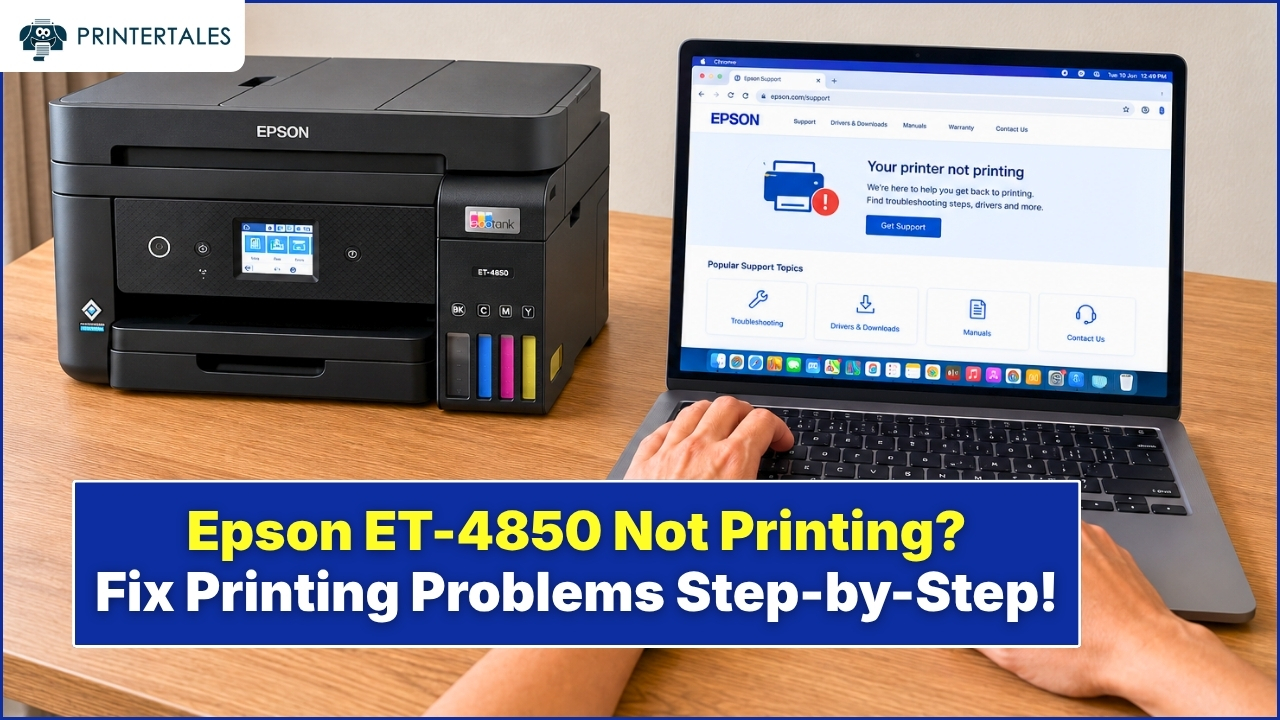
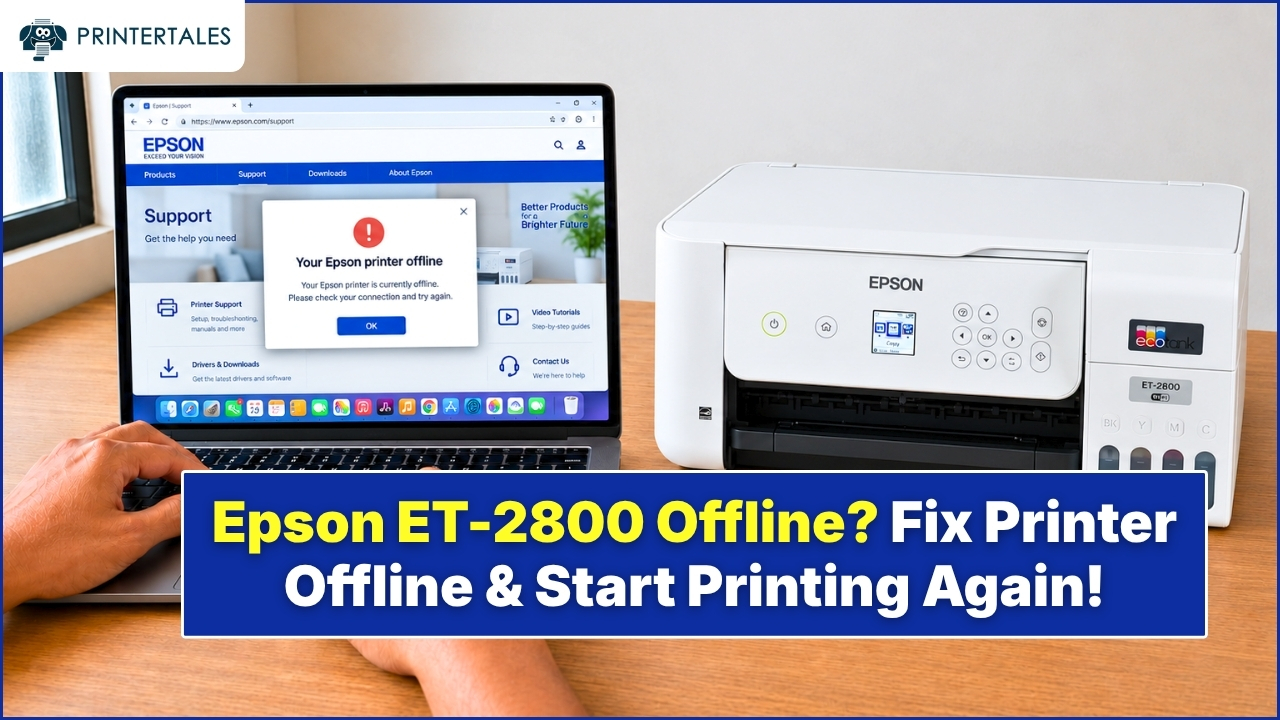
The EcoTank line covers everything from bare-bones home printers to wide-format multi-function units. The entry model, the ET-2800, is compact and wireless, fine for a household that prints homework assignments and the occasional recipe. Step up to the ET-4850 and you get an automatic document feeder, fax capability, and a much higher monthly duty cycle. For anyone needing prints larger than letter size, the ET-16650 handles up to 13"×19" output.
Who it's really for: Families, remote workers, students, small business owners basically anyone who prints enough that they've winced at a cartridge price tag before.
WorkForce Series - Business-Focused Speed and Durability
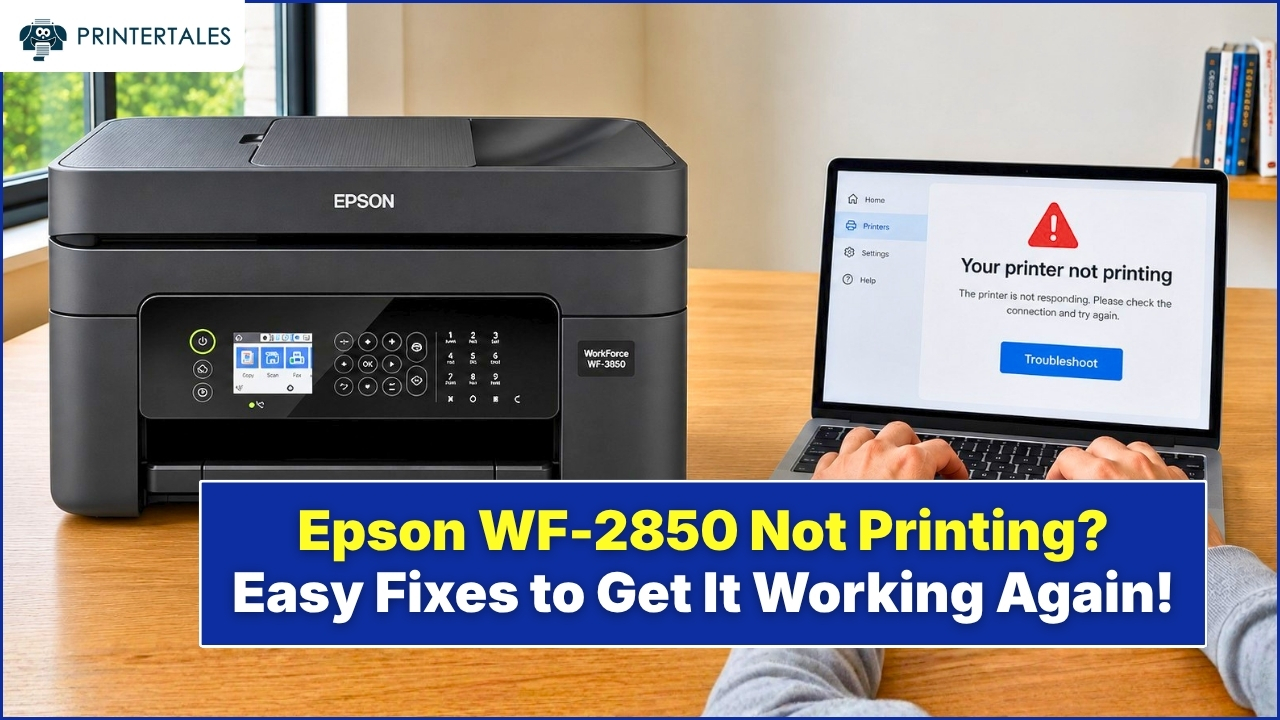
Speed and volume. That's the WorkForce pitch. These printers are aimed at offices and businesses where the printer needs to handle hundreds of pages a day without fuss. The WF-7820 is a wide-format option with decent connectivity. WorkForce Pro models like the WF-C5890 can handle monthly duty cycles up to 75,000 pages, which is not a number a home user will ever need, but for a busy office, it changes the calculus entirely.
Some WorkForce Pro models use Epson's Replaceable Ink Pack System (RIPS), think of it as EcoTank's bigger, business-oriented cousin. Fewer interruptions, lower per-page costs, and less time fiddling with supplies.
Who it's really for: SMBs, office managers, anyone running an operation where downtime from a jammed or empty printer actually costs money.
Expression Series - Photo and Creative Printing
Expression Photo
If color accuracy matters to you really matters, not just "looks fine on screen" but “I'm printing this to hang on a wall” the Expression Photo lineup is where Epson earns its stripes.
Models like the XP-970 and ET-8550 use six or more ink colors, adding channels like red, gray, or matte black beyond the standard four. That extra range handles subtle tonal gradations that 4-color printers simply can't reproduce — particularly in skin tones, shadow detail, and near-neutral colors.
Who it's really for: Photography hobbyists, graphic designers, anyone printing final-output photos or fine art reproductions.
Expression Home
Compact. Affordable. Does the basics well. The XP-4200 and XP-2200 are the printers you buy when you need something for occasional use and don't want to overthink it. Nothing flashy, but reliable for light printing, scanning, and copying.
Who it's really for: Light home users, students, guest rooms.
SureColor Series - Professional and Wide-Format
This is Epson's professional tier printers built for studios, galleries, print shops, and technical environments. The SC-P800 and SC-P5370 use UltraChrome pigment inks that Epson rates for 200+ years of display life under controlled conditions. The SC-T series handles large-format technical drawings for architects and engineers. There's even an SC-F series for textile and apparel printing.
These aren't printers most people need. But for those who do, there's genuinely nothing comparable at the price points Epson offers them.
Who it's really for: Professional photographers, print studios, designers, apparel decorators, technical professionals.
How Epson Printers Connect
Most current Epson models support wireless printing through standard Wi-Fi, but there are a few other connection modes worth knowing:
Wi-Fi Direct turns the printer itself into a temporary hotspot, letting nearby devices print without going through a router. Useful in hotel rooms, client sites, or anywhere the network isn't cooperative.
Epson Connect is the company's cloud platform. It powers Email Print (send a document to a unique printer email address from anywhere in the world), Remote Print Driver for desktop users, and the Epson Smart Panel app for iOS and Android. The Smart Panel app is genuinely the easiest way to handle first-time setup on newer models — the manual alternative works but takes noticeably longer.
AirPrint and Mopria support is standard on most newer Epson models, meaning iPhones, iPads, and Android phones can print directly without driver installation.
Choosing the Right Epson Printer: 3 Honest Questions
Spec comparisons are useful, but these three questions will get you to the right answer faster:
1. How much do you actually print each month?
Under 50 pages and any entry-level model will serve you fine. Between 100–300 pages, EcoTank economics start making real sense. Above 500 pages regularly, you're in WorkForce Pro or SureColor territory depending on what you're printing.
2. Does color accuracy matter or does speed?
Photo printing is about accuracy: droplet size, ink channel count, color gamut. Office printing is about throughput and per-page cost. These are different priorities and Epson has addressed them with different product lines for a reason.
3. What are you printing on?
Standard A4 or letter paper? Almost anything works. Borderless 4"×6" photos? Check the model spec carefully, not all Epson printers support borderless output. Cardstock, labels, fabric? Those require specific models and checking media compatibility before buying.
A Note on Epson and Sustainability
The EcoTank system has a real environmental argument behind it beyond cost savings. Epson's estimate is that a single ink bottle replaces roughly 70 cartridges — 70 fewer plastic units going into the waste stream per refill cycle. For a household running a printer for five or six years, that's a meaningful reduction in plastic waste.
Epson has also been pushing its Heat-Free Technology as a core sustainability differentiator, arguing that eliminating the heat element in inkjet printing reduces energy consumption at scale. The company has set formal carbon neutrality targets, though like most corporate sustainability commitments, the meaningful test will be in execution rather than announcement.
What to Do After You Pick Your Model
Initial setup on most Epson printers is straightforward, the Epson Smart Panel app handles the Wi-Fi configuration faster than any manual method. Register your product on Epson's site after setup, it activates warranty coverage and, on eligible models, access to ink subscription programs like ReadyInk.
If you hit a specific error during or after setup, offline status, Wi-Fi connection failures, paper feed issues, driver conflicts the category pages linked on this page cover those scenarios in detail.