Kyocera Printers: What Makes Them Different and Which One Actually Fits Your Office
If you've been looking at Kyocera printers and trying to figure out why they cost more upfront but get consistently recommended over cheaper alternatives, here's the short answer: the drum doesn't die when the toner runs out. That one design decision, separating the imaging drum from the toner cartridge, is the foundation of Kyocera's ECOSYS technology, and it's why the total cost of owning a Kyocera over three to five years is almost always lower than it looks on a spec sheet.
Kyocera Document Solutions has been manufacturing printers and multifunction devices since 1959, growing from a ceramics company in Kyoto, Japan into one of the more technically distinct printer brands on the market. Their devices are sold globally — across Europe, the Americas, Africa, the Middle East, and Australia, sometimes under the Kyocera name, sometimes under Copystar or TA Triumph-Adler in specific regions.
The ECOSYS Concept: Why the Drum Matters More Than You Think
Most laser printers bundle the drum, developer, and toner into a single cartridge. When the toner runs out, you replace everything, drum included, even though the drum itself likely has tens of thousands of pages of life left in it. You're paying for hardware you didn't use.
Kyocera's ECOSYS system separates these components. The toner cartridge holds only toner. The drum unit, made from amorphous silicon or ceramic material, stays in the machine and is rated to last anywhere from 200,000 to over 600,000 pages depending on the model. Some Kyocera drums are engineered to outlast the printer itself.
The practical effect of this for a busy office printing 10,000 pages a month: you're buying toner refills, not full cartridge assemblies. Over a five-year period, offices running mid-range TASKalfa models have reported 20–30% lower total cost of ownership compared to competitors with conventional consumable designs.
Kyocera's ceramic drum technology, rooted in the same materials science that built the company, is rated as second in hardness only to diamonds. That's not a marketing metaphor; it directly explains why Kyocera drums hold up under sustained daily volume in ways that organic photoconductor (OPC) drums in conventional printers simply don't.
Two Product Lines, Two Very Different Use Cases
Kyocera organizes its printer lineup into two main families. Knowing which one fits your situation saves a significant amount of money and frustration.
ECOSYS: For Small Offices and Budget-Conscious Workgroups
The ECOSYS series covers compact A4 desktop units built for smaller workspaces and teams that print under 20,000 pages a month. These are not stripped-down entry models; they're genuinely well-built machines with solid security features, wireless connectivity, and mobile printing support (AirPrint, Mopria). The design philosophy is: reliable, functional, quiet, and cheap to run over time.
Typical street prices for mid-range ECOSYS devices in the US run between $250 and $600, depending on whether you're looking at mono-only or color, and printer vs. full multifunction. For a small accounting firm, a law office, or a remote-work team with a shared printer, an ECOSYS MFP routinely outperforms devices that cost twice as much in upfront price but demand frequent consumable replacements.
Notable ECOSYS models worth knowing:
- ECOSYS M2640idw - Fast mono output, strong security features. A common pick for financial and legal offices where speed and document security matter more than color output.
- ECOSYS M5526cdw - Color MFP at up to 27 ppm. Compact enough for a desk, handles print, copy, scan, and fax. A reliable daily driver for small mixed-use teams.
- ECOSYS M8130cidn - Steps up to 30 ppm and supports paper up to 11" x 17". A good middle-ground option when a team outgrows a desktop unit but doesn't need full TASKalfa capacity.
- ECOSYS PA3500cx / PA4000cx - The newer single-function color models from Kyocera's 2023–2024 lineup, EPEAT Gold certified and built for energy efficiency in hybrid office environments.
TASKalfa: For High-Volume Workgroups and Enterprise Environments
The TASKalfa line is where Kyocera plays in serious workgroup territory. These are A3 multifunction printers built for departments printing 20,000 pages a month and beyond, with duty cycles and finishing options (stapling, hole punch, booklet folding) that ECOSYS units don't offer.
The TASKalfa 2554ci prints at 25 ppm in color and is well-suited for mid-sized teams that need cloud workflow integration. The TASKalfa 3554ci steps up to 35 ppm and fits departmental use in medium enterprises. The TASKalfa 4054ci at 40 ppm handles high-volume color printing with advanced finishing options. For large-scale enterprise print rooms, the TASKalfa 7054ci runs at 70 ppm and supports the full range of finishing hardware. The TASKalfa MA3500ci is the newest workgroup addition, 35 ppm with ECOSYS-certified components for lower running costs at enterprise scale.
The TASKalfa 7054ci, for reference, supports booklet folding and hole punching features that become genuinely useful in environments producing bound reports, training materials, or large client-facing documents. For a department sending 70,000 pages a month out to a finishing suite, that's less outsourcing cost.
Choosing Between ECOSYS and TASKalfa: A Practical Guide
The most common mistake when buying a Kyocera or any workgroup printer is sizing the machine to the office headcount rather than the actual monthly volume. A 20-person team that mostly works digitally and prints maybe 3,000 pages a month doesn't need a TASKalfa. An ECOSYS MFP handles that volume comfortably and costs less to run.
A rough framework for sizing:
If your office prints under 5,000 pages a month, an ECOSYS desktop unit is the right call cost-effective and right-sized for the workload. From 5,000 to 20,000 pages, you're in the range where an ECOSYS M-series MFP or an entry-level TASKalfa both make sense, with the choice depending on whether you need color output or finishing capabilities. At 20,000 to 60,000 pages, duty cycle and speed become the deciding factors, and a mid-range TASKalfa handles that volume without strain. Above 60,000 pages monthly, you're in TASKalfa high-end or production-line territory, where finishing options, uptime guarantees, and fleet management tools justify the investment.
One thing worth flagging: Kyocera recommends keeping expected monthly volume to no more than 30–50% of the rated duty cycle. Running a machine consistently at 90% of its maximum rated capacity shortens component life and increases service frequency even on machines built as durably as these.
Security and Connectivity in 2024–2025 Models
All current ECOSYS and TASKalfa models ship with a solid security baseline: data encryption, user authentication, secure print release (documents only print when the authorized user is physically at the machine), and firmware signing to prevent unauthorized software modifications. For regulated industries healthcare, legal, financial services these aren't optional extras, and Kyocera builds them in as standard rather than requiring an add-on purchase.
On connectivity, every current Kyocera model supports USB, Ethernet, and Wi-Fi, with mobile printing via AirPrint and Mopria. The newer models in both lines also support cloud-based print workflows and NFC-based authentication, which matters for hybrid teams moving between the office and remote locations.
Kyocera's HyPAS (Hybrid Platform for Advanced Solutions) framework allows organizations to install custom business applications directly on compatible TASKalfa devices — connecting the printer into document management systems, ERP platforms, or workflow automation tools without requiring a separate server or middleware layer.
Environmental Credentials Worth Taking Seriously
Kyocera's environmental positioning isn't just marketing. The long-life ECOSYS drum design generates measurably less electronic waste per page than conventional all-in-one cartridge designs. The newer ECOSYS PA-series models are EPEAT Gold certified and reduce standby power in sleep mode to just 0.5W, relevant if you're managing energy costs across a larger print fleet.
Kyocera has run a global recycling program for toner cartridges and maintenance components for years, and their manufacturing facilities have operated toward carbon-neutral goals since the early 2010s. For companies with ESG reporting requirements or procurement policies that weigh environmental impact, Kyocera's credentials hold up under scrutiny in a way that many printer brands' sustainability claims don't.
What Kyocera Doesn't Do Well
Honest assessment: Kyocera printers aren't designed to be beautiful. The ECOSYS line in particular has a utilitarian aesthetic: functional controls, basic touchscreen interfaces on mid-range models, nothing that wins awards for user experience design. If your team finds printer interfaces confusing, there's a short adjustment period.
Photo reproduction is also not Kyocera's strength. The laser-based output across both product lines is excellent for text-heavy documents, graphics, and mixed business content, but for environments producing high-quality photographic output, dedicated photo printing hardware will serve better.
And for very low-volume users, home offices printing a few hundred pages a month, the cost advantage of ECOSYS technology takes years to materialize. At low volumes, a cheaper inkjet or a basic laser from another brand may make more financial sense purely on upfront cost.
What to Check Before You Buy
Before committing to any Kyocera model, confirm three things:
1. Toner yield for your actual use case. Kyocera publishes ISO/IEC-standardized yield figures for all toner cartridges. High-yield cartridges reduce cost per page significantly for a model like the ECOSYS PA5000x; the TK-3432 cartridge yields up to 21,000 pages per cartridge. Running standard-yield toner in a high-volume environment quietly inflates your per-page cost.
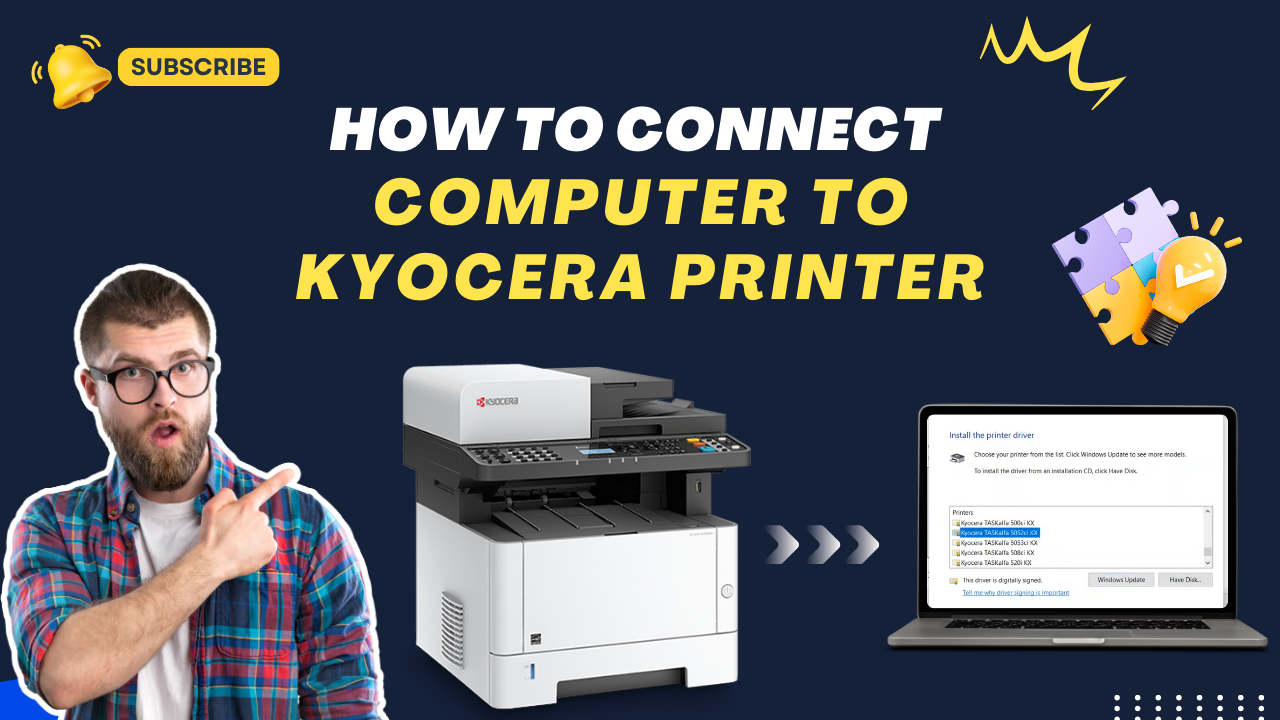
2. Driver and software compatibility. Kyocera provides downloadable drivers for both Windows and macOS, and most current models support macOS natively through AirPrint. If your office runs an unusual OS configuration or requires specific print management software integration, confirm compatibility with Kyocera's support documentation before purchase.
3. Maintenance kit intervals. The drum and developer units are long-lived, but they do eventually need replacement. Kyocera publishes maintenance kit intervals for every model typically in the 150,000–300,000 page range for ECOSYS units. Knowing this number lets you budget service costs accurately rather than getting surprised by them.
Kyocera's Track Record in Independent Testing
Keypoint Intelligence (Buyers Lab), the print industry's most widely cited independent testing organization, has recognized Kyocera as the "Most Reliable Color Copier MFP Brand" across multiple years of evaluation. In 2024, Kyocera's TASKalfa A3 line was named A3 Line of the Year, an award based on performance, reliability, and total cost metrics evaluated across competing brands.
That's a meaningful data point. Reliability awards in the print industry are earned through sustained performance across large sample groups, not single-unit lab tests.
The Bottom Line
Kyocera printers are a strong choice for offices and workgroups that print consistently at moderate to high volumes and want to reduce long-term consumable costs without sacrificing print quality or security. The ECOSYS technology is genuinely differentiated, the drum longevity is real, the cost-per-page advantage compounds over time, and the environmental credentials are verifiable.
The upfront cost is higher than some alternatives. The total cost over three to five years typically isn't.
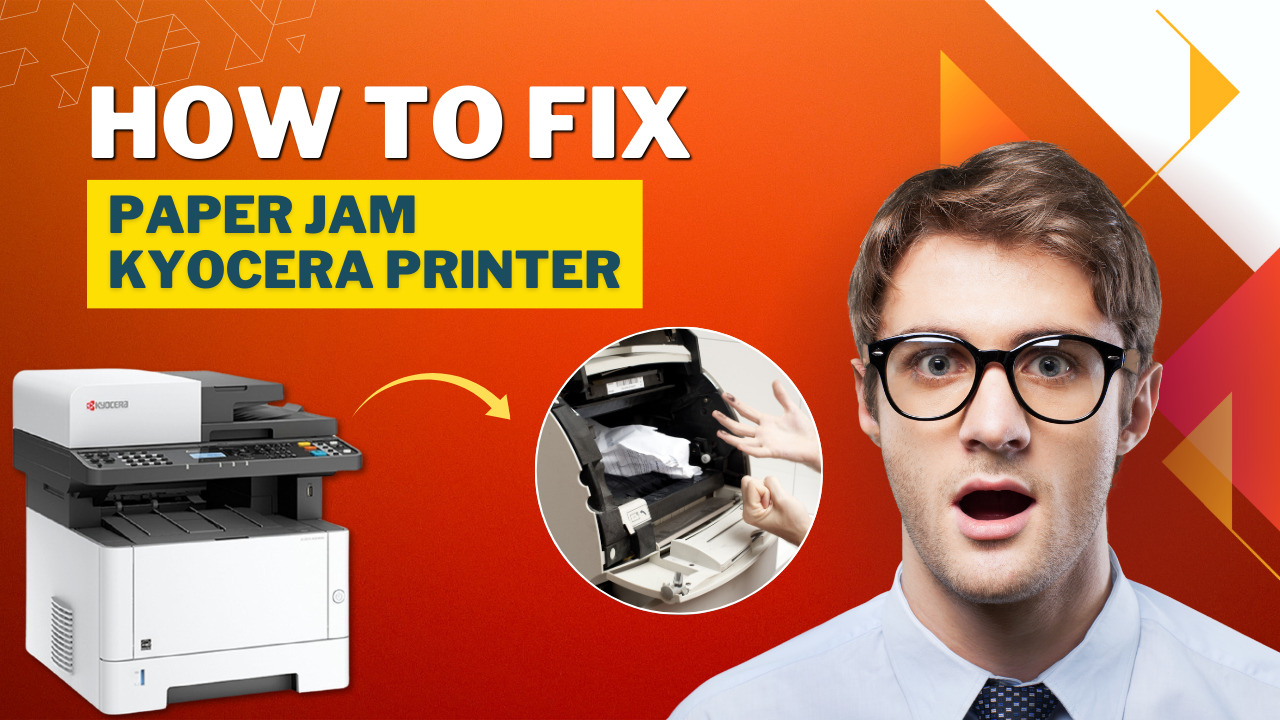
If you're running into specific issues with a Kyocera printer driver installation, WiFi connectivity, paper jams, or error codes, the detailed troubleshooting guides in our knowledge base cover each of these by model series.