How to Download and Install Kyocera Printer Driver?

For some users, downloading and installing the Kyocera printer driver seems way more complex than it is. This happens due to not finding the right drivers, facing some system glitches, following the wrong process, etc. Without the right driver, you may encounter issues with printer setup or using all the printer's functionalities. If you are also experiencing the same driver issue, we are about to help you resolve it. We will walk you through the quick instructions to download and install the most compatible driver for your Kyocera printer.
Instructions to Download and Install Kyocera Printer Driver
1. Go to the Kyocera document solutions website.

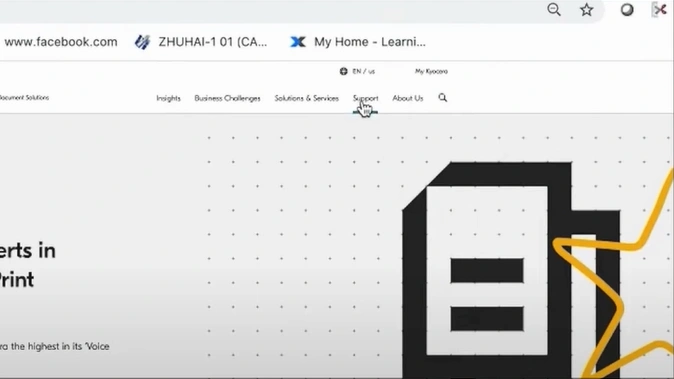
2. Click on Support.
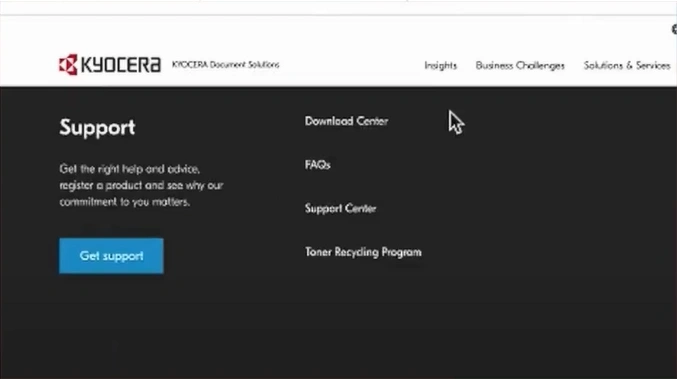
3. Click on Download Center.
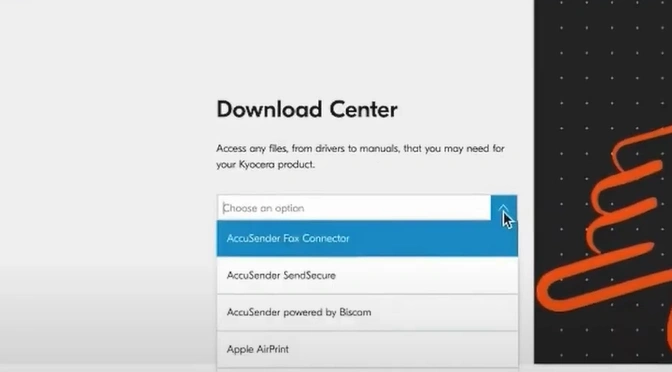
4. In the Download Center field, find your Kyocera printer.
5. Open Drivers and find the latest printer driver.
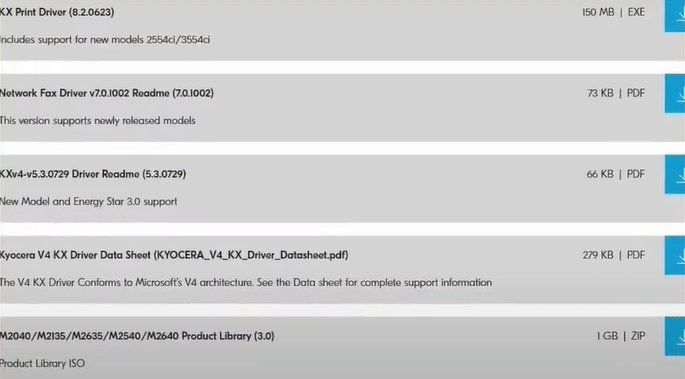
6. Click on the Download button.
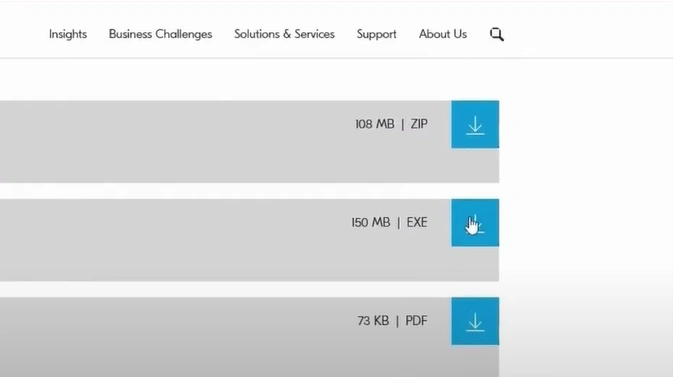
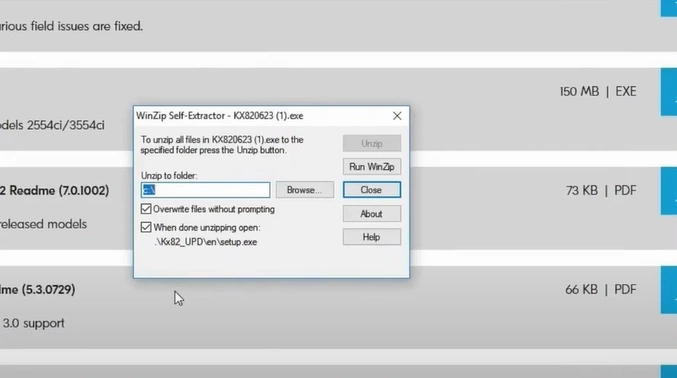
7. Wait for the printer driver file to download and self-extract.
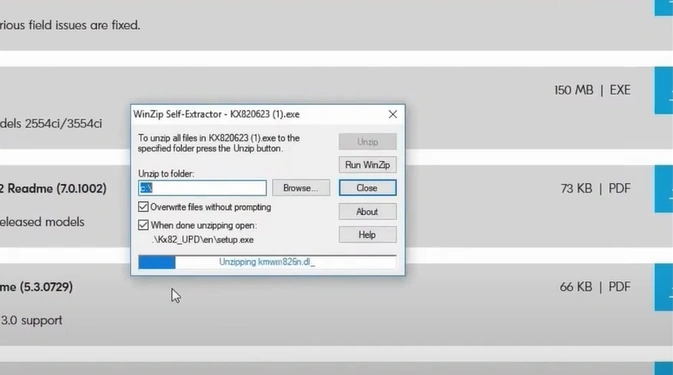
8. After extracting, the product library will open.
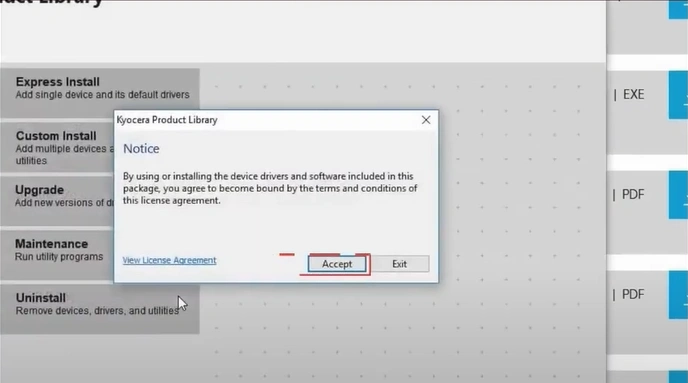
9. A notice will pop up with the license agreement, and then click on Accept.
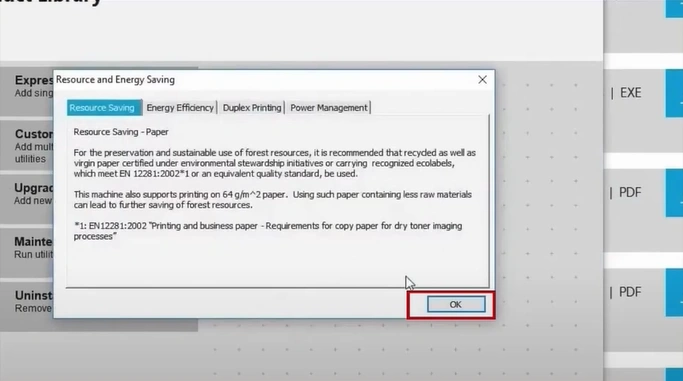
10. In Resource Saving, click on OK.
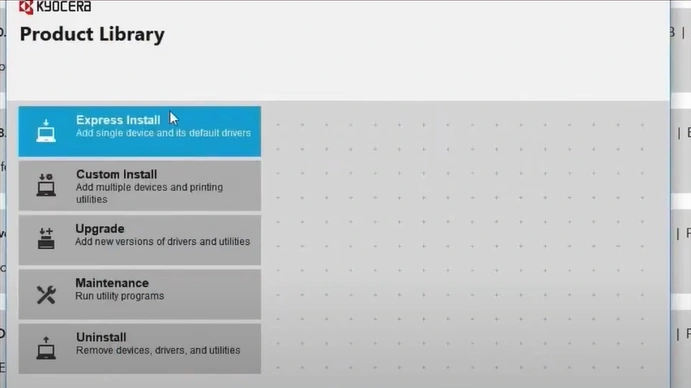
11. Click on Express Install.
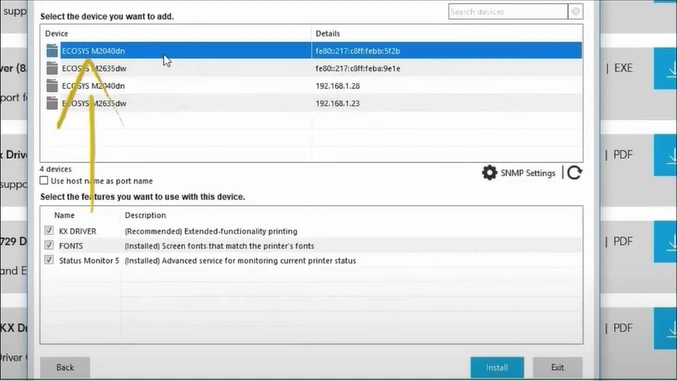
12. Choose your device.
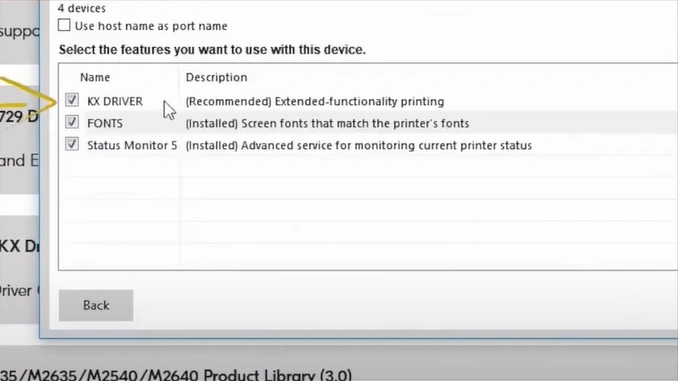
13. Select your desired features.
14. Click on Install.
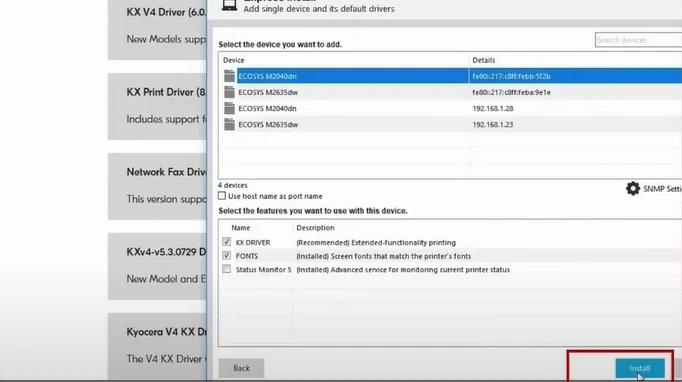
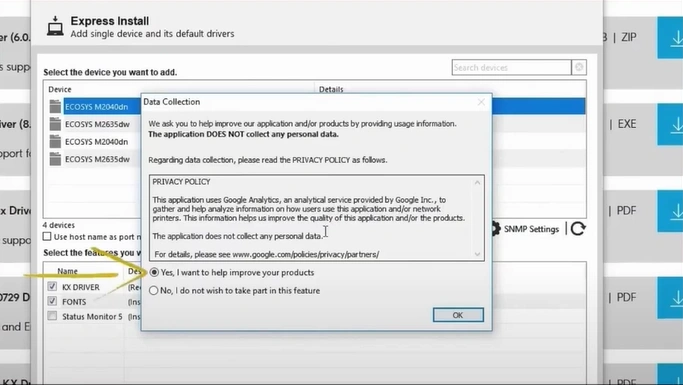
15. A Data Collection window will appear.
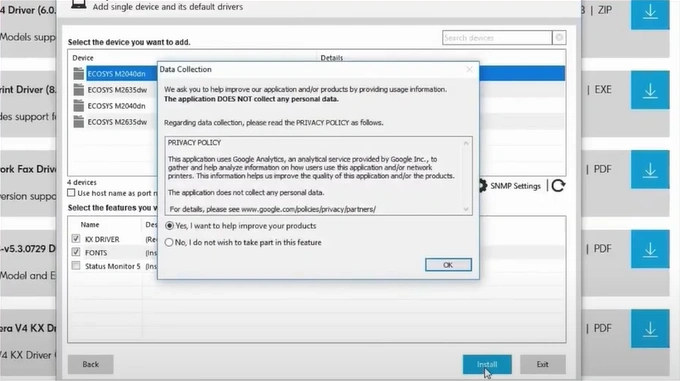
16. You need to choose your desired option and click on OK.
17. Once the software is ready to use after installation, select your desired options.
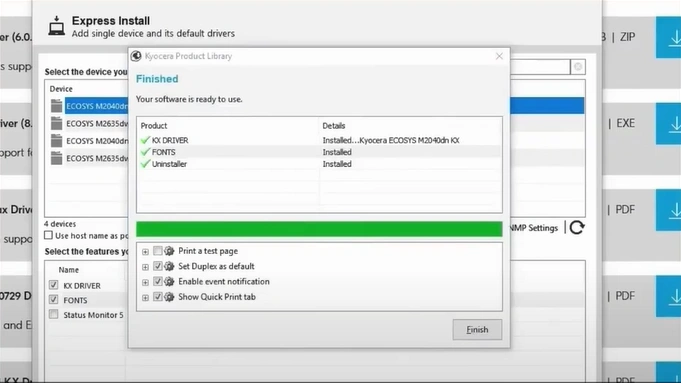
18. Click on Finish.
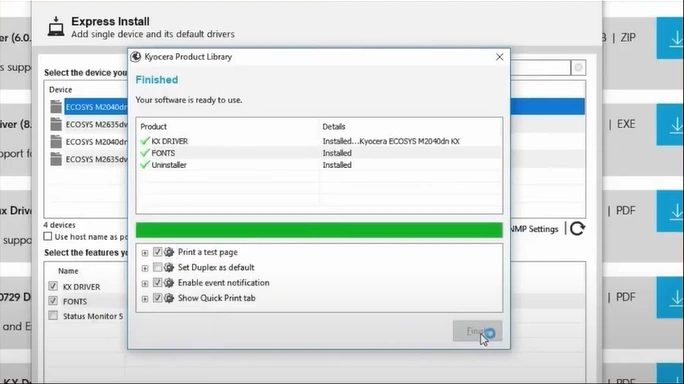
19. Your Kyocera printer driver installation process will be complete.
Also Read:- How to Add Kyocera Printer to Mac?
Final Words
Here is the proper step-by-step procedure to help you download and install the right printer driver for your Kyocera device. You should follow all these steps as we have mentioned here, and also follow other connectivity parameters to install the driver without facing any issues. In case you bump into any problem during the download or installation process, then repeat the process or try to get your hands on more solutions based on your situation.

