Choose Your Printer Brand
Step-by-step troubleshooting guides for every major printer brand. Whether it's offline, jammed, or refusing to connect - we've seen it and we'll fix it.
Printer Brands Covered
Issues Documented & Resolved
Average User Rating
Describe your issue and our AI instantly guides you to the fix.
Pick the symptom that matches your situation and go straight to the right guide.

Printer Driver

Printer Offline

Printer wifi setup

Printer Setup Issue

Printer Paper Jam

Printer not printing

Printer Code Errors And Messages

Other
















We're focused entirely on one thing: helping you solve common printer problems, understand printer features, and keep your devices running smoothly.
From Wi-Fi setup tutorials and scanning guides to printer offline fixes and print quality troubleshooting, our goal is simple — make printer technology easier to understand, without confusing technical jargon.
Whether you use HP, Canon, Epson, Brother, or another printer brand, you'll find clear, step-by-step written guides and video tutorials to ensure your printer issue gets solved.

From step-by-step text guides to walkthrough videos — learn at your own pace.
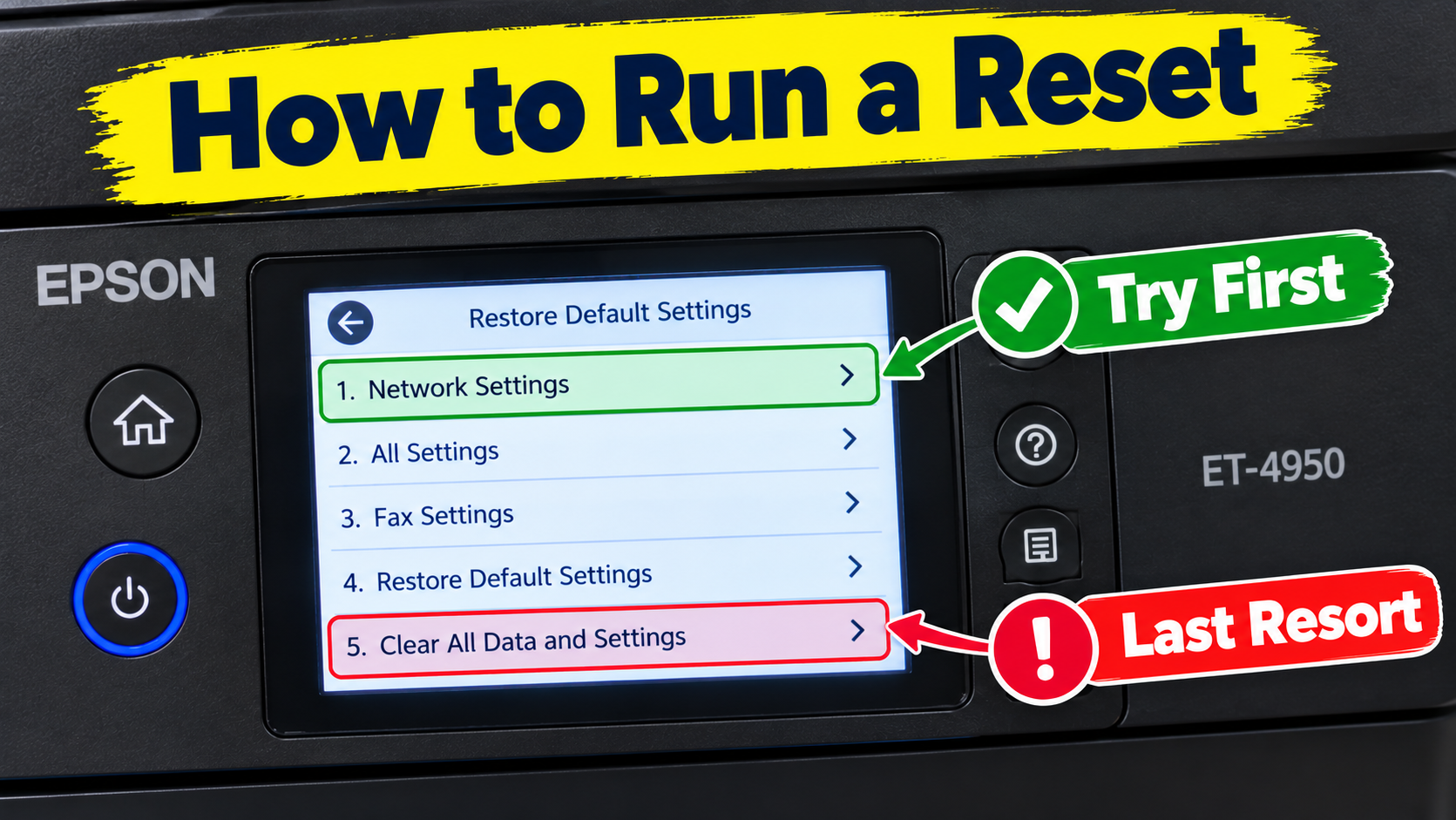
How to Reset the Epson EcoTank ET-4950 (and Which Reset to Choose)Your ET-4950 is acting up: Wi-Fi won’t connect after....
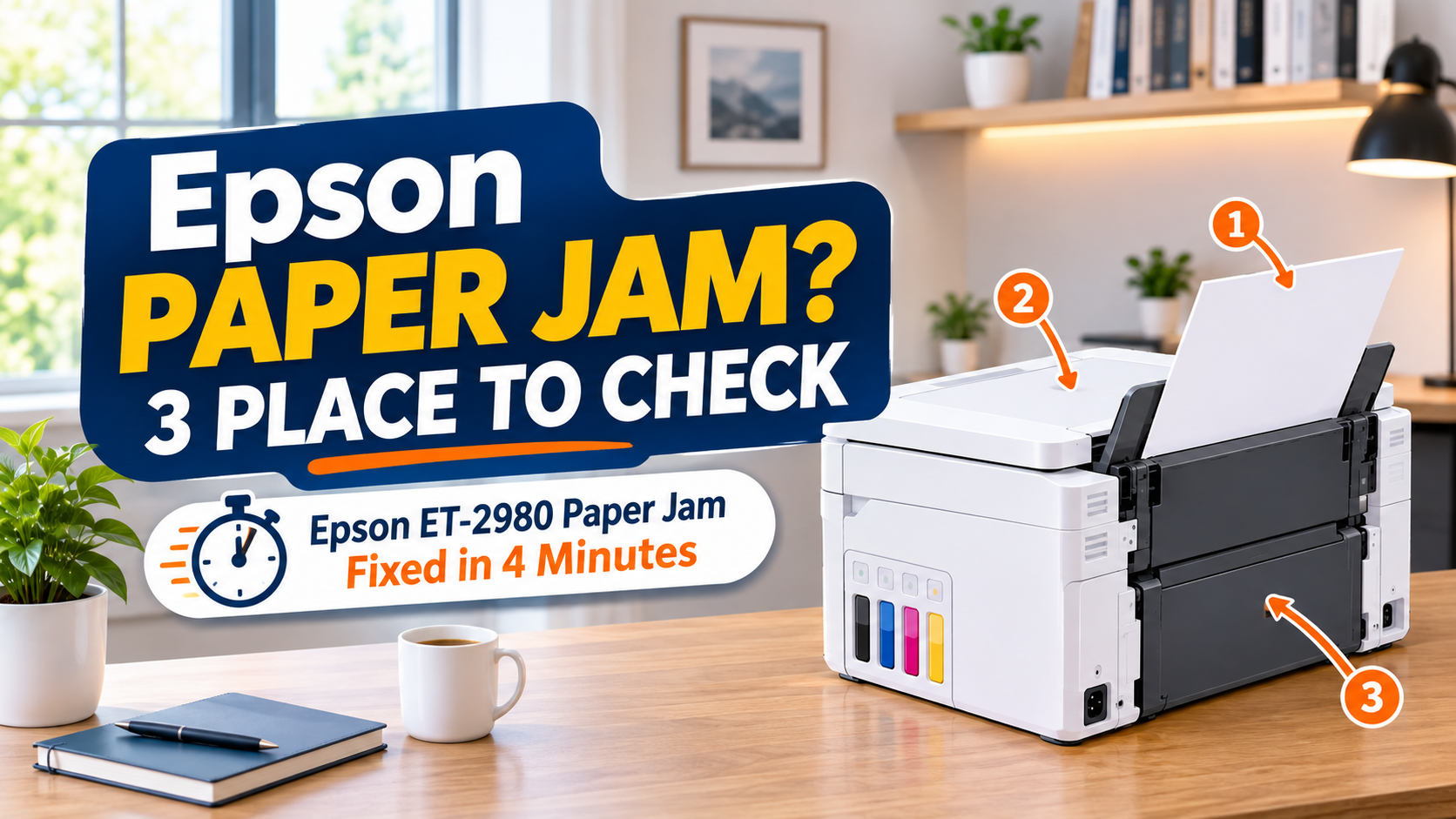
If your Epson ET-2980 shows Paper jam, press Stop, then check three places in this order: the rear paper....
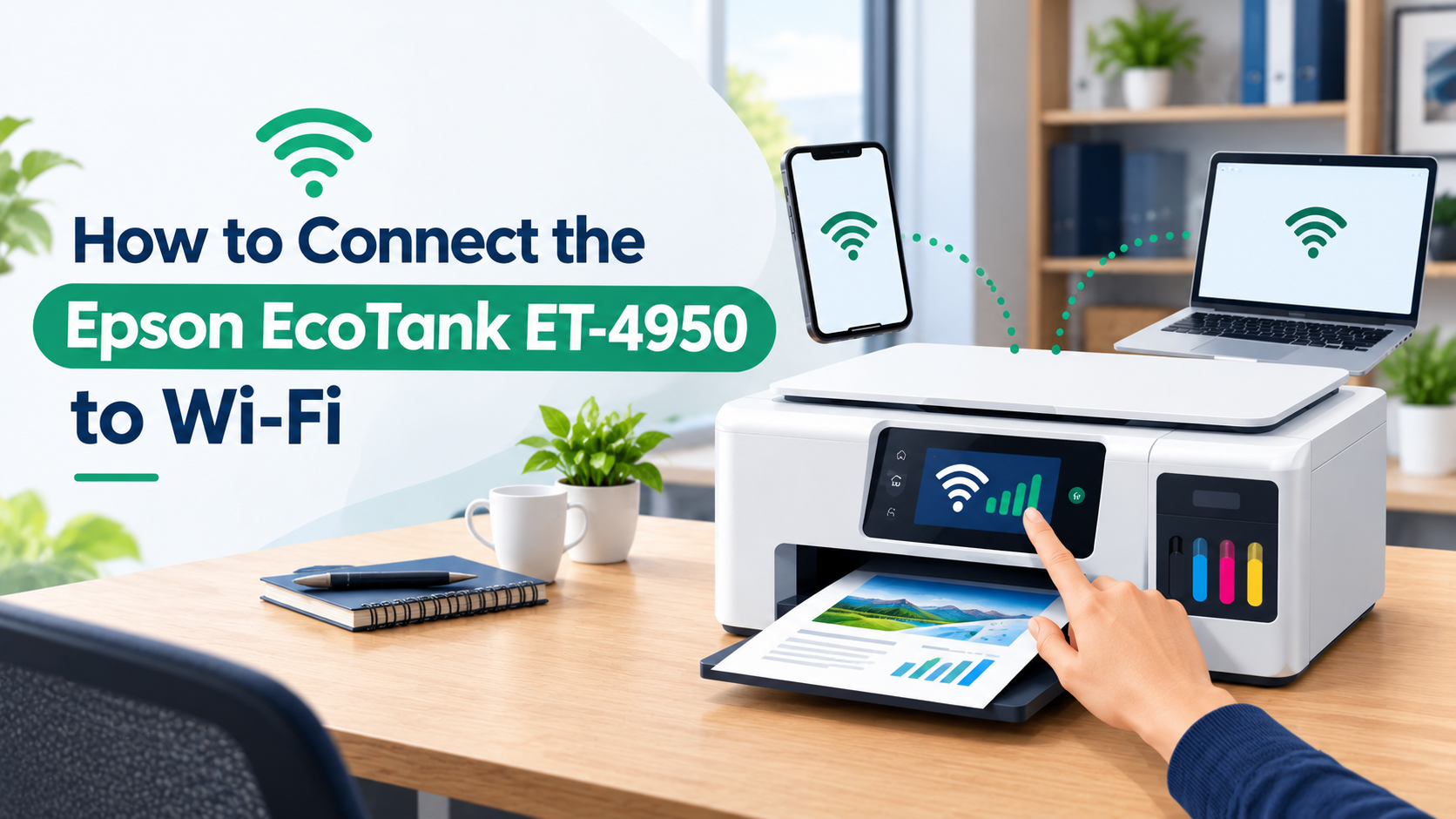
To connect an Epson EcoTank ET-4950 to Wi-Fi, press Home, tap the network icon at the top of the touchscreen, then tap W....
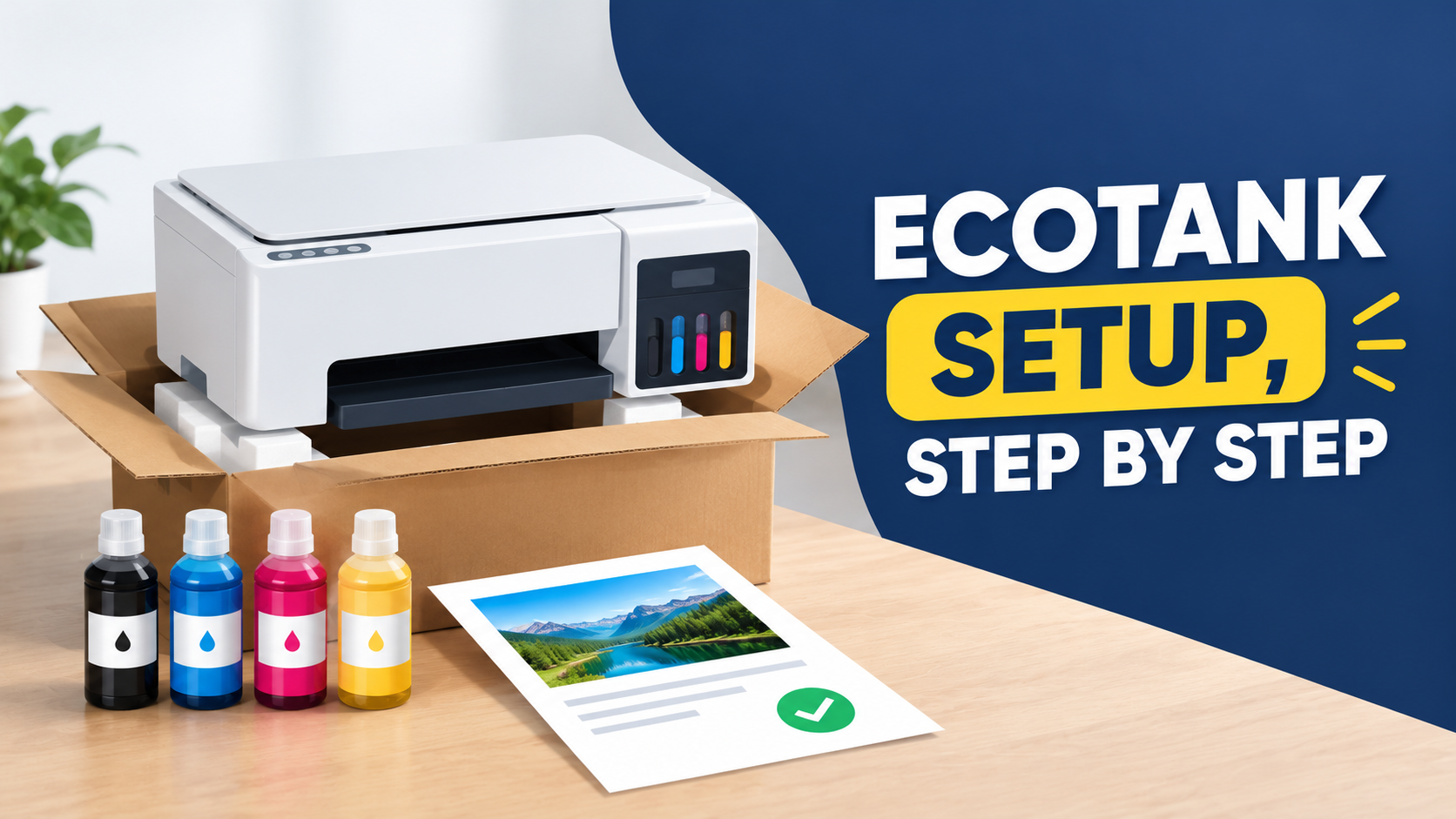
Setting up an Epson EcoTank Printer comes down to six main stages: remove the packing, fill the four ink tanks from the ....
Printer Tales is an independent troubleshooting resource. We are not affiliated with, endorsed by, or in any commercial relationship with HP, Canon, Brother, Epson, Lexmark, Ricoh, Xerox, Konica Minolta, Kyocera, Dell, Samsung, Toshiba, Panasonic, OKI, Fujitsu, Cricut, Tally, or any other printer manufacturer. Brand names are referenced solely to identify the products our guides cover.
All troubleshooting guidance is provided for informational purposes. While we work hard to keep our content accurate, we cannot guarantee that steps will resolve every configuration or model variant — and we are not liable for outcomes that result from following our guides. Content is subject to change as printer firmware, drivers, and operating systems evolve.