Canon Printers: Everything You Need to Know Before You Buy or Use One
Canon has been making printers since 1985, and that four-decade run shows in ways you notice the moment you start using one. Ink saturation is more consistent than most rivals in the same price range. Print heads rarely clog even after two weeks of sitting idle — a real-world detail that matters if you don't print every day. And across their lineup, Canon has kept the setup process more intuitive than competitors, which is why they remain a go-to choice for home offices, students, and small businesses alike.
If you already own a Canon printer and need help with a specific issue, use the category cards below to jump straight to your problem. If you're still deciding which Canon printer fits your needs, the breakdown below will save you from a purchase you'll regret.
The Canon Printer Lineup — What Each Series Actually Does
Canon organizes its printers into distinct families. Each one targets a specific type of user, and choosing the wrong series is the most common mistake buyers make.
PIXMA Series — The Home and Home Office Standard
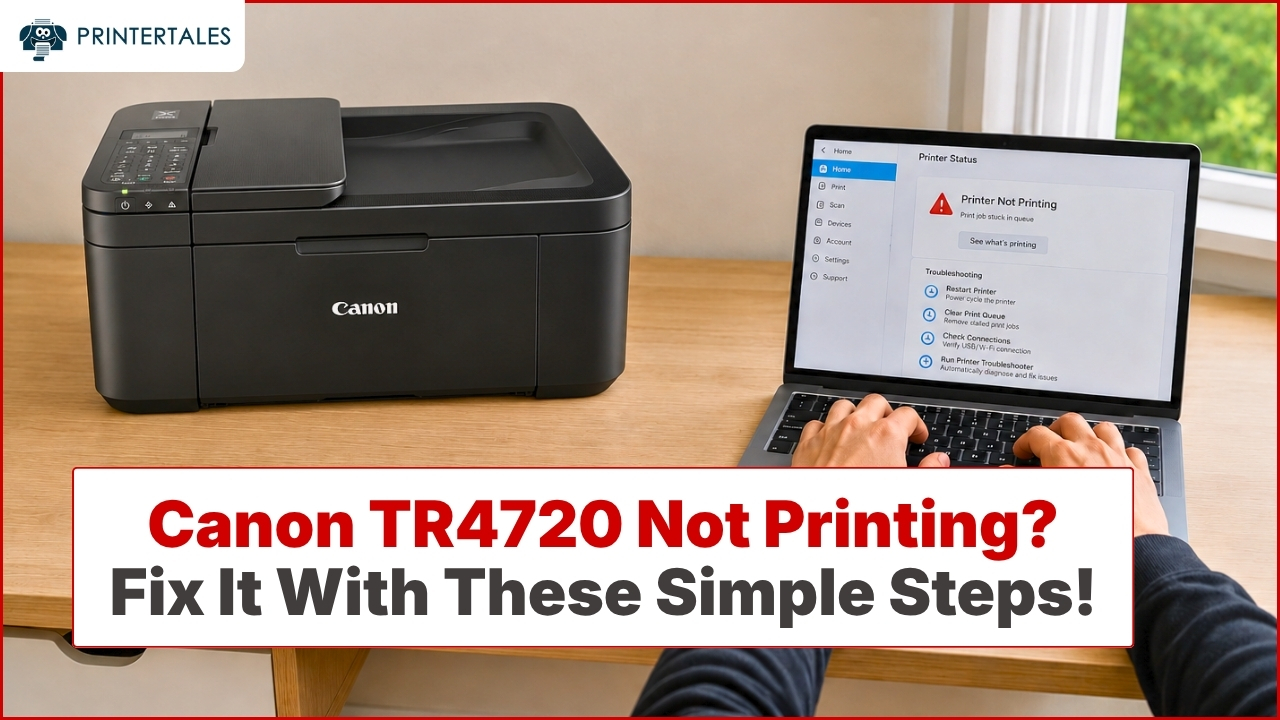
The PIXMA line is Canon's most versatile and widely used. Models like the PIXMA TR4720, TR8620, and TS9521C are all-in-one inkjet printers designed for households that print a mix of documents, school projects, and the occasional photo.
What separates PIXMA from budget alternatives is the dye-based ink system. Dye inks produce richer color gradients and sharper photo detail than pigment-based inks at the same price point. The trade-off: dye ink is slightly less water-resistant, which doesn't matter much unless you're printing labels or outdoor materials.
The TR8620, for example, supports five individual ink tanks (including a gray cartridge for photo depth), automatic two-sided printing, and both front and rear paper trays — a setup you'd typically expect on a $300+ machine, available in the $200 range.
MAXIFY Series — Built for Small Business Volume
If you're printing 200+ pages a week, the MAXIFY line is worth the step up. Models like the MAXIFY GX6020 and GX7020 use Canon's MegaTank system — refillable ink reservoirs rather than cartridges. The GX6020 is rated for up to 6,000 black pages and 7,700 color pages per set of bottles, which changes the economics of printing dramatically for high-volume users.
Pigment-based inks in the MAXIFY line also produce sharper text on plain paper — a detail accountants, lawyers, and contract-heavy offices actually notice when documents come out of the machine looking as crisp as they appear on screen.
imageCLASS Series — Laser Printing for Speed and Reliability
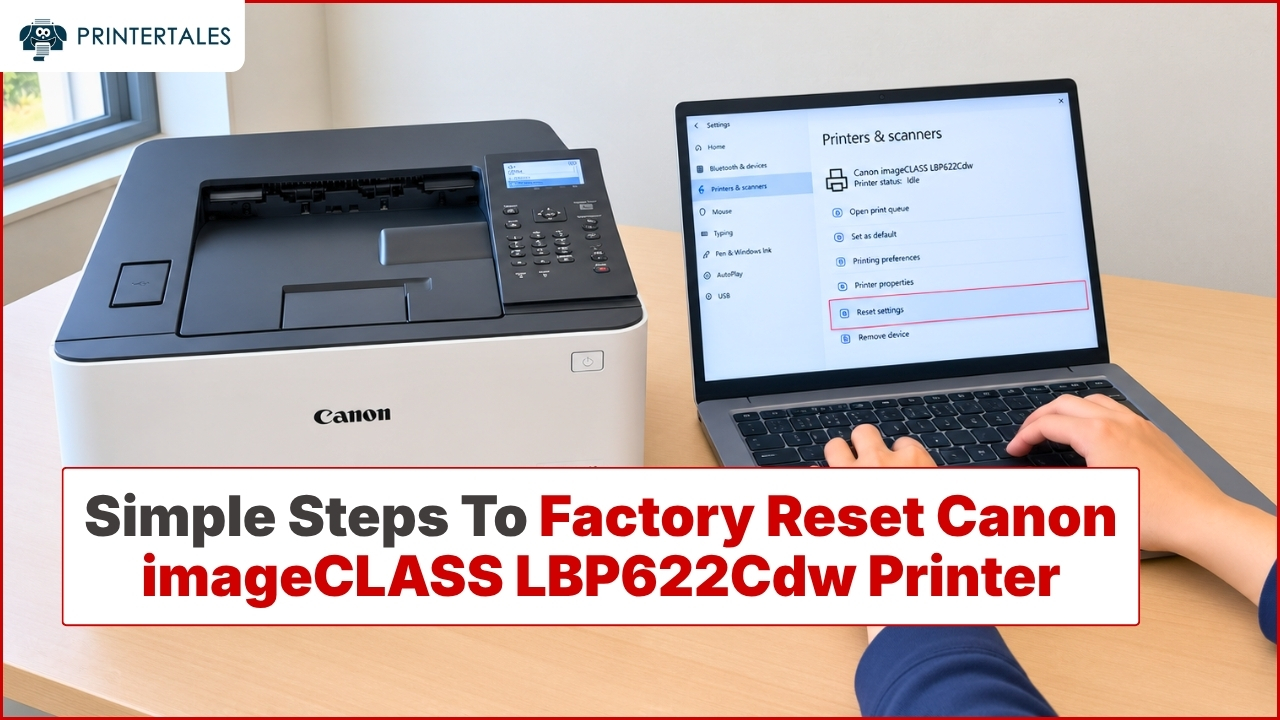
Canon's imageCLASS lineup covers monochrome and color laser printing for users who prioritize speed and per-page cost over photo quality. The imageCLASS MF445dw prints at 40 pages per minute and handles automatic duplexing, making it a strong choice for anyone printing text-heavy documents all day.
Laser toner cartridges also outlast inkjet cartridges significantly — a standard imageCLASS toner yields around 3,100 pages, compared to 400–500 pages for a standard PIXMA cartridge. For a small office that prints mostly contracts, invoices, and reports, the per-page cost difference adds up to hundreds of dollars annually.
SELPHY Series — Compact Photo Printers
The SELPHY CP1500 and similar models use dye-sublimation technology, not inkjet. This matters because dye-sub prints are inherently water-resistant and smear-proof straight out of the machine. For printing 4×6 photos from a phone or memory card, SELPHY produces results that look and feel indistinguishable from lab prints — because the process is essentially the same.
Canon Ink: Cartridge vs. MegaTank — The Honest Comparison
This is the decision most buyers don't think through carefully enough.
Standard cartridge models (most PIXMA and imageCLASS) have a lower upfront cost but a higher cost-per-page. Canon's XL cartridges drop the per-page cost, but if you print heavily, refill costs accumulate fast.
MegaTank models (GX series) cost more upfront — typically $100–150 more than a comparable cartridge-based printer — but the cost-per-page drops to as low as $0.01 for black and $0.002 for color according to Canon's own published yield data. For anyone printing more than 200 pages a month, a MegaTank model pays for the price difference within 6 months.
The practical downside of MegaTank: you can't just grab a replacement at a pharmacy at 11pm. Ink bottles require ordering ahead. If your printing habits are unpredictable and you often need ink immediately, stick with cartridges.
Setting Up a Canon Printer: What Most Guides Skip
Canon's setup flow is one of the smoother ones in the industry, but there are two specific steps where people routinely get stuck.
Wireless setup on dual-band routers: Many Canon printers — especially older PIXMA models — only support 2.4 GHz WiFi, not 5 GHz. If your router broadcasts both on the same SSID (network name), your phone might be connected to 5 GHz while the printer is trying to connect to 2.4 GHz, causing them to not find each other. The fix is either to split them into separate SSIDs or temporarily connect your device to 2.4 GHz during setup.
Driver installation order: On Windows, install the driver before connecting the USB cable or completing wireless setup. Canon's installer is designed to detect the printer mid-process. Connecting the printer first and then running the installer often results in Windows installing a generic driver instead of Canon's full driver package — which disables scanning, fax, and advanced print settings.
Canon Printer Compatibility: Windows, Mac, iOS, and Android
Canon has built solid cross-platform support into most current models. The Canon PRINT Inkjet/SELPHY app (free on iOS and Android) handles wireless printing and scanning from mobile devices without needing a computer as an intermediary. AirPrint support is built into all current PIXMA and MAXIFY models, so iPhone and iPad users can print without any app at all.
On Mac, Canon provides dedicated drivers through the Mac App Store and Apple Software Update — you rarely need to download anything manually from Canon's site. On Windows 10 and 11, most current models install automatically through Windows Update, though the full-feature driver from Canon's site unlocks scanning and additional settings that the basic driver doesn't provide.
Choosing the Right Canon Printer for Your Situation
Rather than vague guidance, here's a direct match based on actual use patterns:
You print mostly documents, occasionally photos, under 100 pages/week → PIXMA TR4720 or TR4522. Compact, reliable, affordable ink.
You print a lot of photos and want real photo quality at home → PIXMA TR8620 or TS9521C. Five-ink system makes a visible difference on photo paper.
You run a home business or small office, 200+ pages/week → PIXMA GX6020 (MegaTank). The economics are simply better at this volume.
You need fast, crisp text documents and rarely print color → imageCLASS MF445dw or MF267dw. Laser speed and reliability, low per-page cost.
You want photo booth-quality prints from your phone → SELPHY CP1500. Nothing else in this price range comes close for 4×6 output.
Dealing with a specific Canon printer issue? Use the guide categories on this page to find step-by-step guidance for your exact problem.