Brother Printers: What You Actually Need to Know Before You Buy or Troubleshoot
If you're comparing printer brands or already own a Brother and something's not working quite right, this page is your starting point. Brother makes some of the most reliable laser and inkjet printers available for home offices and small businesses — but like every printer brand, they come with quirks that only become obvious after you've lived with one.
Brother Industries has been manufacturing printers since the 1980s, but its hardware roots go back to 1908 when the company started as a sewing machine repair business in Nagoya, Japan. Today, it holds a strong position in the monochrome laser printer market — particularly in the sub-$200 segment where models like the HL-L2350DW and MFC-L2750DW consistently outsell competitors.
Why Brother Printers Are a Smart Choice for Most Home Users
Brother's biggest strength isn't flashy features — it's cost per page. Laser toner cartridges on models like the HL-L2370DW typically yield around 1,200 pages on a standard cartridge and up to 3,000 pages on high-yield versions, which works out to roughly 1.5–2 cents per black-and-white page. That's significantly lower than most inkjet alternatives where ink drying, clogging, and high cartridge costs are persistent problems.
What sets Brother apart from the competition in this price range:
- No ink subscription required. Unlike HP's Instant Ink model, Brother toner cartridges work on a straightforward buy-and-replace basis.
- Better standby reliability. Laser printers don't suffer from dried-out nozzles during periods of inactivity — a major pain point for inkjet users who print occasionally.
- Broad driver support. Brother maintains Linux, macOS, and Windows drivers independently and updates them regularly, which matters more than most buyers realize until they upgrade their OS and find their printer dead.
Brother Printer Lineup: Which Series Does What
Brother organizes its printers into clear product families. Understanding the difference saves you from buying the wrong model.
HL Series — Print-Only Laser Printers
The HL line is built for straightforward, high-volume black-and-white or color printing. No scanning, no copying. If your household or office prints documents heavily and nothing else, an HL-series printer is typically the better value because you're not paying for hardware you won't use.
Popular models: HL-L2350DW (entry-level monochrome), HL-L2395DW (adds flatbed scanner as a combo), HL-L8360CDW (color laser for offices)
MFC Series — All-in-One Multifunction Printers
MFC stands for Multi-Function Center. These handle print, scan, copy, and fax. The MFC-L2750DW is one of the most popular home office printers in the US market for a reason — automatic document feeder, duplex printing, wireless connectivity, and a touchscreen interface at under $200.
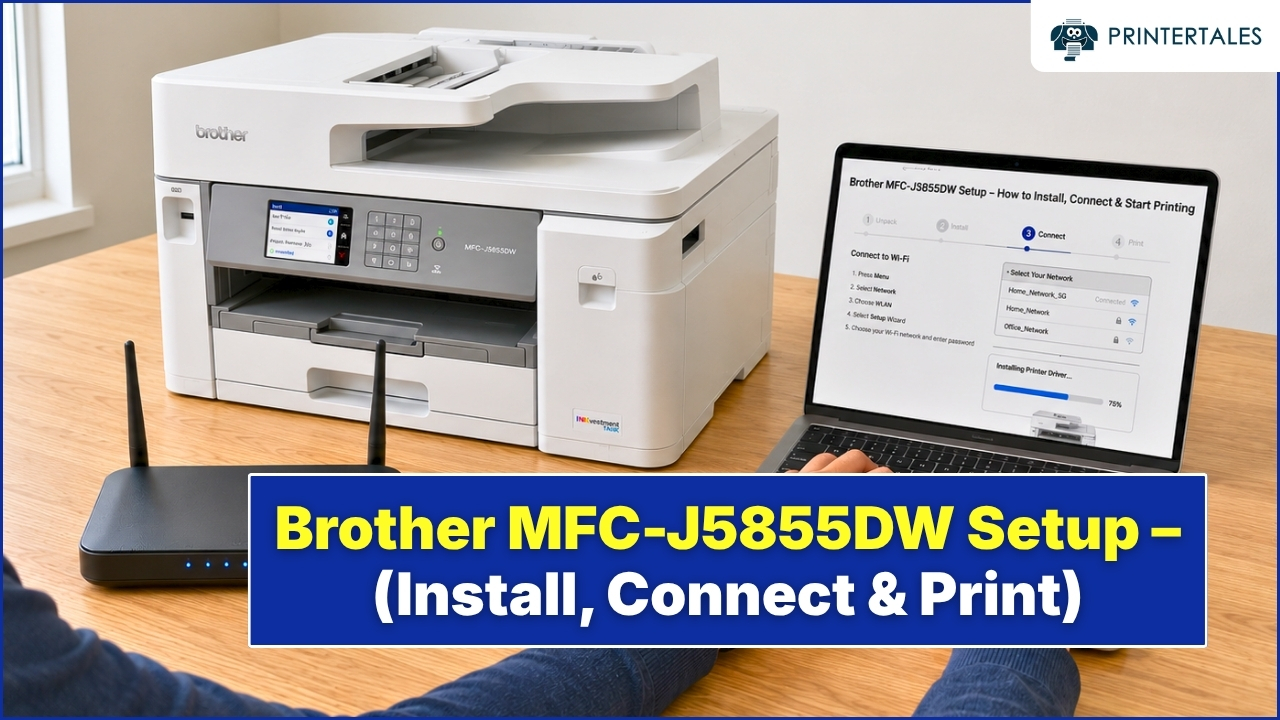
The MFC-J series extends the lineup into inkjet territory for users who need occasional color photo printing without committing to a full color laser setup.
DCP Series — Print, Scan, Copy (No Fax)
DCP models are essentially MFC printers with the fax component removed. A good choice if you need multifunction capability but have no use for fax — which is most people in 2025.
The Setup Experience: Honest Assessment
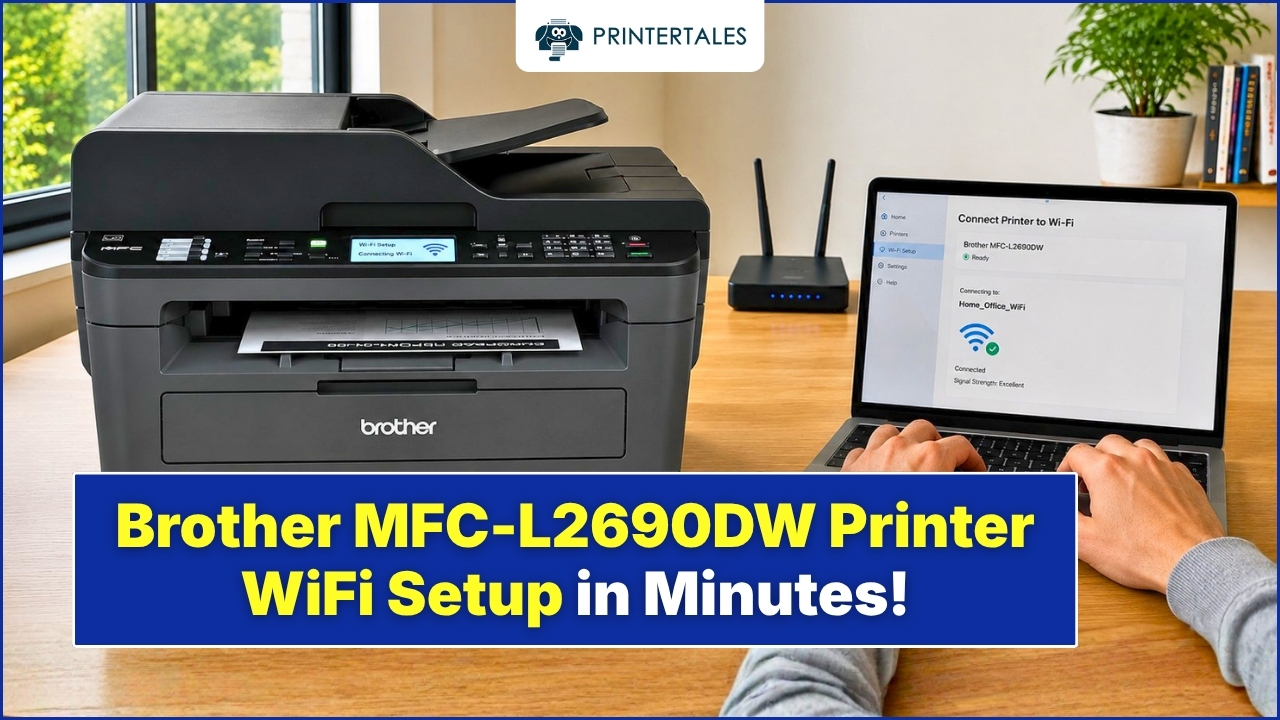
Brother's wireless setup via the WPS button method is fast when it works — typically under 3 minutes from unboxing to first print. The challenge most users run into is network compatibility. Brother printers only support 2.4 GHz Wi-Fi on many models, which causes connection failures when a router is set to auto-band or 5 GHz only.
Driver installation on Windows is mostly seamless through the automatic installer from Brother's official support site (support.brother.com). macOS users on newer ARM chips (M1, M2, M3) occasionally need a manual driver download rather than relying on AirPrint defaults to get full feature access.
Brother Toner: OEM vs. Compatible Cartridges
This is where most Brother owners eventually face a decision. Genuine Brother toner is reliable but carries a price premium. Third-party compatible cartridges from brands like LD Products or TN series clones are widely available and generally work fine for everyday document printing.
The practical caveat: some Brother firmware updates have introduced compatibility flags that reject non-OEM toner. If you use third-party cartridges, it's worth disabling automatic firmware updates in the printer's network settings — a step most users don't know about until they're already dealing with a "Replace Toner" error on a nearly-full third-party cartridge.
Common Issues Brother Printer Users Actually Face
These aren't theoretical — they're the situations that come up repeatedly:
Printer shows offline despite being connected: This is almost always a Windows port assignment issue, not a hardware problem. The printer gets a new IP address from the router's DHCP and Windows loses track of it.
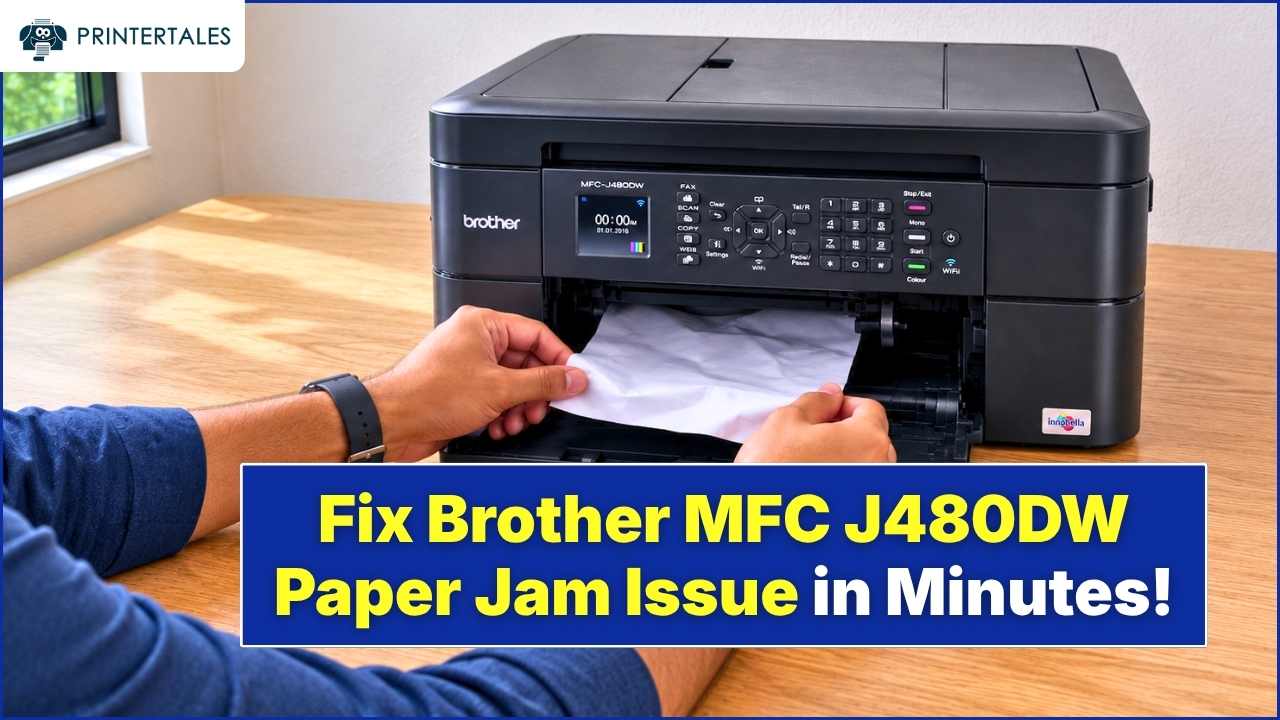
Paper jam errors with no paper visible: Brother's feed rollers accumulate dust and paper residue over time. Cleaning them with a lint-free cloth slightly dampened with isopropyl alcohol resolves most phantom jam errors.
Toner smearing on printed pages: Usually points to a fuser unit reaching end-of-life, especially after 30,000–50,000 pages. The fuser is a replaceable component on most Brother laser models.
Printer not responding after Windows update: Microsoft's print spooler changes in certain Windows 11 updates broke connectivity for several Brother models in late 2022 and again in 2023. The fix is typically a driver reinstall rather than anything hardware-related.
What to Do Next
Use the issue categories below to jump directly to the fix relevant to your situation. Each section covers step-by-step resolution for the most reported Brother printer problems — tested against real hardware, not just documentation.
Printer Tales covers Brother printer help independently. We are not affiliated with Brother Industries Ltd.