Ricoh Printers: Everything You Need to Know Before You Buy, Set Up, or Upgrade
Ricoh printers have earned a quiet, steady reputation in offices that print a lot and can't afford downtime. They're not the flashiest brand on the shelf, but if you've ever worked in a mid-sized office, a legal firm, or a healthcare facility, there's a good chance a Ricoh multifunction device was somewhere in the room. That reputation comes from real-world reliability, not marketing copy.
This page is for people who already own one, are thinking about buying one, or just want to understand what they're actually dealing with. No padding, no spec recitation, just what's worth knowing.
Ricoh the Company: Context That Actually Changes How You Use the Product
Here's something that surprises people: Ricoh has been around since 1936. Kiyoshi Ichimura founded it in Japan — originally under the name Riken Sensitized Paper Co. — as a precision imaging operation. The printing press, photographic paper, and chemical imaging were where it started. That lineage matters because it explains why Ricoh's approach to image quality and document reproduction is more technically rigorous than brands that came up through consumer electronics.
Today the company is headquartered in Ōta, Tokyo. Yoshinori Yamashita runs it as President and CEO. But day-to-day, Ricoh operates more like a B2B infrastructure company than a printer brand. Most of their business comes from enterprise contracts, managed fleet agreements, and document workflow software — not retail shelves. You won't find a Ricoh at Staples. You'll find it through a dealer or a corporate procurement process.
That shift in sales model has a real effect on the product itself. When your customer is a 200-person law firm signing a 5-year service contract, you build things to last. You don't cut corners on the fuser unit or the paper path tolerances. You build in security features that regulators require. That's the lens through which Ricoh designs its hardware — and it shows.
How the Product Line Is Actually Structured
Ricoh's lineup can look confusing from the outside. Here's how to read it.
The IM Series — What Most Offices Actually Need
The IM series is Ricoh's current generation of multifunction laser printers. Print, scan, copy, fax — all in one unit. The standout feature isn't speed or paper capacity, though both are respectable. It's the operation panel: a large touchscreen that runs what Ricoh calls Always Current Technology (ACT). That means the interface gets updated over time — new cloud integrations, security patches, UI refinements — without replacing the hardware. It's a bit like getting phone software updates on a printer, and in practice it keeps the device relevant for years longer than a static unit would be.
Speed-wise, the IM C series (color models) ranges from about 30 pages per minute on the lower end (IM C300) to 60 ppm on the IM C6000. For a 15-person office, the IM C400F is the model most consultants reach for first — it handles the workload without over-engineering the solution.
Built-in cloud connectivity covers the platforms most offices already use: Microsoft 365, Google Drive, SharePoint, Dropbox. You can send a scanned document directly to a folder or a workflow without touching a computer.
The P Series — Simpler, Leaner, Cheaper to Run
If scanning and copying aren't priorities and you just need reliable laser printing, the P series is worth a look. The P C301W is a compact color laser with Wi-Fi that works well as a dedicated print station for a small team or a single power user. Lower upfront cost, lower ongoing maintenance complexity. The tradeoff is that you're giving up the multifunction capability and the advanced integration options.
The Pro Series — A Different Category Entirely
The Pro C series — think Pro C7210 — is production printing equipment. Ninety-plus pages per minute in full color, inline finishing, booklet making. These live in print rooms and commercial shops, not offices. If you're researching these, you already know what you need; the buying process looks nothing like standard office procurement.
What Ricoh Actually Does Better Than Competitors
Most comparison articles list specs side by side and call it analysis. That's not particularly useful. Here's what you actually notice after working with these machines over time.
The cost-per-page math usually works out favorably. Toner yields on Ricoh models tend to be high relative to price. On the SP C360DNw, for example, the standard black cartridge is rated around 9,000 pages. Entry-level color lasers from competing brands at similar price points often cap out significantly lower. That gap compounds over two years of regular use.
Security features aren't an add-on — they're default. Ricoh's DataOverwriteSecurity System (DOSS) automatically overwrites residual job data from the hard drive after every print, copy, or scan. Hard drive encryption comes standard on most IM series devices. For anyone in legal, healthcare, or financial services, these aren't nice-to-haves — they're compliance requirements. Getting them out of the box, rather than paying extra for a security kit, matters.
The Smart Integration platform changes what a printer can actually do. Rather than scan-to-email and stop there, Ricoh devices can route documents directly into business systems — case management software, EHR platforms, document management systems. That routing is configured through the operation panel, not through a separate server. It's a real operational difference for any organization running document-heavy workflows.
Where Ricoh genuinely struggles: consumer accessibility. The setup process requires more technical confidence than HP or Canon. Drivers need to be matched carefully to model and OS version. Replacement consumables outside of toner — drum units, maintenance kits — aren't always available same-day at local retailers. For a home user or a very small business with no IT support, this friction is real.
The Technology Inside: What the Specs Actually Mean
VCSEL Laser Arrays
Standard laser printers use a single laser beam that sweeps across the drum. Ricoh uses VCSEL (Vertical Cavity Surface Emitting Laser) arrays — multiple beams firing simultaneously across the drum surface. The practical result is sharper resolution at higher print speeds. At small font sizes or detailed graphics, the difference is visible.
Polymerized Toner (PxP-EQ)
Most budget laser printers use ground toner — powder that's been mechanically milled to size, which means irregular particle shapes and sizes. Ricoh's PxP-EQ toner is chemically grown, so particles are spherical and uniform. Uniform particles fuse more consistently onto the page, require lower heat (which saves energy), and produce more accurate color reproduction. It's the reason Ricoh color output often looks more precise than competitors at the same price tier — not better marketing, just better materials.
Always Current Technology (ACT)
The firmware update system mentioned earlier is worth understanding in more depth. Most printers are static devices — the software they ship with is the software they die with. ACT treats the IM series operation panel as a live platform. New cloud connectors, updated authentication protocols, revised UI layouts — these get pushed to the device over its service life. Practically, this means a 2021 IM C300 can connect to workflows and security standards that didn't exist when it was purchased.
How to Pick the Right Ricoh: Four Questions That Actually Matter
Ignore the model number matrix for a moment. Answer these first:
1. How many pages does your team print per month?
Under 2,000: IM C300 range or P series. 2,000–10,000: IM C400 through IM C3000. Above 10,000: IM C5000/C6000, or start looking at managed fleet options.
2. How many people share the device?
One to three people: almost any model works. Five to twenty: the IM C400 or IM C2000 handles simultaneous jobs without the queue backing up. Above twenty: you need a model with expanded paper tray capacity and a higher duty cycle rating — IM C3500 and up.
3. Color or monochrome?
If more than 80% of your output is text documents, a monochrome IM series model cuts both purchase price and ongoing toner cost significantly. If you print presentations, client-facing materials, or anything with graphics, color is worth the premium.
4. Do you need document routing, or just printing?
Basic printing and scanning: any IM series model handles it. Active document workflow — auto-routing scans into specific folders, connecting to a DMS, authenticating users before releasing jobs — verify that the specific model supports Ricoh Smart Integration before buying.
Setup: The One Mistake That Costs You Features You Already Paid For
The single most common Ricoh setup error is installing a generic PCL driver rather than the model-specific driver from Ricoh's support site. Generic drivers print. They won't give you access to output tray selection, stapling, booklet assembly, or duplex settings — features that are physically present in the machine but locked out at the software level.
Go directly to ricoh.com/support, select your exact model, choose your operating system version precisely, and download the full driver package. Ricoh maintains separate packages for PCL5e, PCL6, PostScript3, and their RPCS format — each suits different workflows. For most office printing, PCL6 is the right choice; for design or publishing work that goes through applications like InDesign or Illustrator, PostScript3 matters.
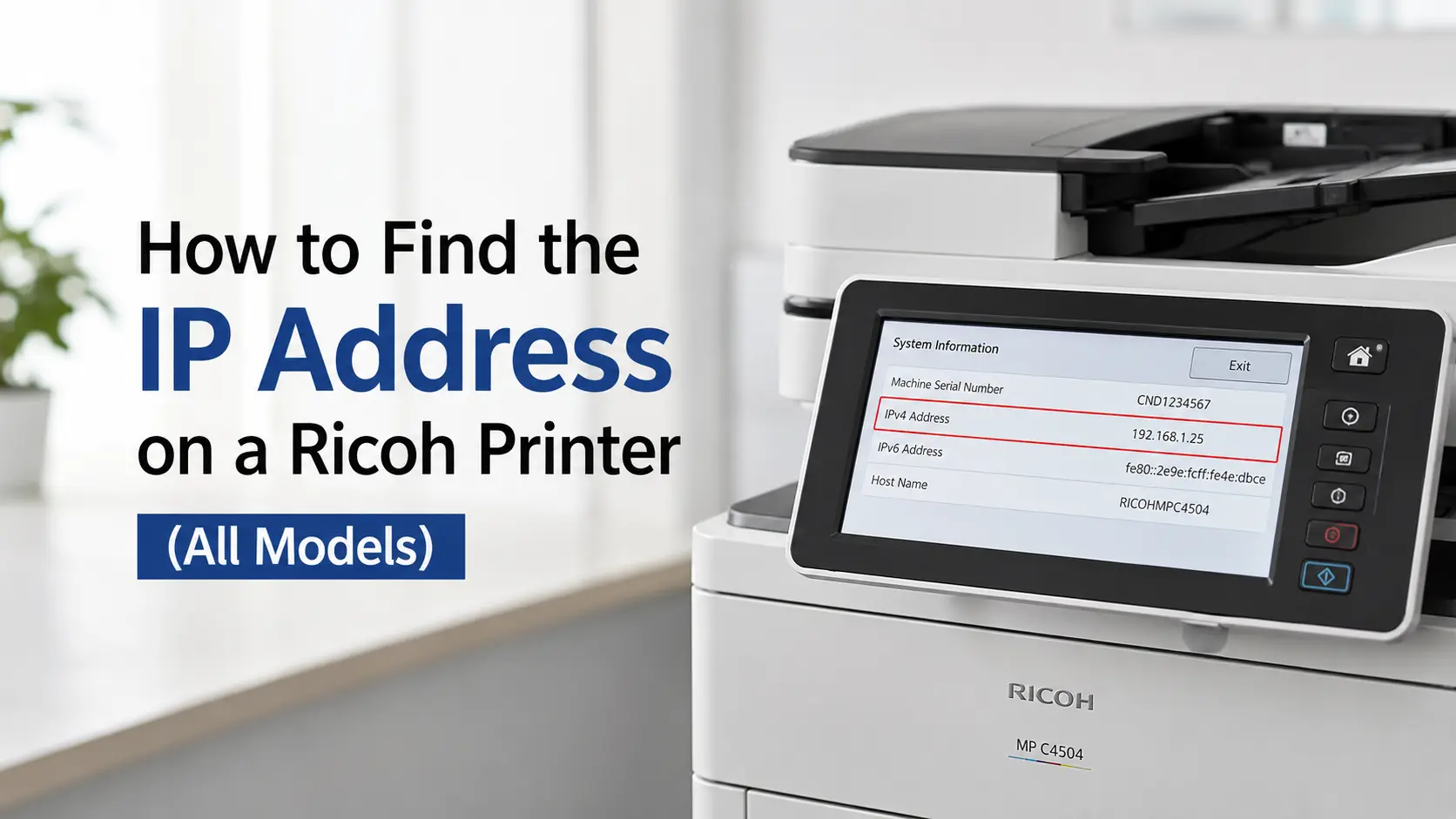
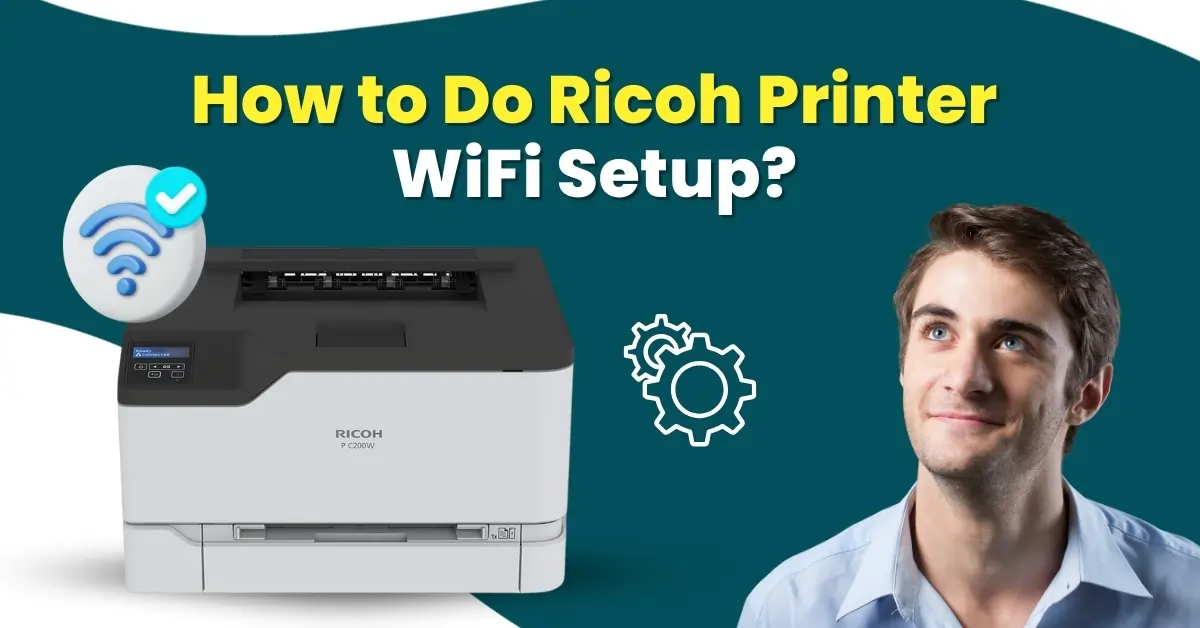
For wireless setup: WPS button pairing works cleanly with standard home and small-office routers. In environments using WPA2-Enterprise or certificate-based authentication — common in corporate IT setups — use the device's admin web interface (accessed through its IP address in a browser) for manual configuration. It takes an extra ten minutes but avoids the authentication failures that WPS can't handle in those environments.
Managed Print Services: When the Contract Model Makes Sense
If your organization consistently prints more than 5,000 pages a month, Ricoh's Managed Print Services program changes the financial structure in a useful way. Toner arrives before you run out — remote monitoring tracks levels and triggers automatic shipment. Cost-per-page contracts replace the separate budgeting for hardware, consumables, and service calls with a single predictable line item.
The honest trade-off: contract terms run three to five years, and all printing activity routes through Ricoh's monitoring system. For organizations with strict data governance requirements, that monitoring piece needs to be reviewed carefully before signing. For organizations whose main frustration is running out of toner mid-month or dealing with surprise repair bills, the MPS model usually solves those problems cleanly.
Questions People Actually Ask About Ricoh Printers
Are Ricoh printers a good fit for small businesses?
The IM C300 and IM C400 series are genuinely strong choices at the small business level. The enterprise features — security, cloud connectivity, multi-user access management — are present at a price point small businesses can absorb. Initial hardware cost runs higher than consumer brands, but toner yields and build quality tend to offset that over a two-to-three year horizon.
How long should a Ricoh printer realistically last?
In properly maintained environments, IM series devices regularly hit seven to ten years of active service. Drum units are rated above 90,000 pages on most current models. The build quality reflects the commercial service contracts Ricoh structures its business around — a device that fails at year three is a support cost they're contractually on the hook for.
What's the deal with SC error codes?
SC stands for Service Call. These are hardware-level fault codes that indicate something inside the machine needs a technician — not a user-correctable issue like a paper jam or low toner. The specific number after "SC" identifies exactly which component or subsystem triggered the fault. Always write down the full code before calling support or searching for help. "SC" alone doesn't tell anyone anything useful.
Can you print from a phone to a Ricoh?
Yes. Ricoh's Smart Device Connector app (available for iOS and Android) enables direct print and scan from mobile. AirPrint and Mopria are also supported natively, so iPhone and Android users can print without installing anything. This works across the IM series without any additional configuration on most standard networks.
Final Thought
Ricoh isn't the right answer for everyone. If you need something easy to set up, available at a retail store tomorrow, and supported by a phone call to a consumer helpline — there are better-fit brands for that profile.
But if you're running an environment where the printer is genuinely mission-critical infrastructure, where document security matters, where you want a device that's still performing well in year six — Ricoh's engineering priorities align with those requirements in ways that show up in daily use.