Printer Says Ink Cartridge Not Recognized? Here's What's Actually Going On
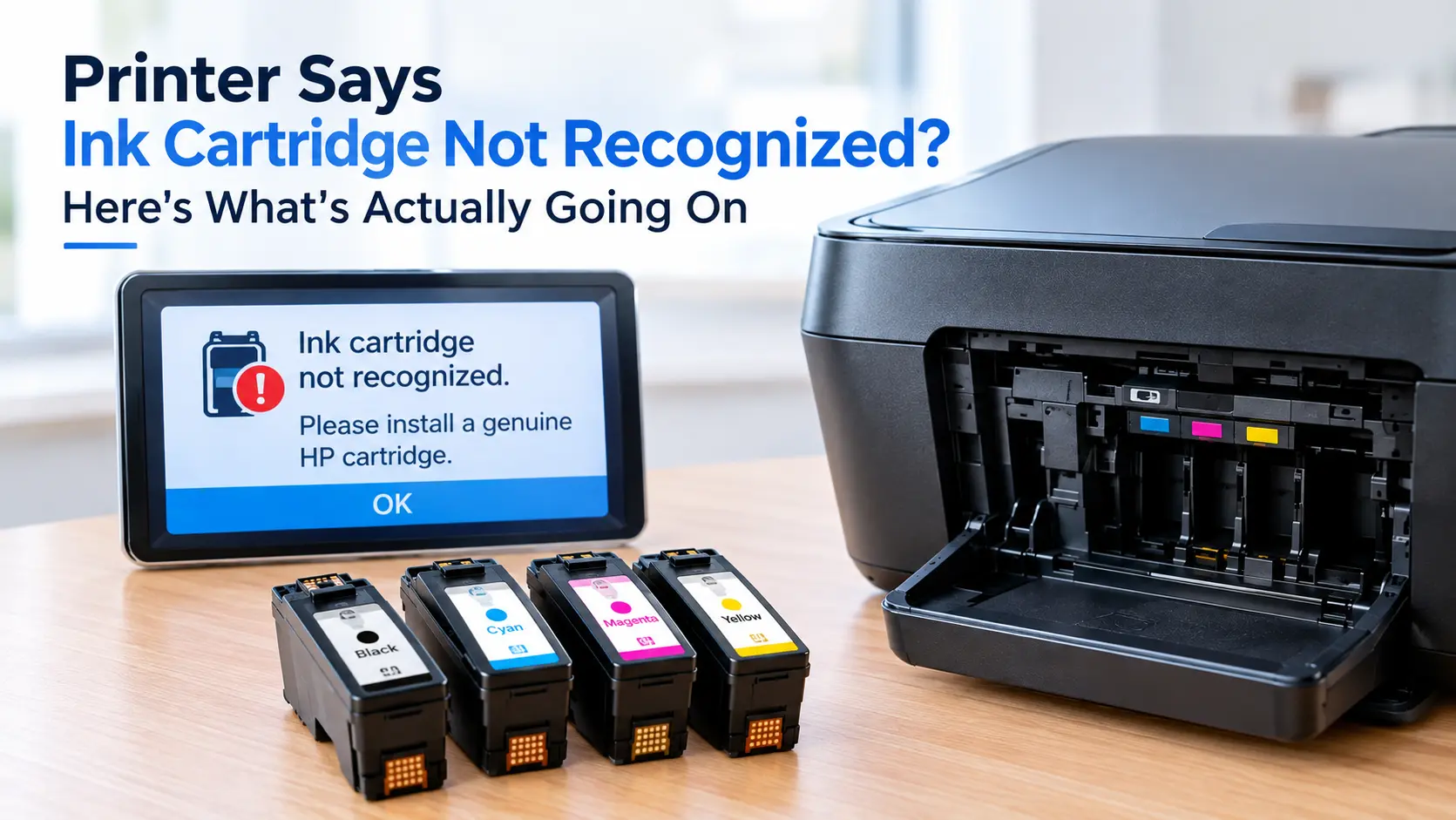
"ink cartridge not recognized" is a communication failure, not proof the cartridge is bad. Every modern cartridge carries a small chip that reports its ink level and identity to the printer each time you open the cartridge door, and that handshake is failing, usually because the contact points are dirty or the cartridge isn't fully seated. Pull the cartridge, wipe the copper or gold contacts with a dry lint-free cloth, reseat it until it clicks, then power-cycle the printer. That fixes the majority of cases in under two minutes.
If that doesn't clear it, you're dealing with one of three different problems: a firmware update that just started enforcing stricter cartridge checks, a chip or contact pin that's physically damaged, or a refilled or third-party cartridge whose chip the printer was never going to accept in the first place. They look identical on the display and need completely different fixes, so it's worth knowing which one you actually have before you spend money on a replacement.
Why a cartridge that worked yesterday suddenly doesn't
The part doing the talking is called a CSIC, short for Cartridge Status Integrated Circuit, and it's the small gold or copper-colored contact block on the side of the cartridge. Every time the printer powers on or you open the cartridge access door, it runs a quick read across those contacts to confirm the cartridge's ink level, model number, and, on printers with cartridge authentication turned on, a security code. "Not recognized" simply means that read came back wrong or empty. It says nothing about how much ink is actually left.
Four things break that read. Ink residue, dust, or a fingerprint sitting on the contact surface is the most common by far, since it's a physical connection and even a light film blocks it. A cartridge that looks seated but isn't quite clicked into place, often because a locking tab is slightly bent, will fail the same read. Some cartridges ship with a strip of orange or clear protective tape over the contacts or the ink outlet that's easy to miss under the printed label, and it has to come off before the chip can be read at all. And on printers with active cartridge authentication, a firmware update can change what counts as an acceptable cartridge overnight, which is a separate problem covered below.
Worth knowing if you own an HP: which of those four you're chasing depends on the printer's design. On most DeskJet and ENVY models, the printhead is built into the ink cartridge itself, so a stubborn "not recognized" error can point at the physical printhead as easily as the chip. On OfficeJet Pro machines, and on nearly every Canon, Epson, and Brother printer, the printhead is a separate, semi-permanent part and the cartridge is ink-only, which is exactly why those printers tend to be stricter about chip authentication: the cartridge is the only consumable changing hands.
Does a low-ink warning cause this too? No, that's a different message. "Not recognized" and "low ink" come from different parts of the same chip read, and a cartridge reporting low ink will still say so accurately once the printer can read it at all.
The two-minute fix that clears most cases
- Turn the printer off and unplug it, then open the cartridge carriage and remove the cartridge that's throwing the error.
- Check the underside and sides for a strip of tape or a plastic tab over the contacts or the ink outlet. Manufacturers bury this under the label more often than you'd expect on a brand-new cartridge.
- Wipe the gold or copper contact strip with a dry, lint-free cloth. If it looks visibly dirty or has a dried ink film, lightly dampen the cloth with isopropyl alcohol, wipe once, and let it air-dry for a few minutes before reinstalling. Skip water and household cleaners, and don't touch the contacts with your fingers on the way back in.
- Reinstall the cartridge and press down firmly until you feel or hear it lock into place. A cartridge that goes in at a slight angle will look installed without making full contact.
- Plug the printer back in, power on, and wait roughly 60 seconds before sending a test print. The power cycle clears the printer's short-term memory of the failed read, not just the cartridge's.
Epson consumer models add one more option: when the error appears, press and hold the Continue or OK button on the control panel for about five seconds to force an override. It works on many models but not all, and it doesn't fix the underlying contact issue, so treat it as a way to finish an urgent print, not a permanent solution.
What if it still won't recognize the cartridge after this? Try a second cartridge you know is good, ideally from a different pack. If the second one works immediately, the first cartridge's chip has failed and needs replacing. If neither works, the fault is either the printer's contact pins or a firmware-level block, and you're into the next two sections.
When it's not dirt, it's a firmware fight over the ink itself
If cleaning and reseating change nothing and the cartridge is a refill, a remanufactured unit, or a compatible brand rather than the printer manufacturer's own, you're very likely looking at deliberate cartridge authentication rather than a fault. HP calls its version Dynamic Security. A firmware update in November 2020 enabled it on a wide range of HP printers, and from that point on, affected printers began rejecting non-HP cartridges and cartridges with refilled or replaced chips, including ones that had been printing fine for months right up until the update installed itself.
That update became the subject of a class action, with plaintiffs arguing it functioned like malware by disabling hardware customers already owned. The case settled, and a US District Court judge approved the terms in March 2025. HP admitted no wrongdoing and paid no broad customer compensation, only $5,000 each to the three named plaintiffs and roughly $725,000 toward legal fees. The one concrete customer benefit is that owners of 21 specific HP LaserJet models can now decline the firmware update that enables Dynamic Security, keeping their printers able to use non-HP ink. Every other HP model remains subject to the check, and once a printer has updated and the block is active, there's no user-facing way to roll firmware back on most consumer models.
Does this only affect HP? No, Epson, Canon, and Brother all run their own version of chip authentication, they're just less publicized because none of them has faced a settlement of this size. The practical difference between brands, and how much room each one leaves you to work around it, is below.
How each major brand actually behaves
| Brand | What triggers the block | Can you override it | What actually works |
|---|---|---|---|
| HP | Dynamic Security firmware check rejects non-HP chips or refilled cartridges | Only on the 21 LaserJet models covered by the 2025 settlement, via a firmware option to decline the update | Fit a genuine HP cartridge to confirm the printer itself is fine, or check your model against HP's Dynamic Security printer list before buying third-party ink |
| Epson | Chip read fails, or the printer doesn't recognize a refillable/CISS chip as genuine | Yes on many consumer models, via the five-second Continue/OK hold | Works as a stopgap; a permanently blocked chip usually needs a cartridge with an updated compatible chip |
| Canon | Chip authentication flags a cartridge as used, refilled, or non-Canon | Rarely, and not through a documented user-facing control | Replace the cartridge, or use a compatible cartridge whose chip is specifically built to pass Canon's check (not all third-party ink is) |
| Brother | Genuine-ink lock on most current inkjet and laser models | No, this one is close to absolute on recent models | Genuine Brother cartridges are the only reliable fix once the lock is active |
Is it worth fighting the lock instead of just buying the brand's own ink? That depends on how much you print and how the numbers below actually work out.
Refilled and third-party cartridges: what you're trading for the lower price
| Cartridge type | Typical retail cost vs. OEM | Recognition risk | What you give up |
|---|---|---|---|
| OEM (brand's own, new) | Full price | Lowest, this is what the chip was designed to read | Nothing, this is the baseline |
| Remanufactured (OEM shell, refilled by a third party, new chip) | Roughly 30 to 50 percent less | Moderate, quality and chip compatibility vary by manufacturer | Manufacturer warranty on that cartridge; occasional print-quality inconsistency |
| Refilled at home or by a local shop (original chip reused) | Cheapest, often just the ink cost | Highest, especially on printers with active authentication | No new chip means no reset ink-level reporting on many models, and it's the type most likely to trip Dynamic Security-style checks |
None of this means third-party ink is a bad choice. It means the savings come with a real risk of exactly the error this article is about, and that risk is highest on printers where the manufacturer has the strongest financial incentive to lock you out, which is most inkjets sold near or below cost specifically to sell ink afterward.
If cleaning and reseating don't fix it, the chip or a contact pin is probably dead
A CSIC chip can fail on its own, usually from static discharge or physical damage during shipping, and no amount of cleaning brings a genuinely dead chip back. On the printer's side, the contact pins inside the carriage are thin metal springs, and one that's visibly bent or missing can't be bent back into a reliable connection. If a single pin is at fault, only one cartridge slot or one color will misbehave while the others read fine, which is the tell that points at the printer rather than the cartridge.
For a printer still under warranty, this is worth a call to the manufacturer before you buy anything. HP, for instance, runs eligibility checks for free cartridge replacement through its support site when a cartridge itself has failed. For an out-of-warranty printer, price a replacement cartridge against a carriage repair or a new printer before committing, since carriage assembly repairs on consumer inkjets often cost more than the printer did new.
Is it ever actually the printer's fault and not the cartridge's? Yes, and it's more common on printers that have been dropped, shipped roughly, or had a paper jam cleared forcefully near the carriage. If a brand-new, known-good cartridge still won't read in one specific slot, stop replacing cartridges and get the printer itself checked.
Keeping it from happening again
Don't leave a printer sitting unused for months with cartridges installed; dried residue on the contacts is the single most common cause of this error, and it builds up whether you print or not. Buy replacement ink from sellers with a clear return policy rather than the cheapest unbranded listing, since chip quality on third-party cartridges varies by supplier, not just by brand. If you rely on non-OEM ink, turn off automatic firmware updates and check release notes before installing one manually, since the update itself, not the cartridge, is what usually changes the rules.