How to Download and Install Ricoh Printer Driver?

When you try to set up or use the Ricoh printer, you may encounter an issue due to the driver. Drivers are important for your printer, and unavailable or corrupt/outdated drivers can be troublesome for your printer and create many issues. The best way to get rid of driver issues is to download and install the proper driver for your Ricoh printer model.
To complete the seamless download of your Ricoh printer driver, you must have deep knowledge of the whole procedure. Here, take a look at the straightforward procedure to get a suitable driver and use the printer without any inconvenience.
Quick Procedure to Download and Install Ricoh Printer Driver
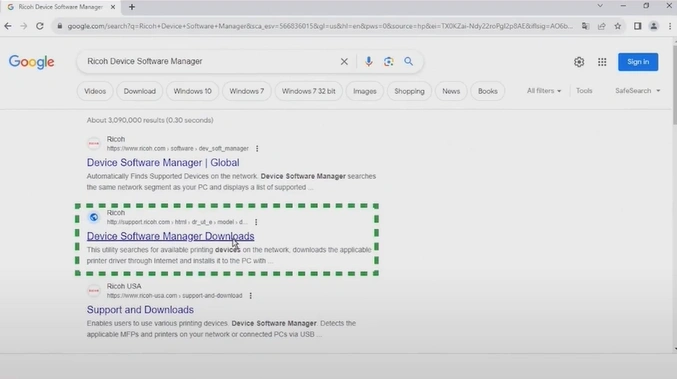
1. Open your browser and search for the Ricoh Device Software Manager Download.
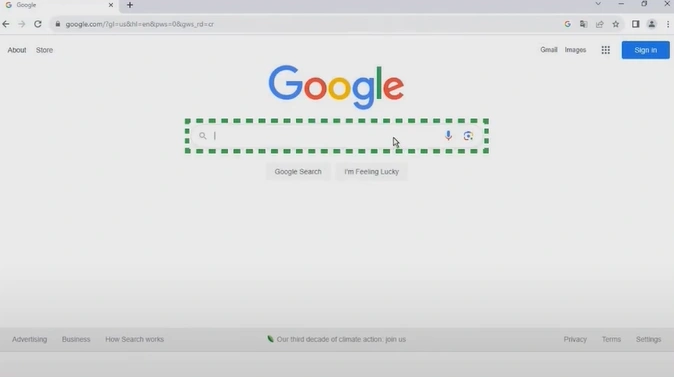
2. Open the official website of Ricoh.
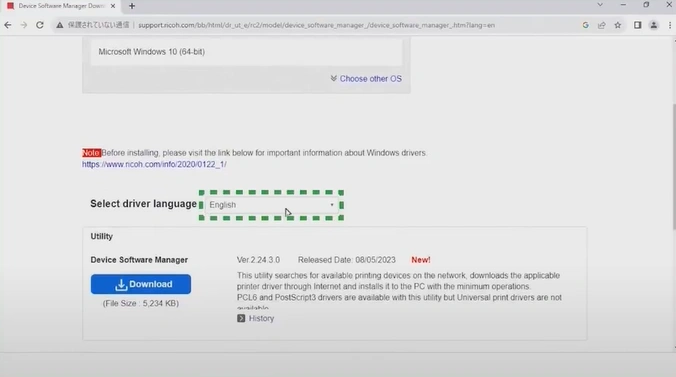
3. Choose the driver language.
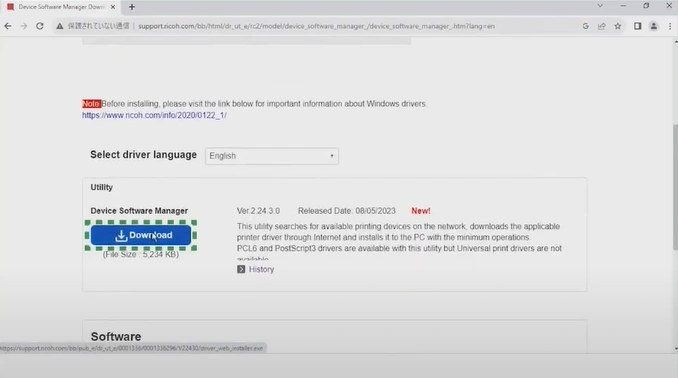
4. Click on Download.
5. Open the downloaded application.
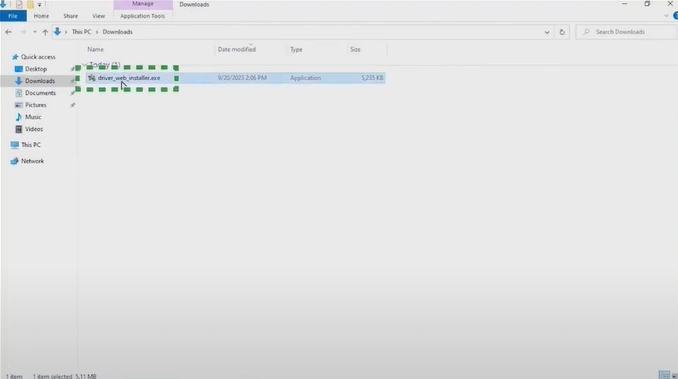
6. Review the license agreement.
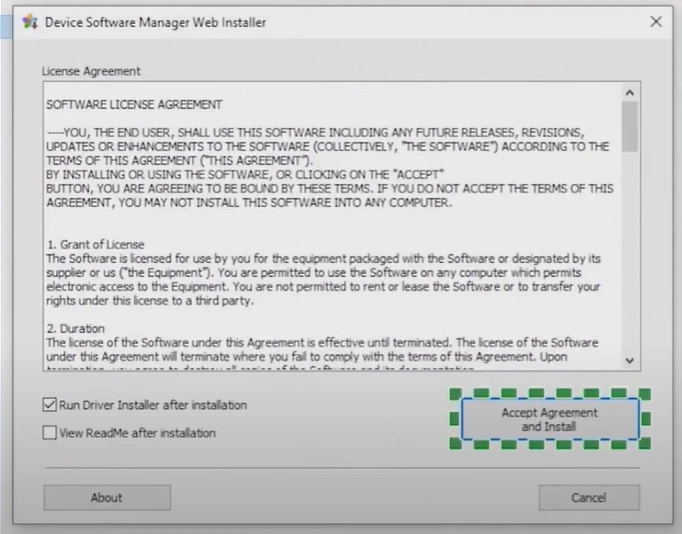
7. Click on Accept Agreement and Install.
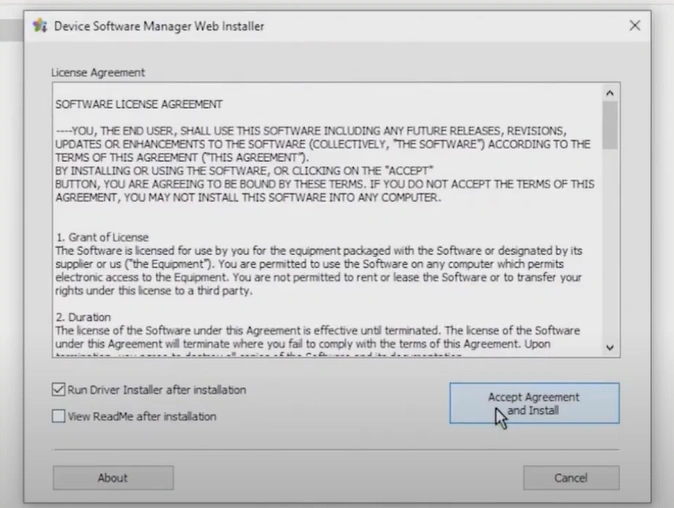
8. Wait for the file to extract.
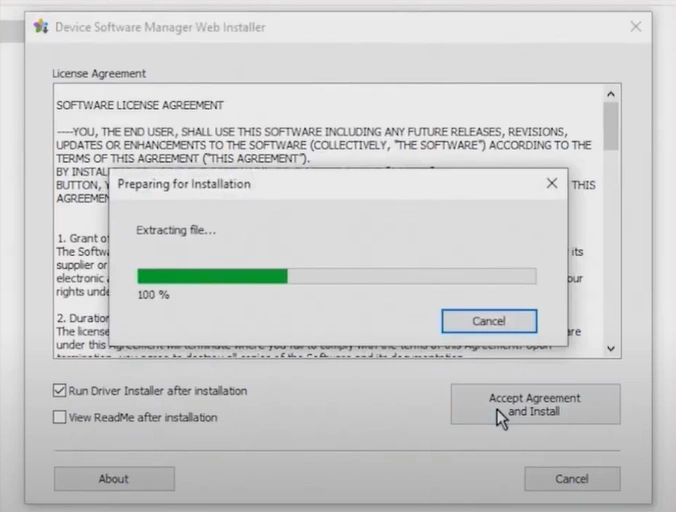
9. The Quality Improvement Program window will appear.
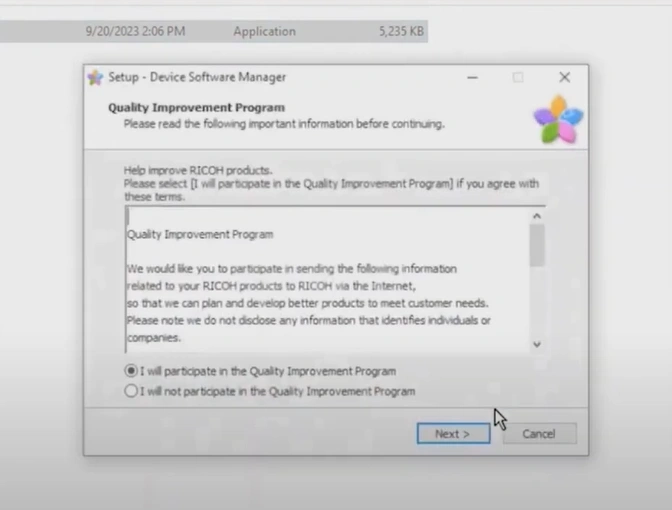
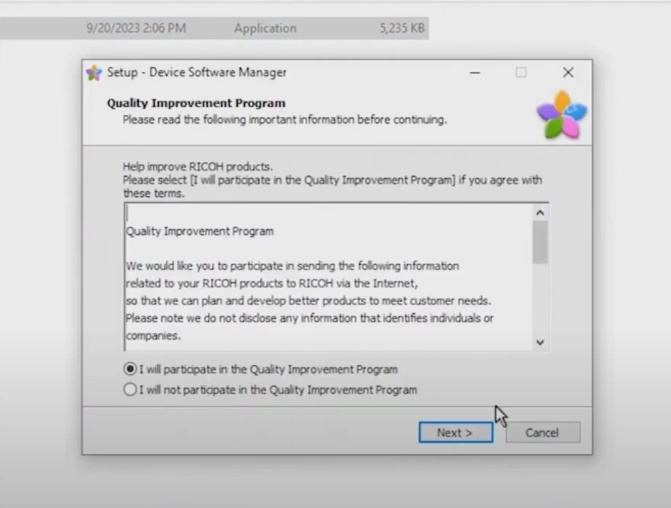
10. Choose your option and click on Next.
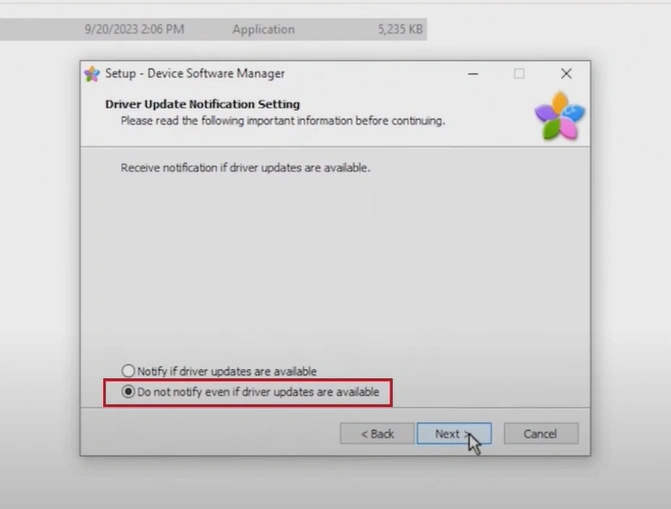
11. Choose your driver updates and click on Next.
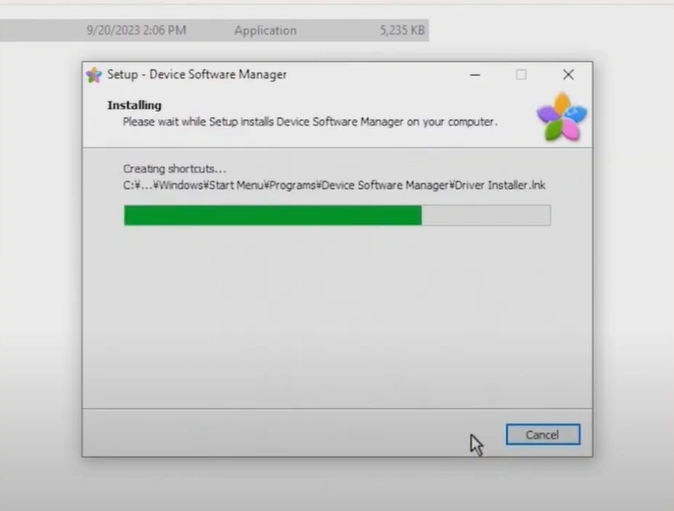
12. Wait for the device software manager to install.
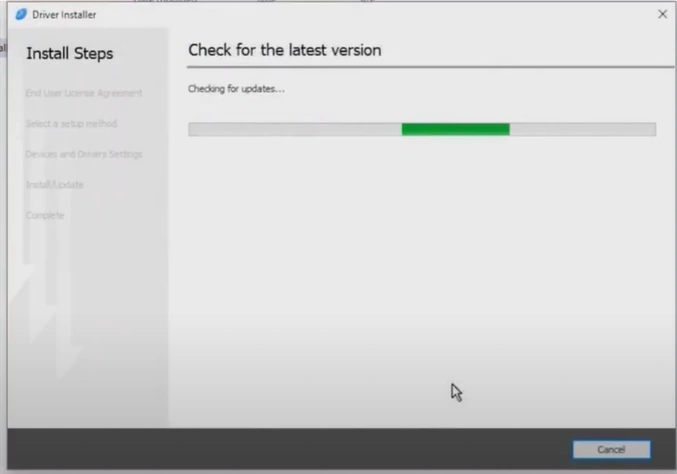
13. The Driver Installer will open.
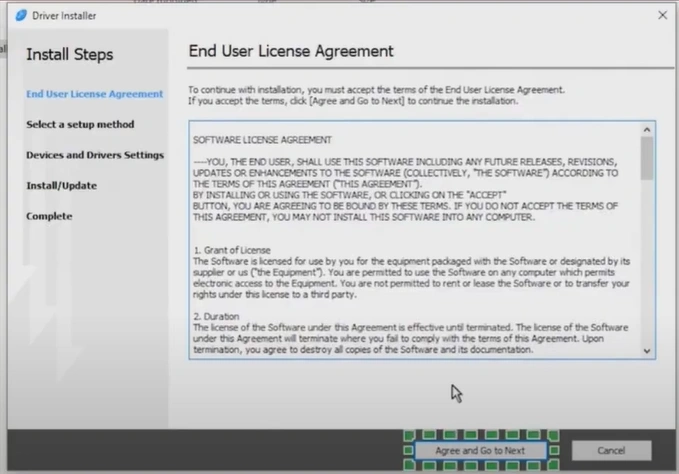
14. Read the End User License Agreement, click on Agree, and go to Next.
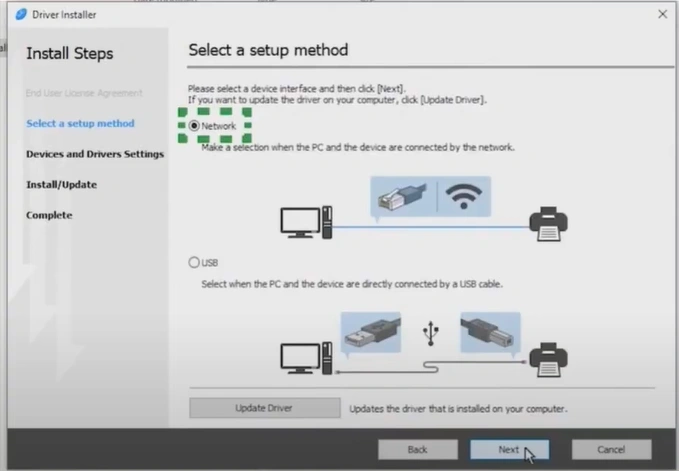
15. Select your Setup method.
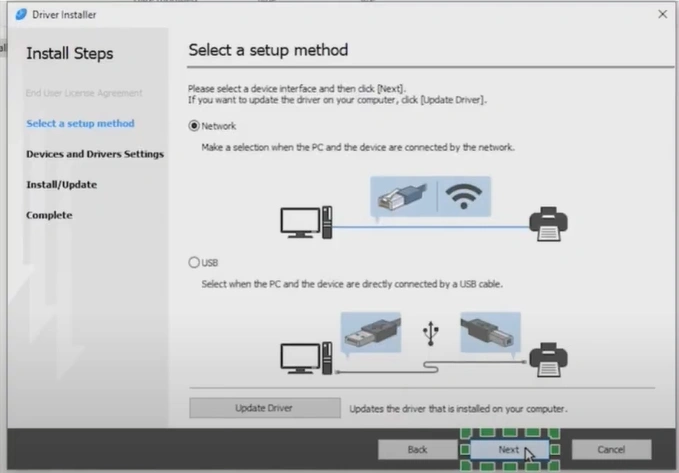
16. Click on Next.
17. In the “Select a device” window, wait for the installer to discover your device.
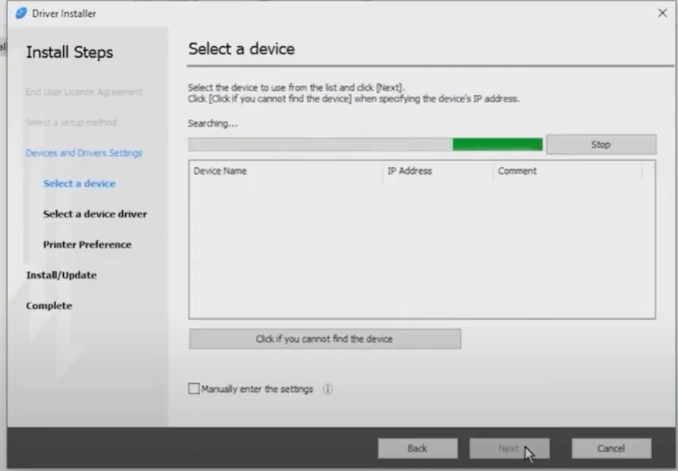
18. If your device is not discovered, enter the IP address or your device name.
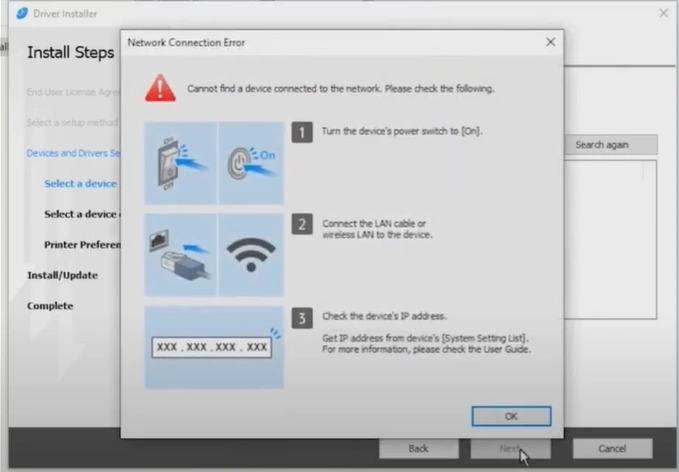
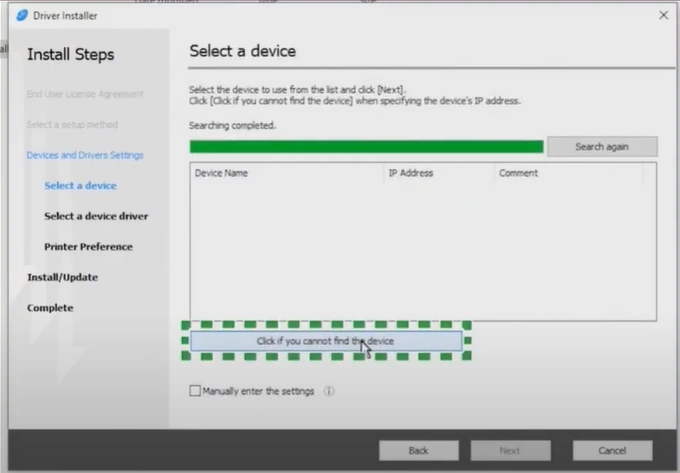
19. Press the “Click if you cannot find the device” button.
20. Select a search method and click on Next.
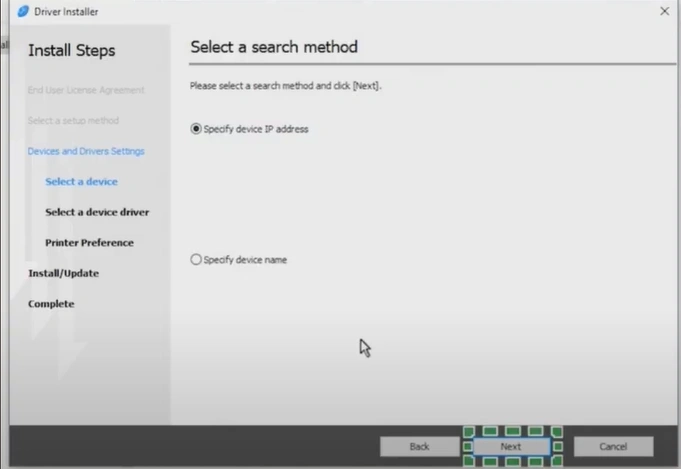
21. Enter your IP address and click on Search.
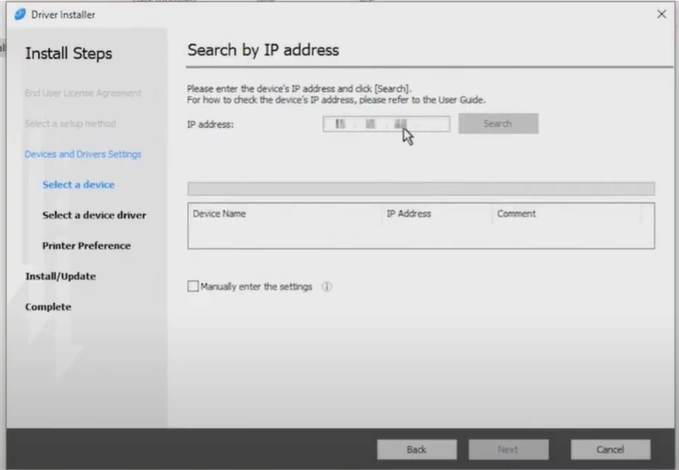
22. Select your Device and click on Next.
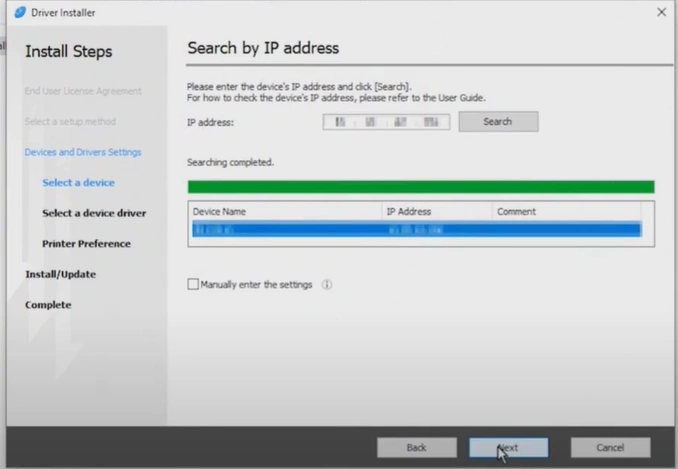
23. Wait for the driver to install.
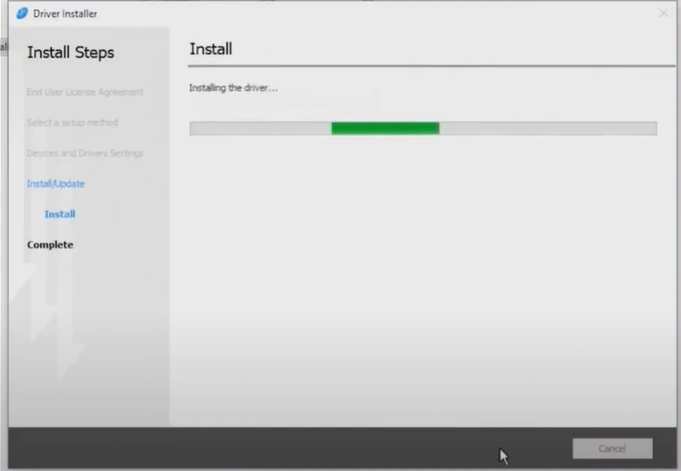
24. After that, click on the Install button.
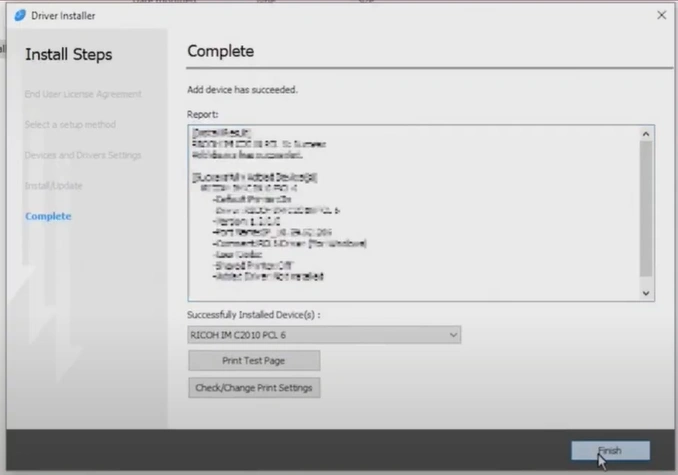
25. From now on, you can start using the Ricoh printer.
Wrap Up
We hope that, with the help of the comprehensive guide we have shared here, you can complete your Ricoh printer download and installation hassle-free. You need to ensure your device follows all the criteria and you are using the proper steps to prevent any errors from happening during the download or installation.

