How to Reset Drum Brother MFC-L3750CDW Printer?
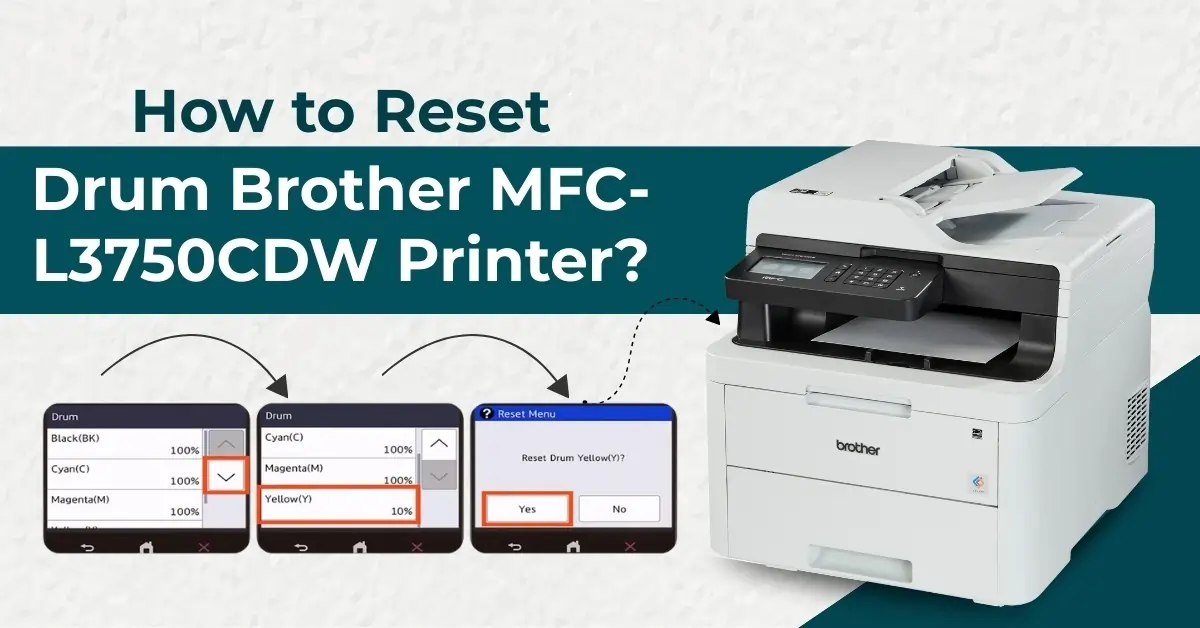
To ensure that your Brother MFC-L3750CDW printer operates smoothly, you need to focus on several key aspects. Among the various components of the printer, the drum plays a crucial role in its functions. Many issues can arise related to your printer drum. As a result, performing the drum reset can help get rid of the problem.
Additionally, the reset calibrates the printer’s internal mechanisms and optimizes its performance. But do you know how to reset the Brother MFC-L3750CDW drum? Here is a simple tutorial to perform the reset hassle-free.
Steps to Reset the Drum of the Brother MFC-L3750CDW Printer
1. Make sure that the machine is turned on. (Note- Ensure that the machines covered are closed)
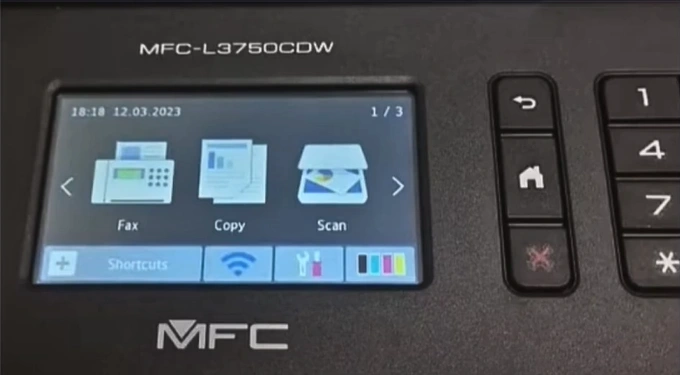
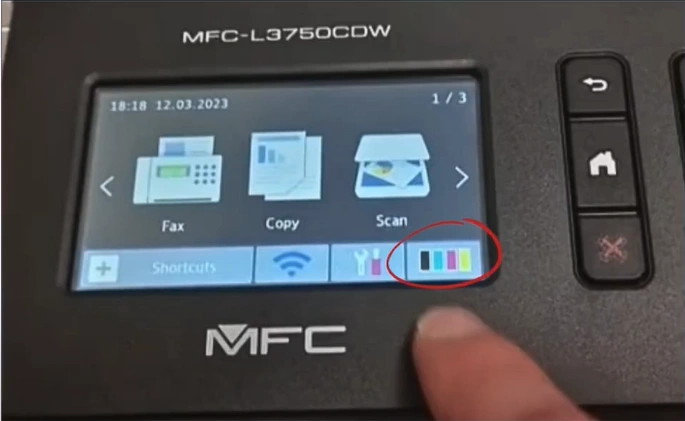
2. Press and hold the Toner for five seconds.
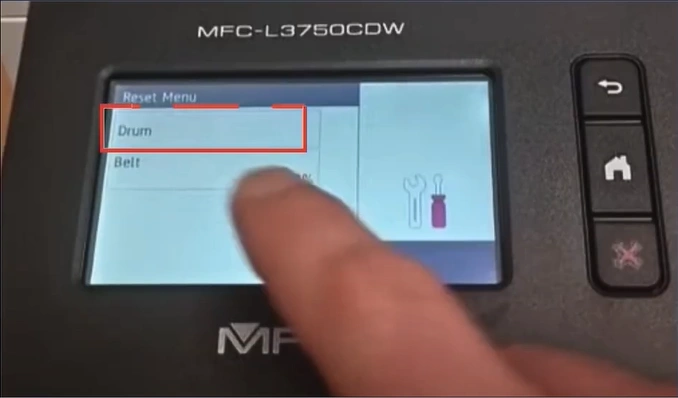
3. Now, choose the Drum option.
4. Choose the toner color for the drum unit you want to reset.
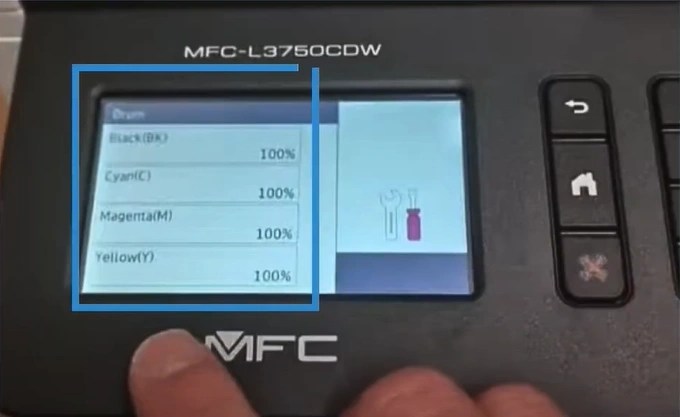
5. Tap ' Yes' to reset the selected drum.
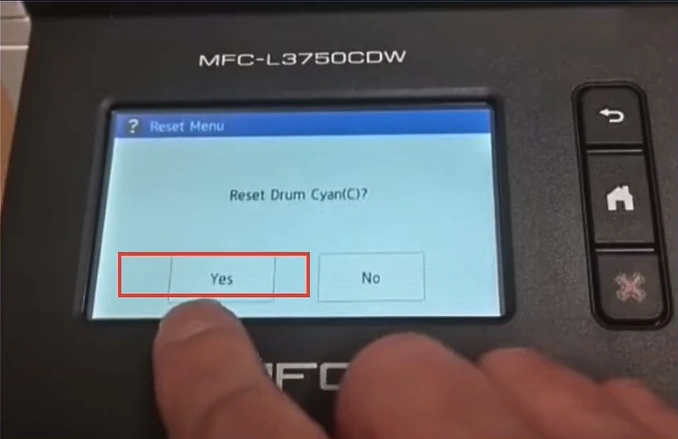
6. Finally, the drum reset process will be complete.
These are the proper steps to reset the drum in a Brother MFC-L3750CDW printer. After following the process, confirm if your printer is free of the issue and working perfectly. Besides that, it would be best for you to get additional guidance if any complications happen during the process.