How to Download and Install Konica Minolta Driver?

Getting a compatible driver is crucial to setting up your printer and using it seamlessly. People can easily complete their printer driver download or installation from the official website. On the other hand, some users struggle to get the right driver. This can happen due to some faults in your device or not following the right procedure.
Knowing the thorough procedure could be helpful if you are also having any issues downloading the driver for your printer for the first time. Below are the proven and simple methods you can follow to get the most compatible driver for your Konica Minolta printer.
Procedure to Download and Install Konica Minolta Driver
1. Open your web browser and go to the Konica Minolta download website.
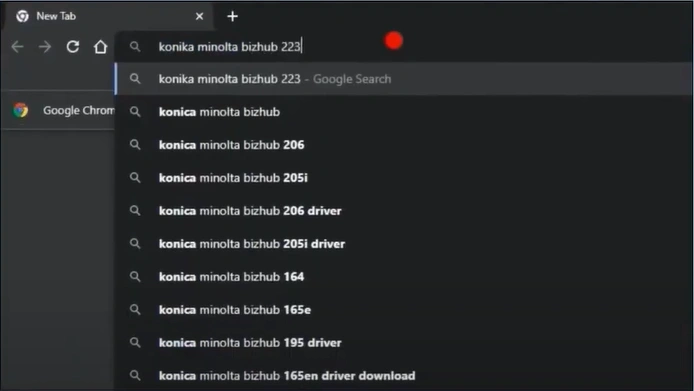
2. And then type your product name.
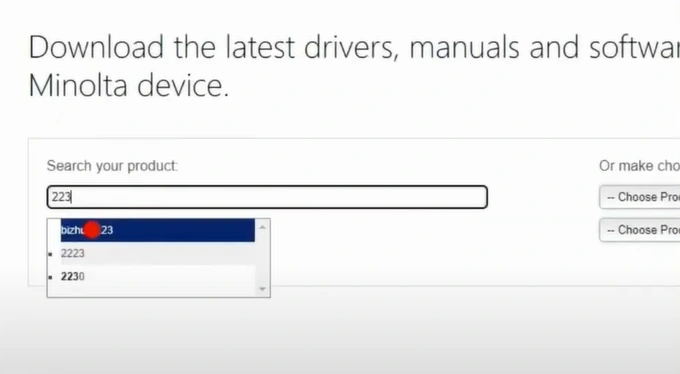
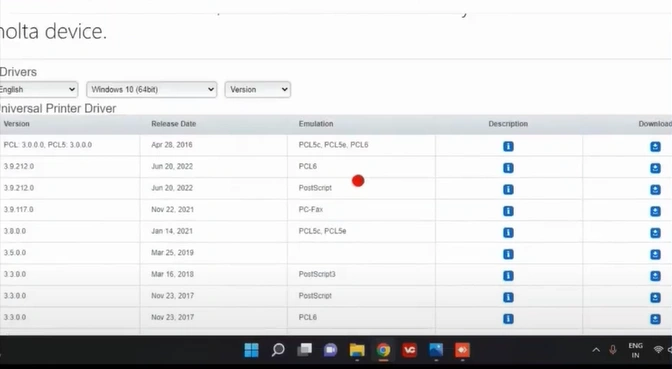
3. Click on Drivers, download the latest version, and accept the license agreement.
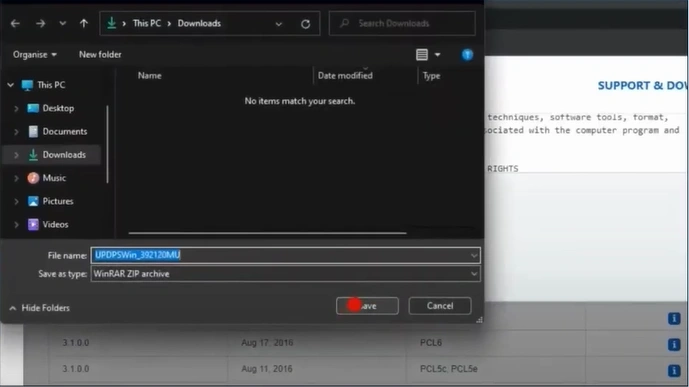
4. Download the zip file and select a location to save.
5. In addition, right-click on the downloaded zip file and choose Extract All.
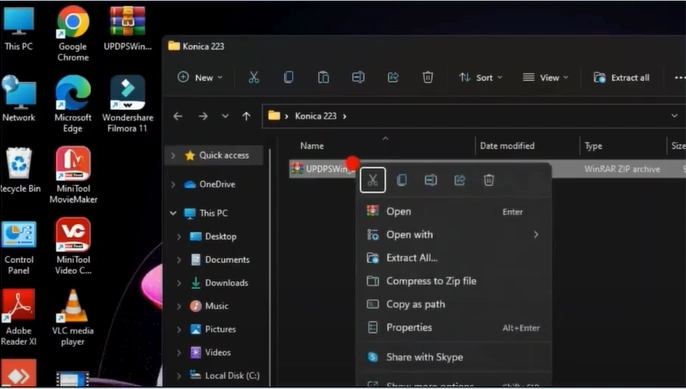
6. After that, you need to click on the Extract button.
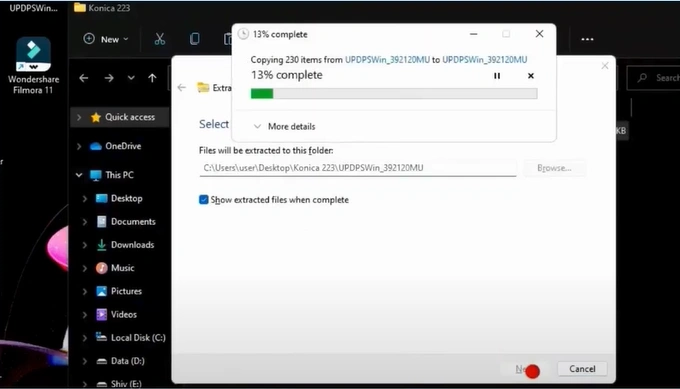
7. Open the extracted folder and click on the setup file.
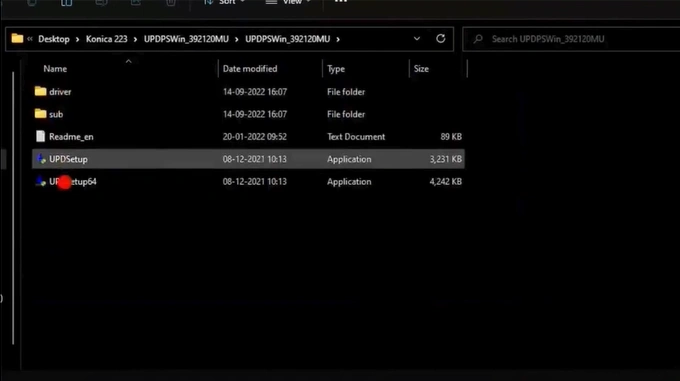
8. Click on the Agree button, then select “Install (Network Settings).”
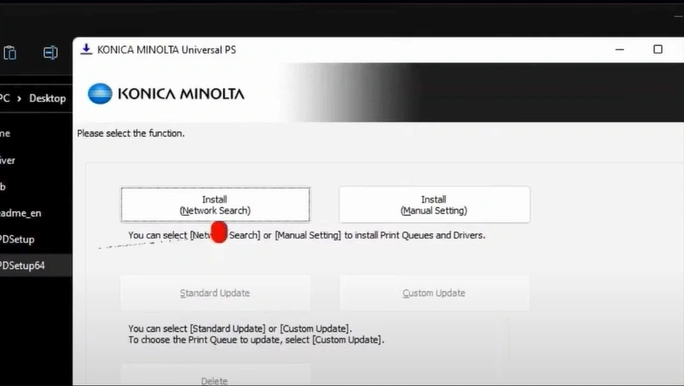
9. Choose your printer, then click on the Next button.
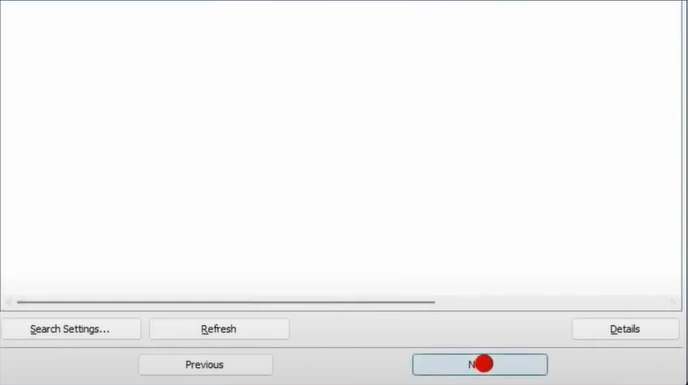
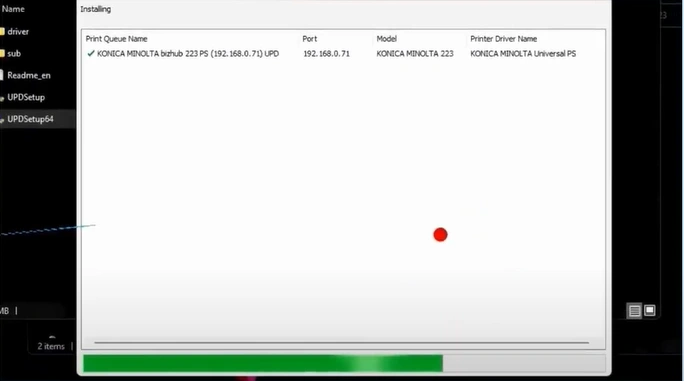
10. Select the Install button, and after installation, click OK.
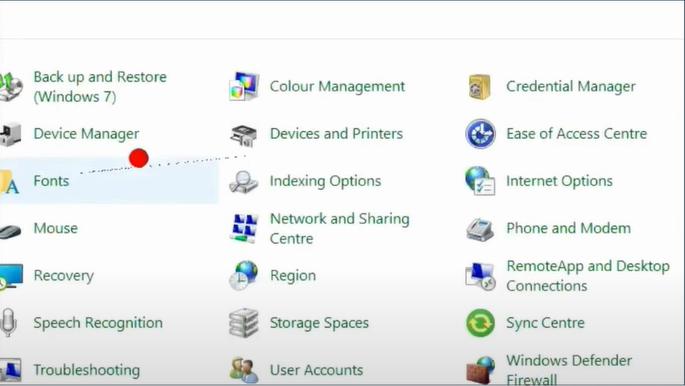
11. Open your control panel and click on Drivers and Printers.
12. You should right-click on your printer and select Printer Properties.
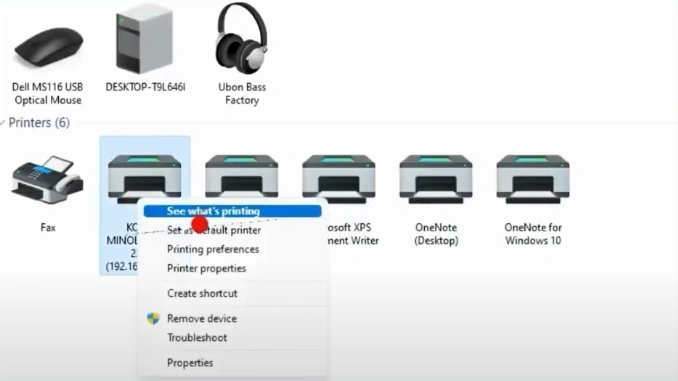
13. Choose the Print Test Page option and then select OK.
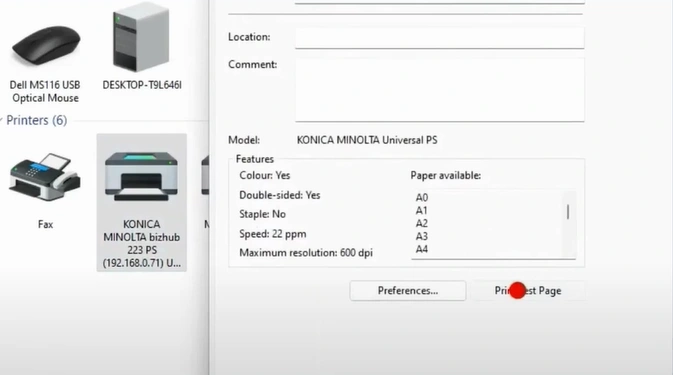
14. Finally, your printer will start working.
Wrap Up
Downloading the driver for your Konica Minolta printer becomes easier if you use these methods properly. In addition, you need to follow the proper guide as mentioned to prevent any problems from happening. However, due to some technical glitches and wrong settings on your device, you might struggle to complete the download/install.
Related Guide

