How to Fix Error 06 on HP Printer?

There could be some rare situations where you can face error code 06 on your HP printer. If you are seeing this error code, then it indicates that the printer is facing a paper jam, ink cartridge, or scanner problem. As a result, you should first inspect your printer to see if all these problems. Plus, if you're having trouble figuring out the problem or resolving it on your own, we are here to help. Below, we share the two simple methods to get your HP printer out of error 06.
Solution 1: Remove and Reseat the Ink Cartridges
First, you have to remove and reset the ink cartridge of your HP printer to see if it helps in fixing the problem. Here is how you can do it.
1. Pull down the ink cartridge access door.
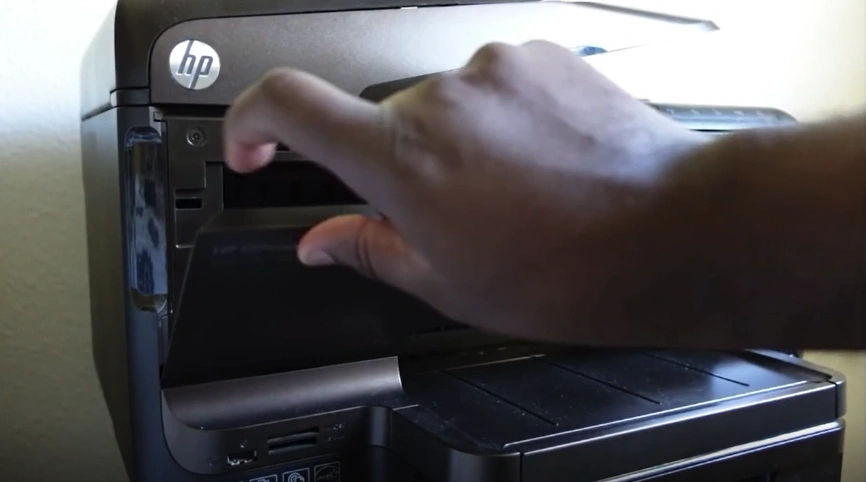
2. Wait for the ink cartridge to come into the replacement position.
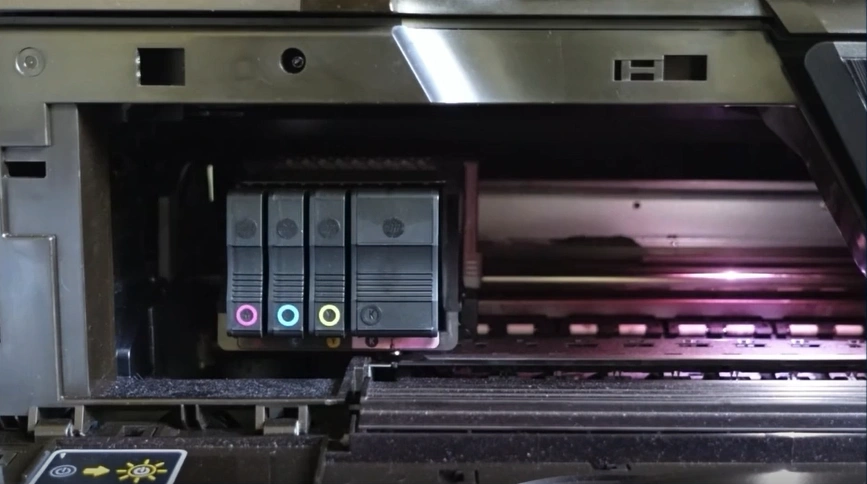
3. Press the ink cartridge back to let it pop out.
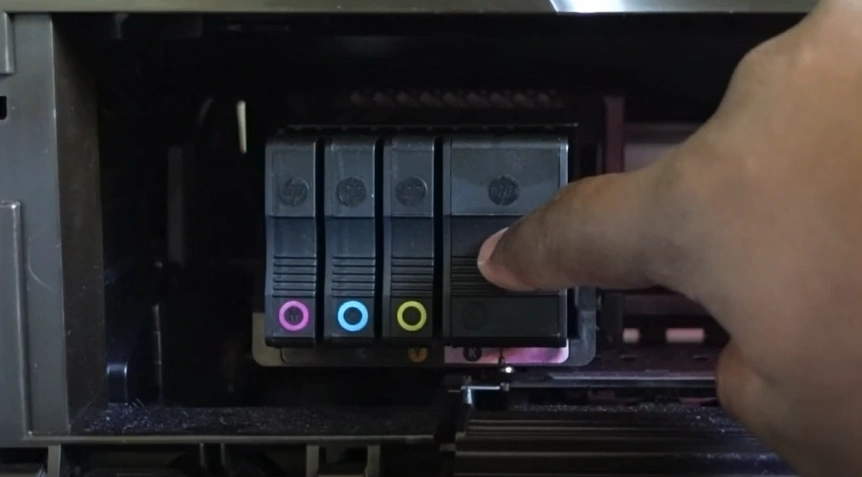
4. Take out all the ink cartridges.
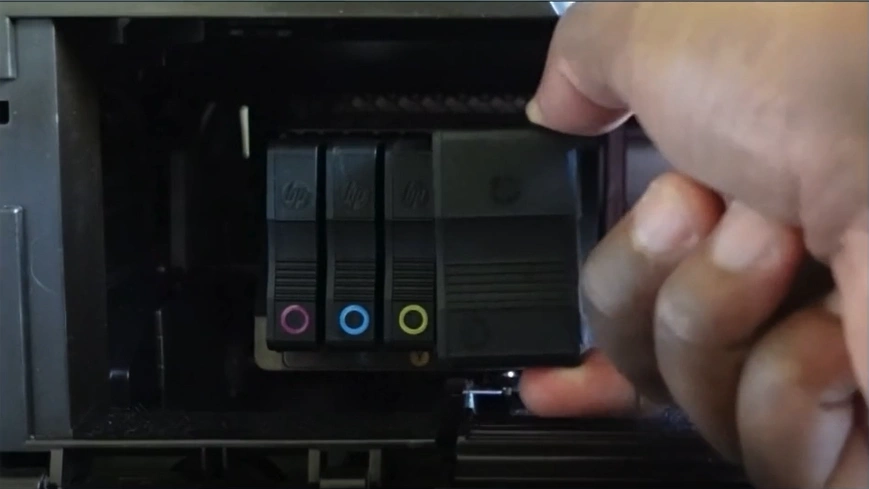
5. Insert the ink cartridges back into the printhead latch.
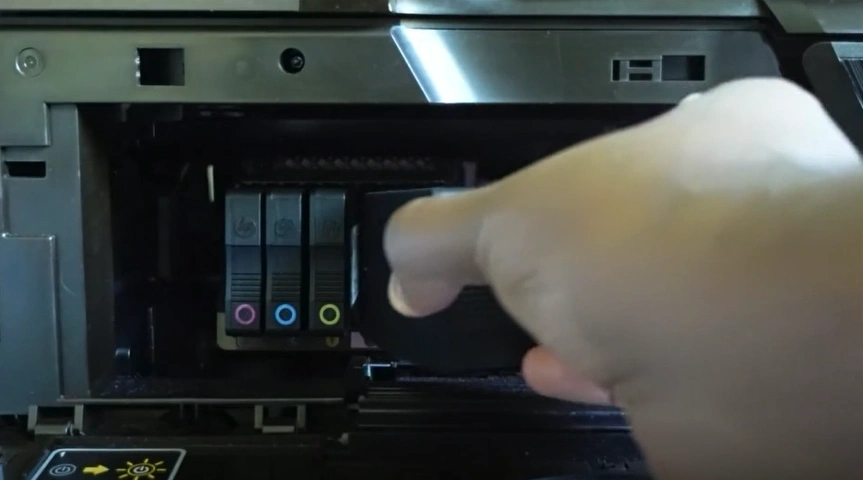
6. Go to the printer's display screen.
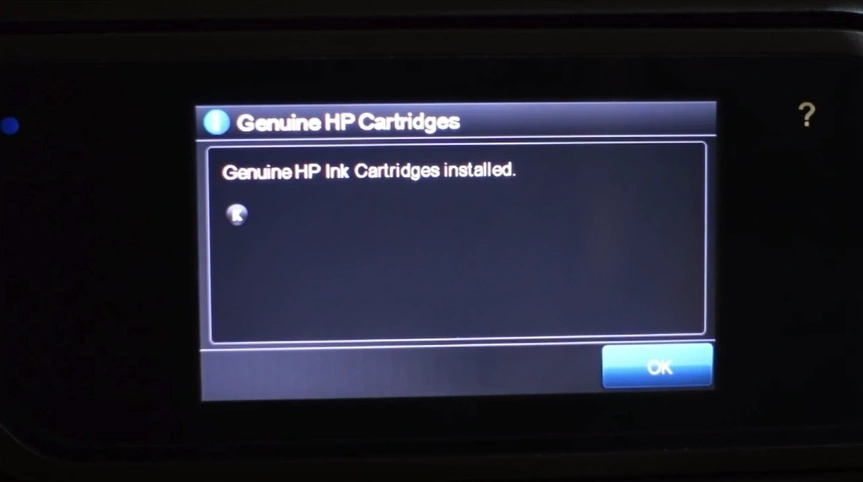
7. Then tap on OK.

Solution 2: Reset the Printer to Factory Default
You can also try to reset your HP printer to factory default settings to see if it is able to remove the error code from your device. Below are the proper steps to get your printer to factory defaults.
1. Go to your printer's display.
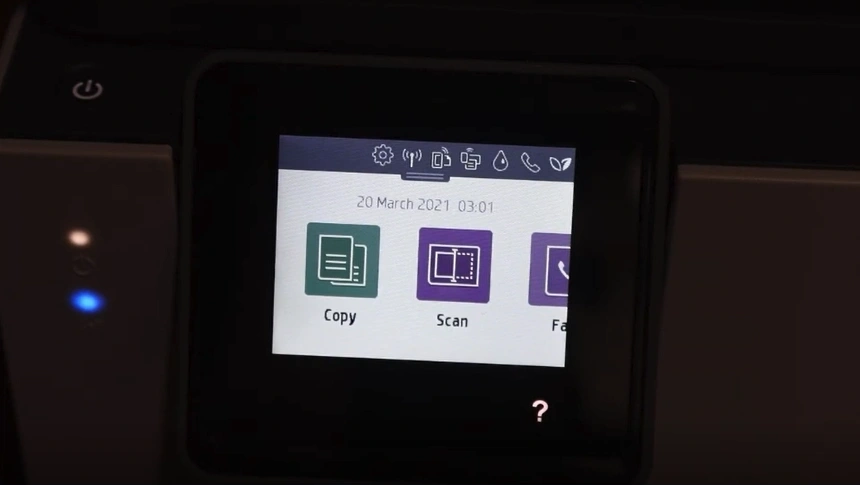
2. Then, scroll down the notification panel.
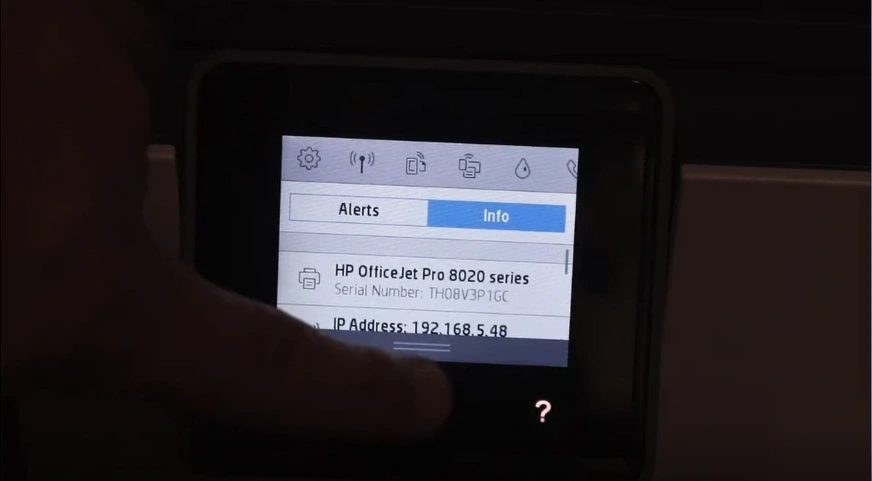
3. Tap on Settings.

4. Scroll down and open Printer Maintenance.
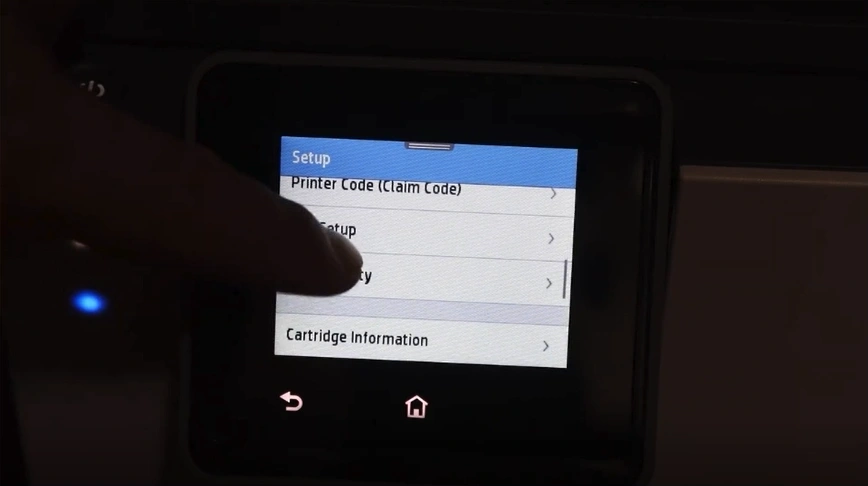
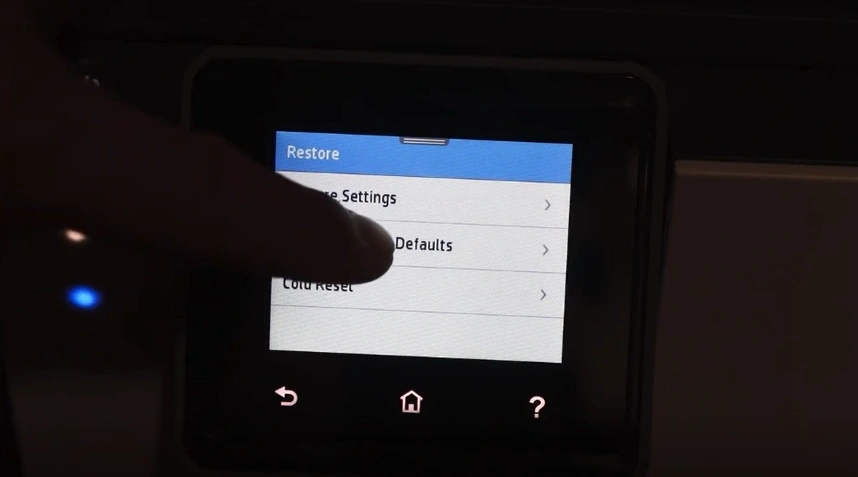
5. Scroll down and select Reset.

6. Tap on the Restore Factory Default option.
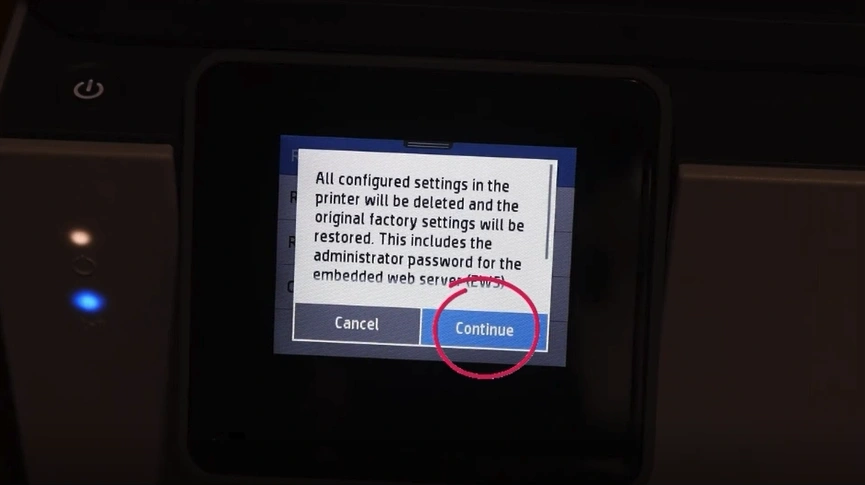
7. On the next screen, click the Continue button.
8. Now, see if your HP printer is out of the error 06.
Also Read:- How to Fix Driver Unavailable For HP Printer?
Sum Up
Using the right methods is necessary to get rid of the error code 06 on your HP printer. I hope your printer will be out of the problem after using these two solutions. Also, I would suggest that you review your property and then use the methods to prevent any problems from happening. Besides that, if these methods fail to get your printer out of the error state, then it would be good to look for more help and resources.