How to Fix B80B4696 Error on HP Printer?

Let's say you have to perform a task on your printer but you see it showing the B80B4696 error. Isn't it confusing? If you also don't know what this code means, then you are not alone. Your printer shows this error code when there is a firmware or hardware problem. Restarting your HP printer can help resolve the issue, but not every time.
As a result, you need to use other effective solutions. Here, I will walk you through the proper guide to troubleshoot the B80B4696 error code in your HP printer.
Steps to fix Fix B80B4696 Error on HP Printer
1. Turn the printer on. (Note: Make sure the printer's cord is directly connected to the wall outlet.)
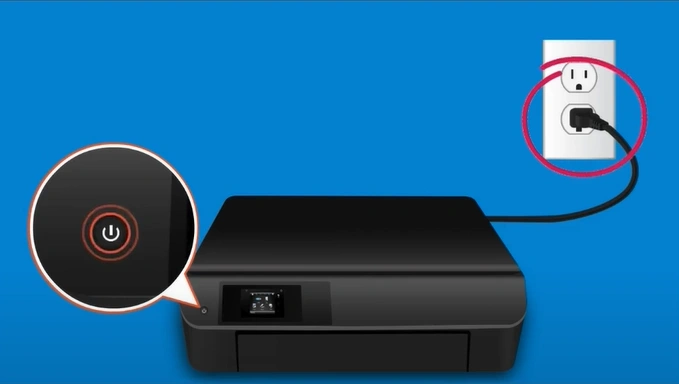
2. Leave the printer on and idle for at least one hour.
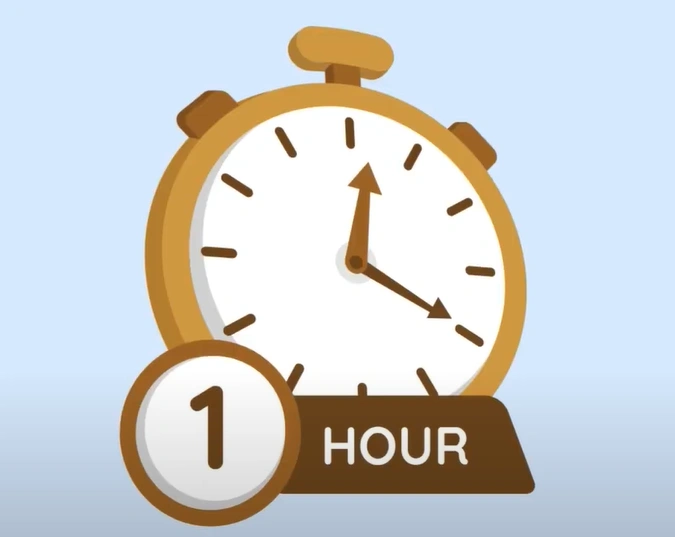
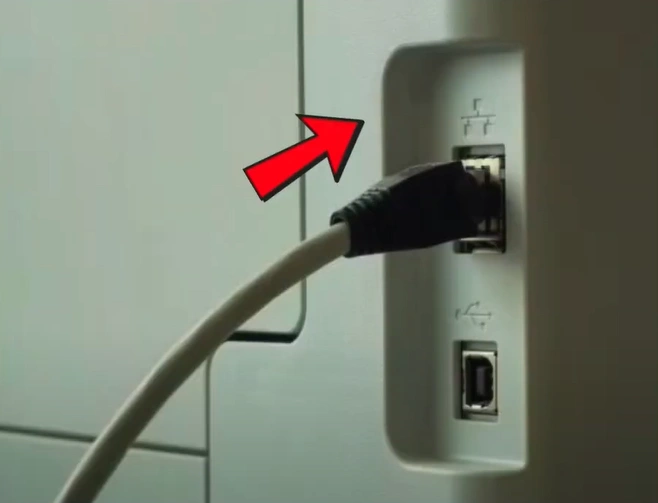
3. After 1 hour, with the printer turned on, disconnect the power cord from the printer.
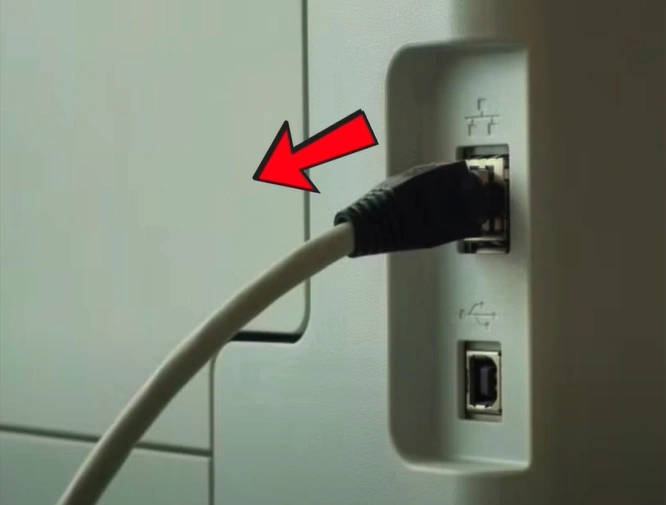
4. Then, you should unplug the power cord from the wall outlet.
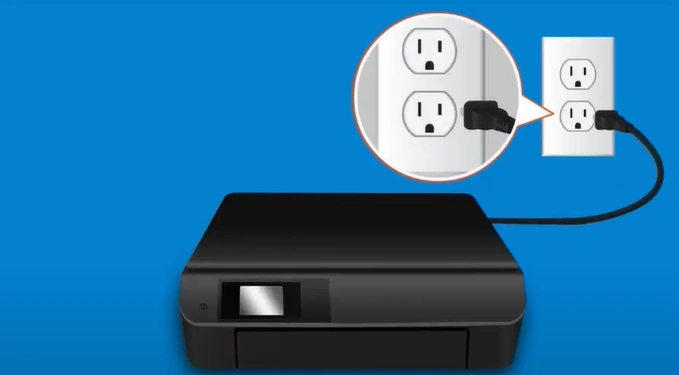
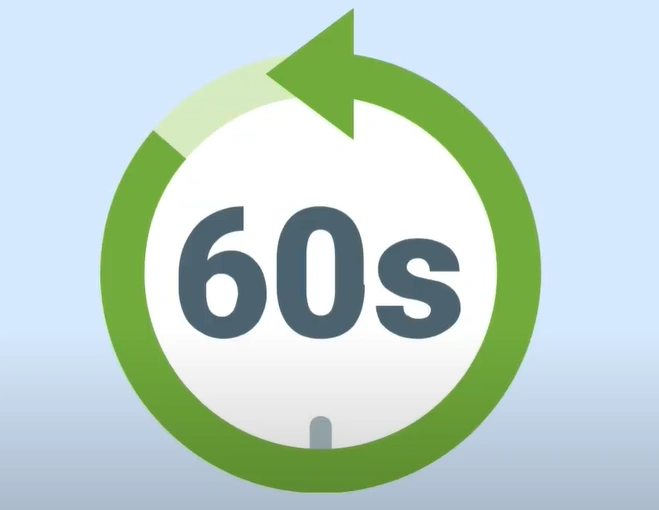
5. Wait at least 60 seconds.
6. Now, plug the power cord back into the wall outlet.
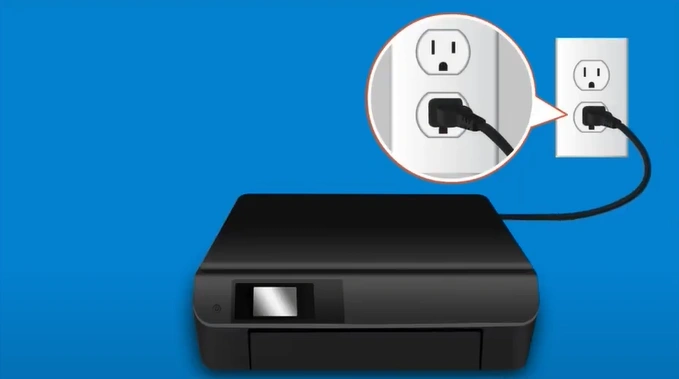
7. Reconnect the power cord to the printer.
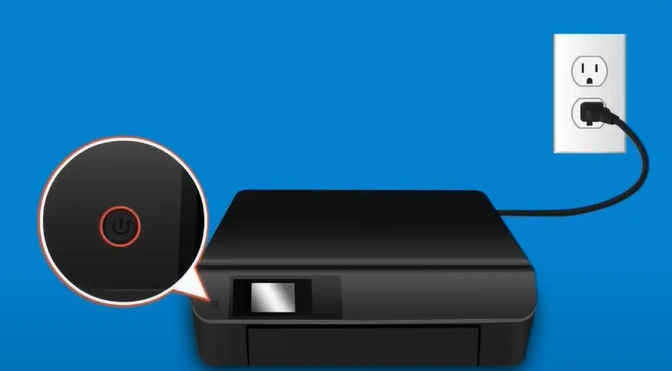
8. Turn on the printer if it does not automatically turn on.
9. Now, check if your HP printer is out of the B80B4696 error.
Final Words
Here I have shared the pinpoint and effective procedure that can help you easily remove the B80B4696 error on Hp printer. Make sure to follow the steps properly to quickly resolve the issue without any inconvenience. Also, I would suggest you get your hands on more resources and guides if the error code issue still appears on your printer.
Related Article