How To Fix Error E3 in HP Printer?

Seeing the error code E3 on your HP printer for the first time, and are unable to fix it? This error code typically indicates problems like a carriage jam, a paper jam, a hurdle in the paper path, an ink cartridge problem, and several others. First, you should inspect the printer to look for any of these problems and see if you are able to fix them. Apart from that, various primary solutions can help in fixing the error code issue easily. Below, you will read about the two most effective methods to remove the error E3 in HP printer. So, let’s jump right into the solutions.
Method 1: Check For Obstruction in the Carriage Path
If there is an obstruction in the carriage path, then you can see the E3 error code in your HP printer. Below are the steps you can follow to clear the obstructions.
1. If the cancel button on the printer is flashing, press and hold the button until it is idle and silent.
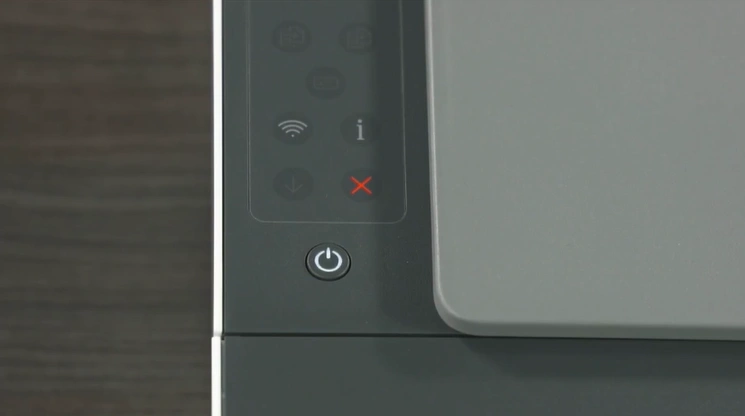
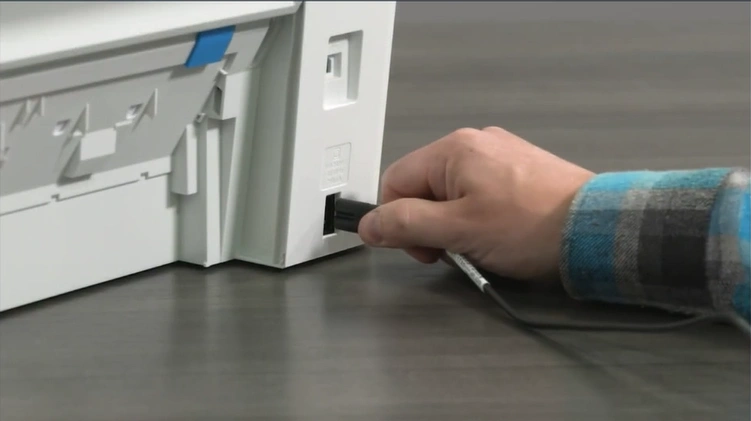
2. With the printer powered ON, remove the power cord from the rear of the printer.
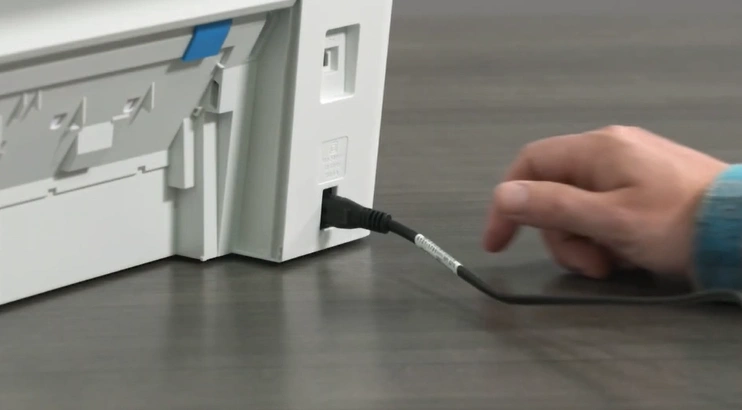
3. Open the cartridge access door.
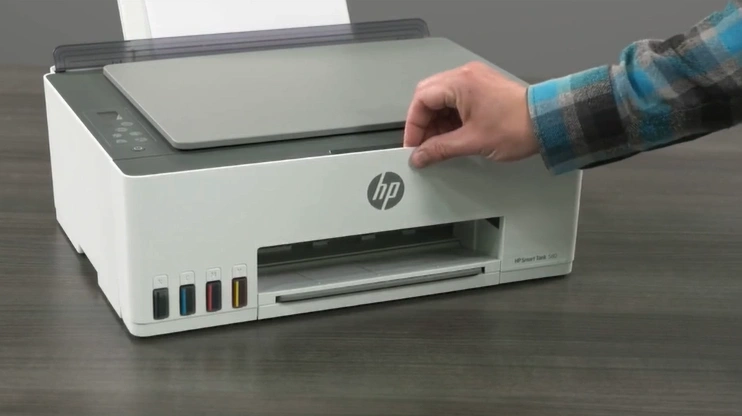
4. Gently try to move the ink cartridge from left to right to make sure it slides smoothly without any obstruction.
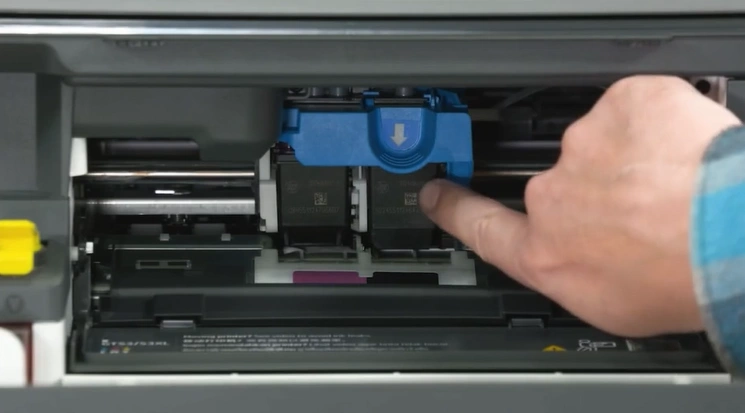
5. Inspect and remove jammed paper pieces.
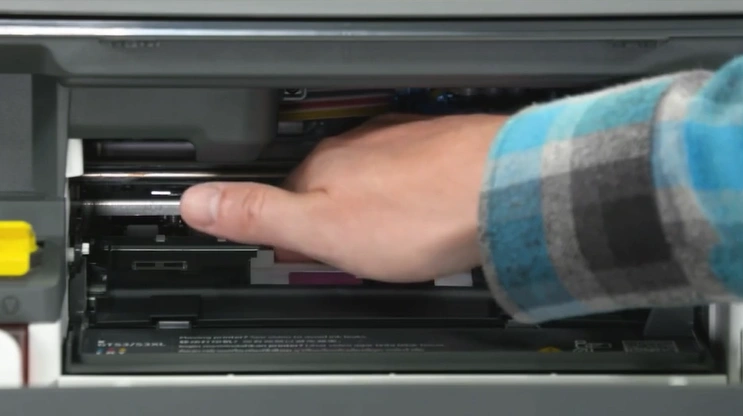
6. Now, check if the printer is still showing the issue.
Method 2: Reset the Printer
Sometimes resetting your HP printer also helps in fixing the error code problem. Here is how you can properly reset your printer.
1. With the printer turned ON, disconnect the power cord from the printer.
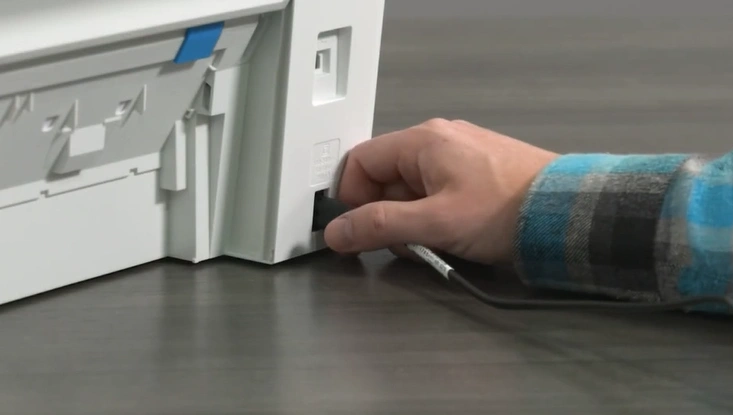
2. Unplug the power cord from the wall outlet. (Note- Make sure the printer’s power cord is directly connected to a wall outlet.)
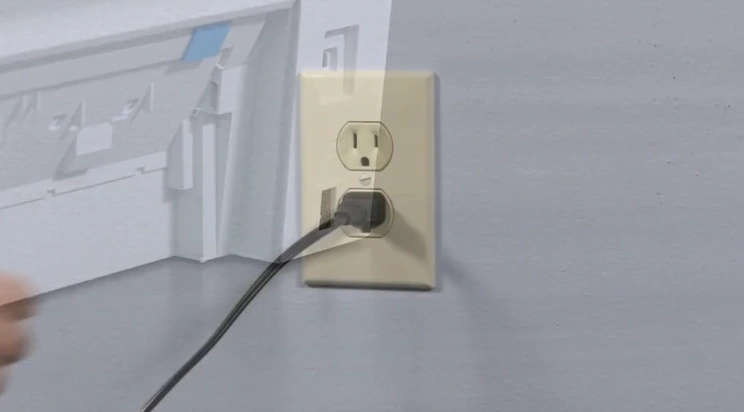
3. Wait for at least 60 seconds.
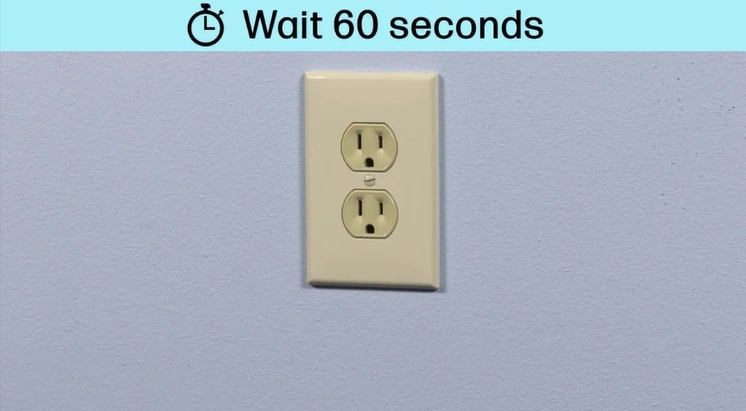
4. Plug the power cord back into the wall outlet.
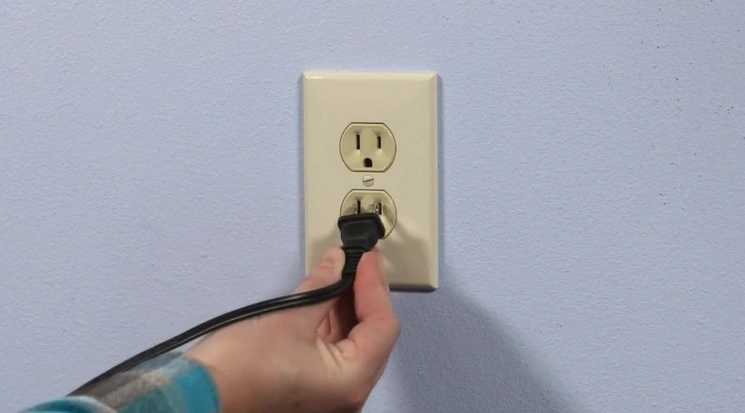
5. Now, reconnect the power cord to the printer.
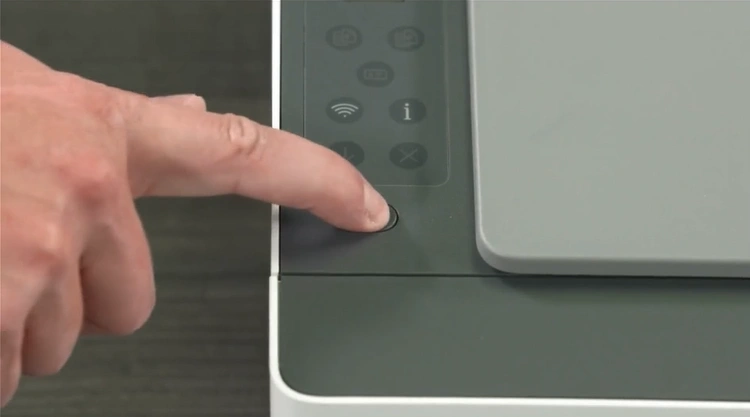
6. Next, turn on the printer if it does not turn on automatically.
7. Now, check if your printer is working or not.
Final Words
These are the two primary solutions that usually help HP printer users to remove the error E3 code. But, you may need to use other solutions or guides if the root cause behind the issue is unknown or complex. In addition, looking for additional guidance is also helpful if you are struggling too much to fix the problem. As a result, it would be good to get your hands on more solutions and guides to thoroughly troubleshoot the problem.
Related Guide