How to Connect Canon TR7020 to WiFi?

Having any problems during your Canon TR7020 printer setup could be really a bummer. A number of reasons, such as configuration issues, corrupt/outdated drivers, network issues, device compatibility issues, etc., can lead to an unsuccessful setup.
As a result, if you want to avoid these problems and complete the WiFi setup easily, learning the whole procedure is a good idea. Here, you will find a detailed, beginner-friendly guide to connecting your Canon printer wirelessly.
Instructions to Connect Canon TR7020 To WiFi
1. Go to your printer’s operational panel and press the OK button to open the Menu.
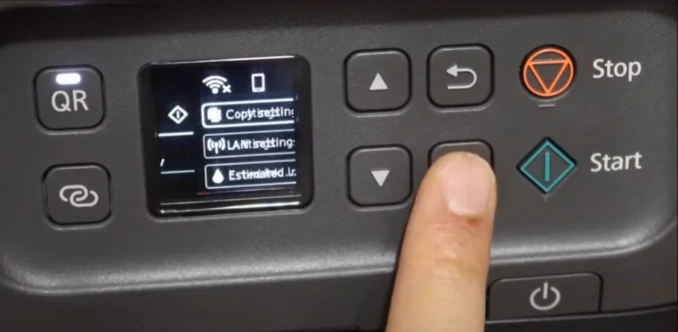
2. Then you should head to the LAN settings and then choose Wi-Fi.
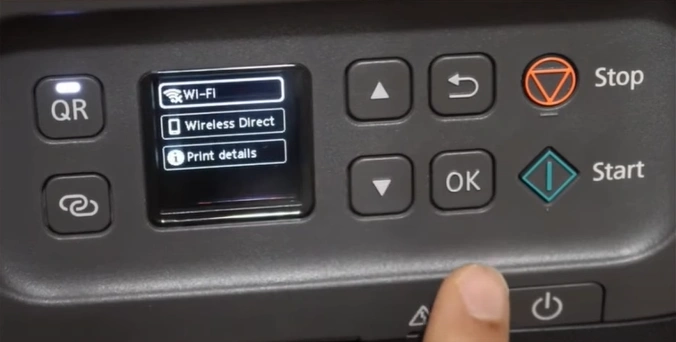
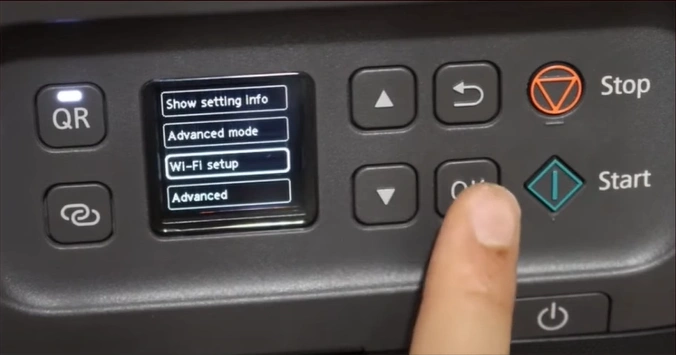
3. Next, open the Wi-Fi Setup and choose the Manual Connect option.
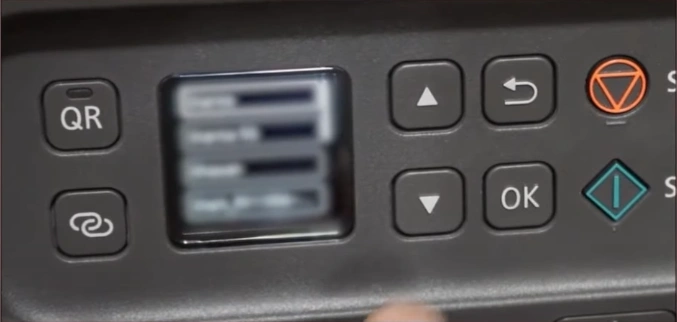
4. After your Wi-Fi is discovered, select it.
Also Read:- How to do Canon G7020 WiFi Setup?
5. Enter the password and then press the Start button.
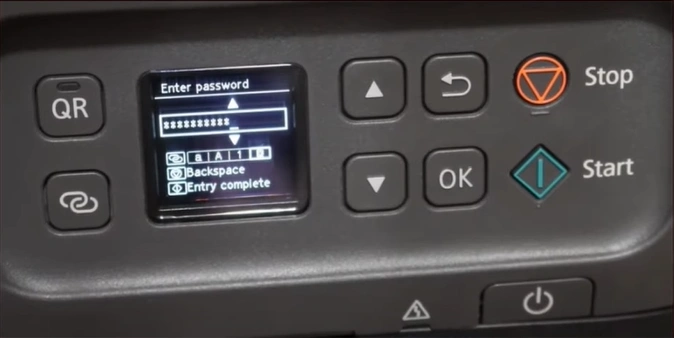
6. Now, you should press OK after the printer successfully connects to the WiFi.
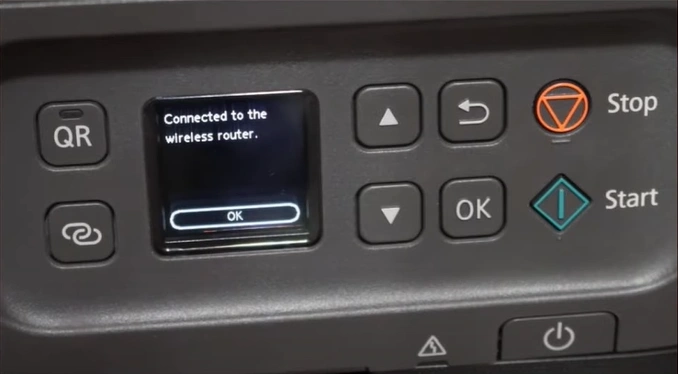
7. Now, your Canon printer will be ready to use and print flawless documents.
Final Words
These are the quick instructions you have learned to connect this Canon TR7020 printer to WiFi and complete its setup. During the setup, make sure the printer is within the connection range of the WiFi router and follow the connection criteria. However, if you are encountering any problems during the process or need more help with your printer setup, then it would be best to look for additional assistance.

