How to Download and Install Samsung Printer Driver?

While completing your printer setup, you need to visit the official brand website and download and install the right printer driver. With the help of the driver, your printer can effortlessly understand the complex commands sent from your computer devices. But sometimes, you may face numerous challenges with the download or installation.
If you are also looking forward to installing the driver but don’t know the process then worry not! Below I will walk you through the proper instructions to get the genuine driver for your Samsung printer.
Note: HP acquired Samsung's printer business in 2017. So, don't worry, if you search for Samsung printer driver in a search engine and you will see show HP Printer website in the search results.
Steps to Download and Install Samsung Printer Driver
1. Open your browser and search for your printer driver.
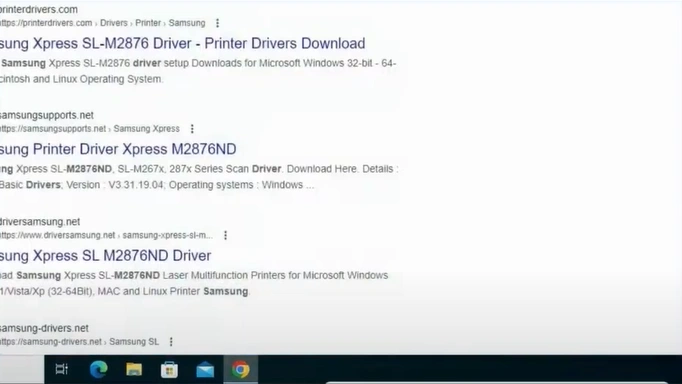
2. Then, go to the HP official website.
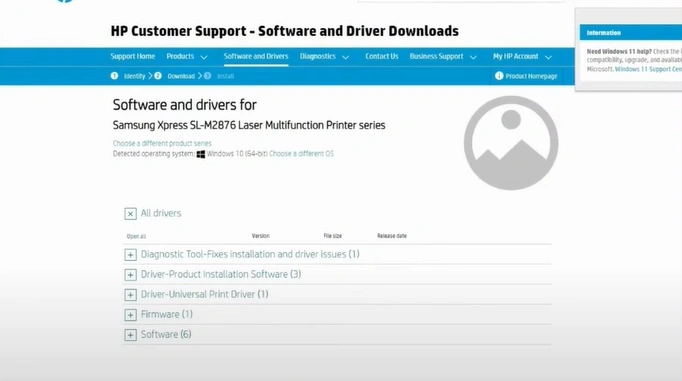
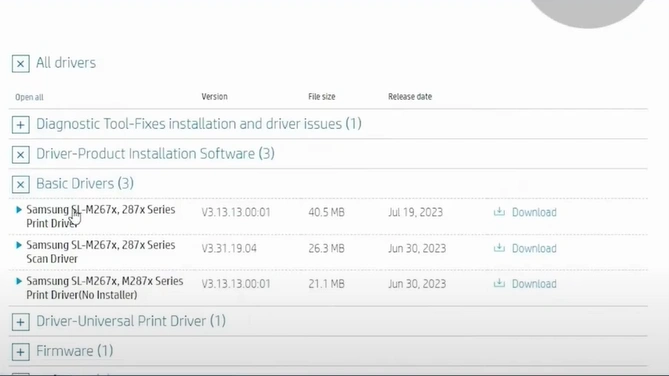
3. Open Driver Product Installation Software.
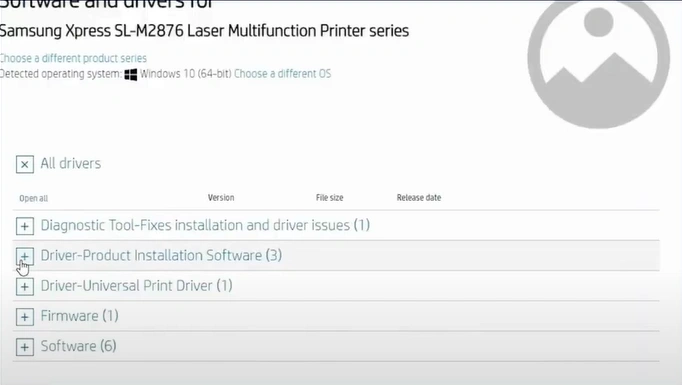
4. Click on Basic Drivers.
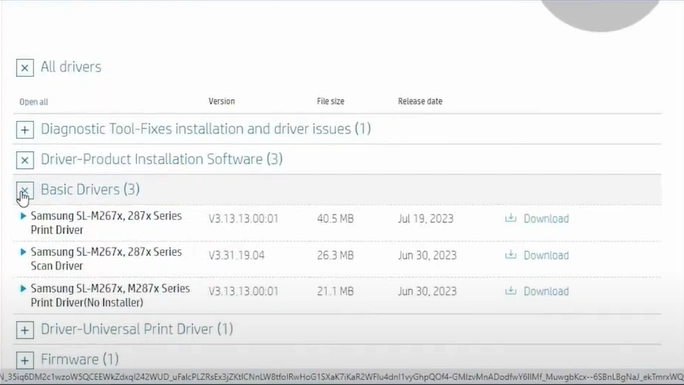
5. Click on the Download option next to the printer driver you want to install.
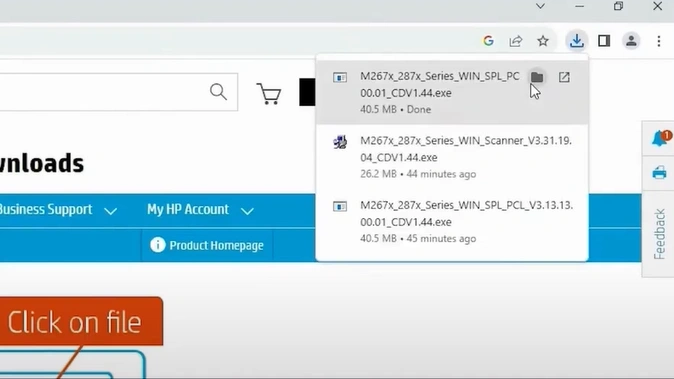
6. Once downloaded, open the download folder.
7. Drop the setup file from the folder on the desktop.
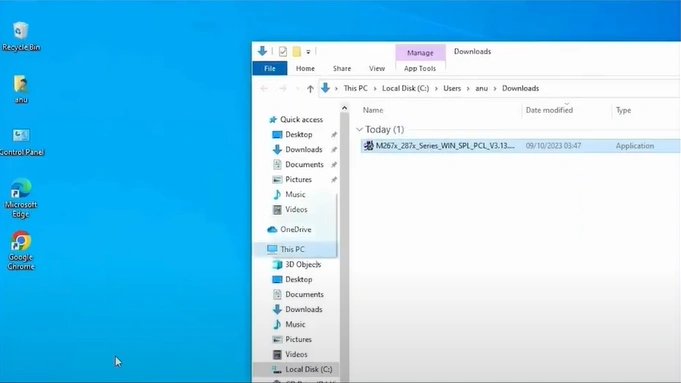
8. Open the setup file.

9. In the User Control Window, you need to select the Yes option.
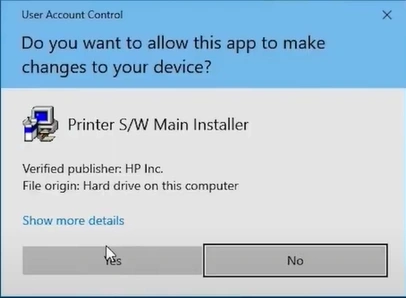
10. Now, the installation window will open.
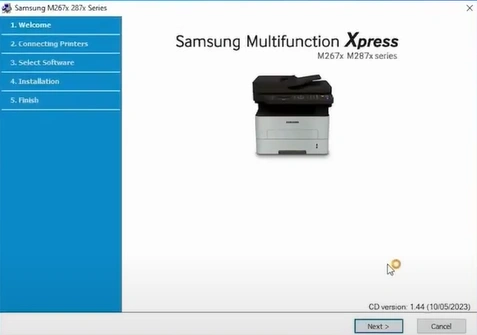
11. Click on Next.
_1752058090.webp)
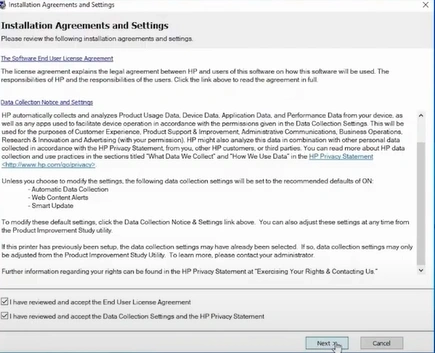
12. Check the End-User license agreement, data collection settings, and HP Privacy statement.
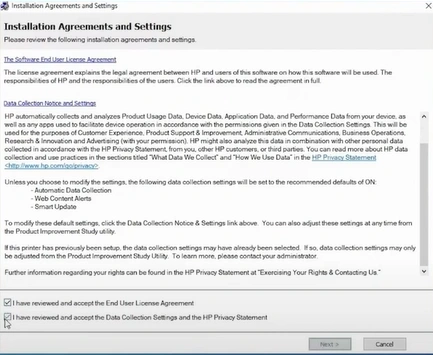
13. Then, click on Next.
14. In the Printer Setup Type, choose the type you want to use.
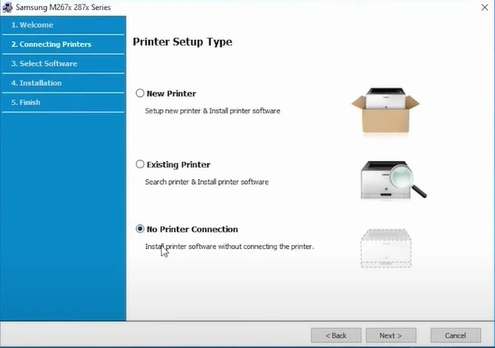
15. Next, click on the Next button.
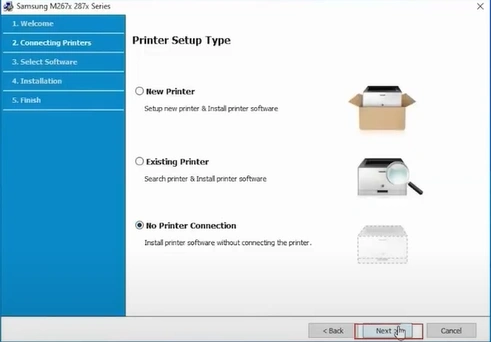
16. Choose the software you need to install and then choose Next.
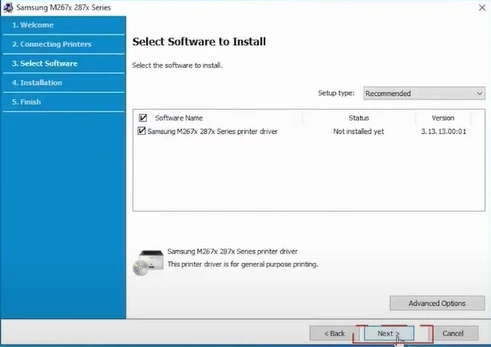
17. When you see the Environmental Information Notice, click on Next.
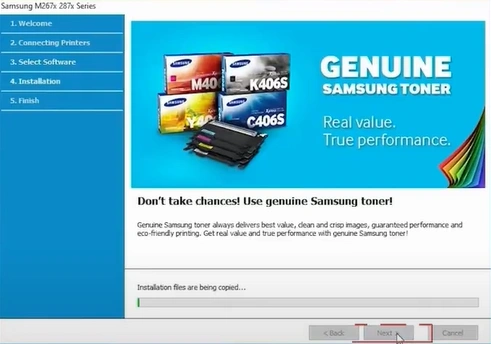
18. Now, wait for the printer driver to install.
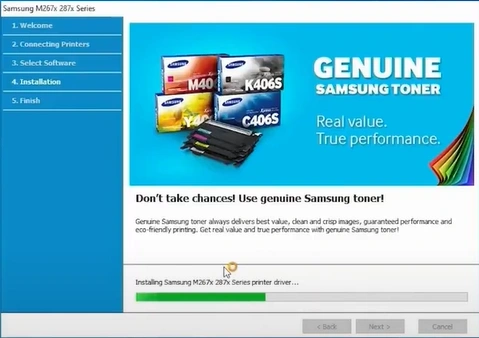
19. Once the setup is complete, click on Finish.
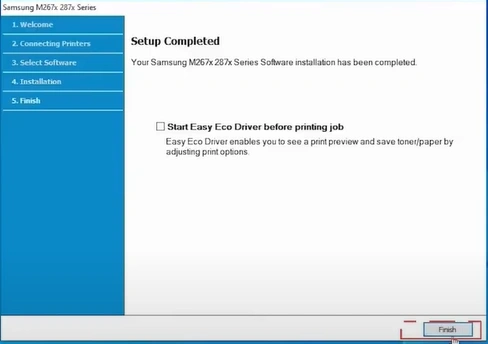
20. Lastly, your Samsung printer driver installation process will be complete.
In Conclusion
Following these simple procedures will help you install the most compatible driver for your Samsung printer to allow you to complete your printer setup with utmost ease. Moreover, you need to check all the criteria such as network speed, storage space, browsing official websites, etc., to avoid facing any error. Besides that, feel free to get in touch with someone with more experience or use additional resources to get a complete understanding.