How To Fix Error Code 1300 in Canon Printer?

Your Canon printer can show the error code 1300 when it faces the issue of a paper jam. Plus, issues with your output or input paper tray can also lead to this issue. If you want to fix this issue, then you need to check both trays and remove the papers and torn pieces from them.
However, you can struggle to remove the issue from your device if you do not know the proper solutions or follow the right steps. As a result, to make things easier for you, I am going to explain the two simple tutorials that will allow you to get rid of the error code 1300. So, make sure to keep reading until the end!
Method 1: Check For Jammed Paper
If you are facing the error code 1300 on your device, then these are the quick steps you can follow to remove the paper jam and see if it helps in removing the error.
1. Gently pull out the paper from the output and rear tray.
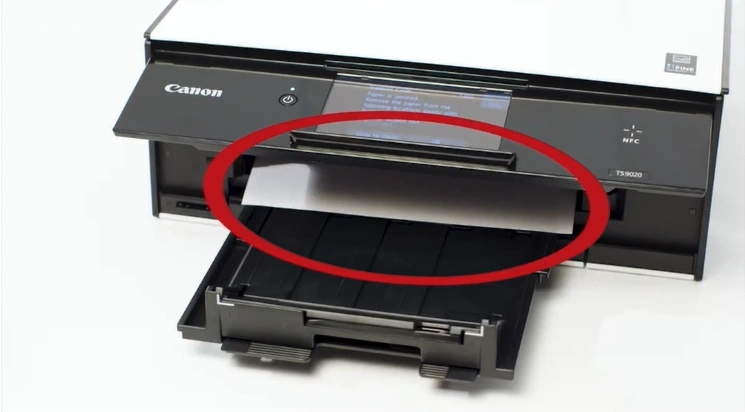
2. If you can’t pull the paper, turn off the machine.
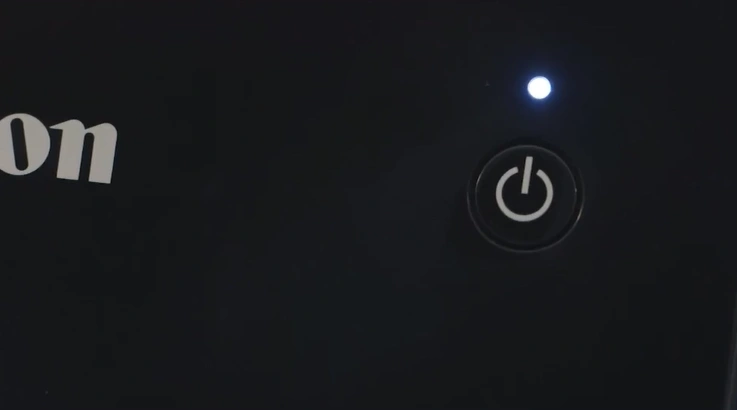
3. Turn on the machine, then try to pull the paper again.
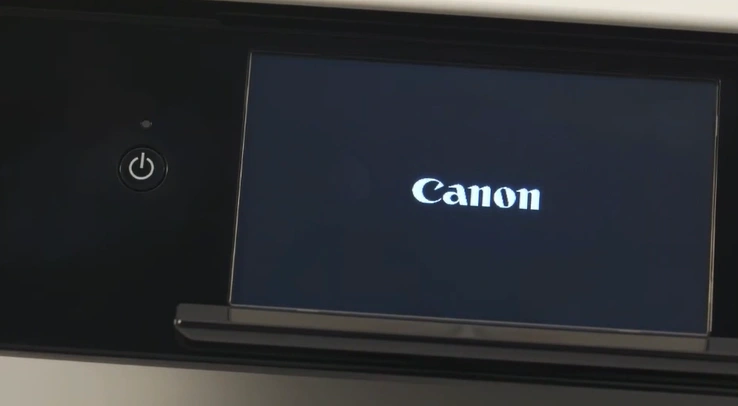
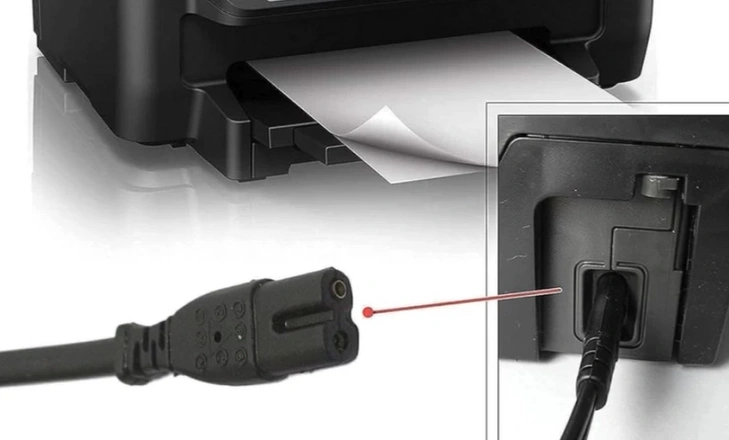
4. With the printer turned on, remove the power cord.
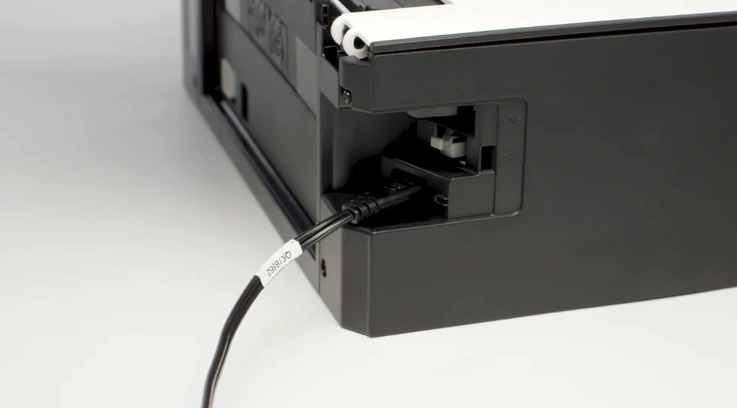
5. Pull out the rear paper tray.
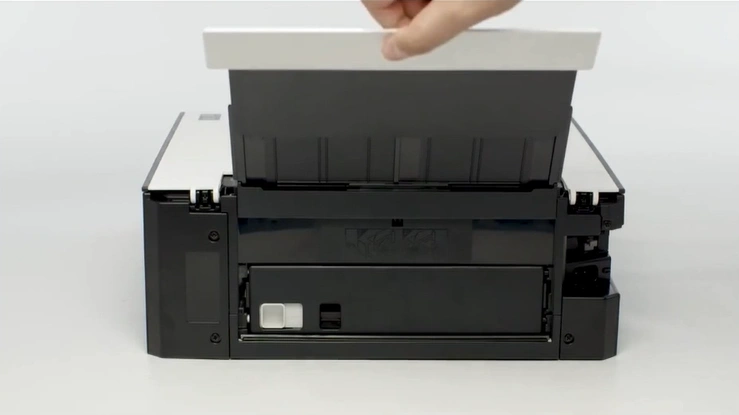
6. Now, remove the rear cover.
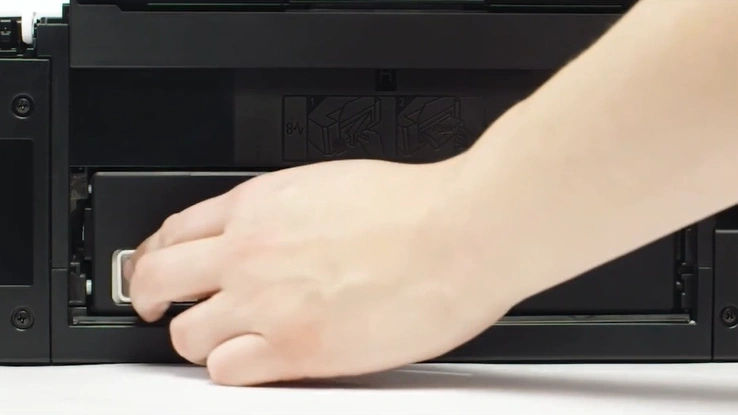
7. In addition, pull out the transport unit cover.
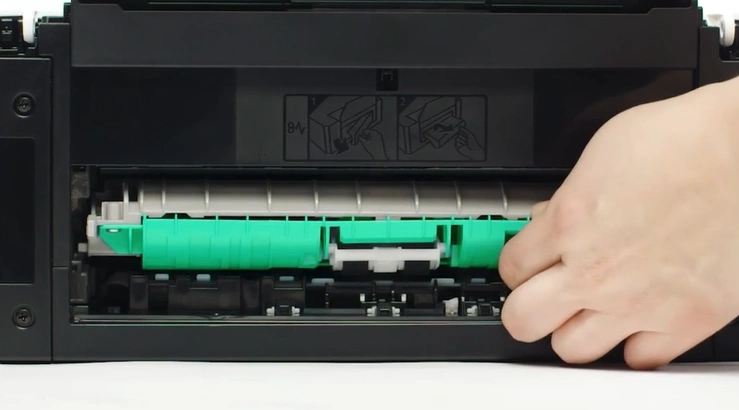
8. Inspect for jammed paper and remove it if you find any.
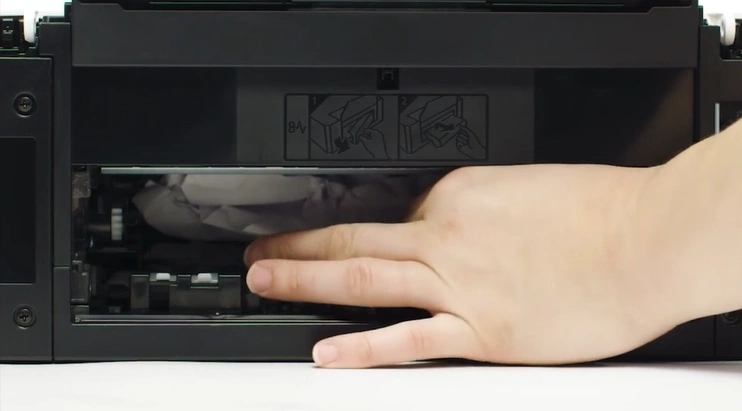
9. Then, insert the transport unit cover.
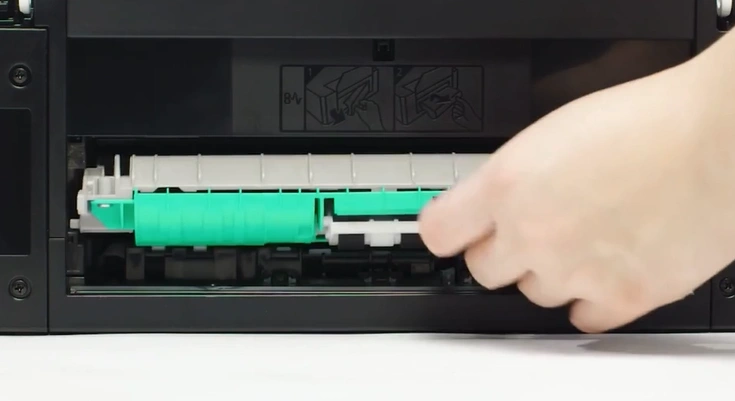
10. Close the rear cover.
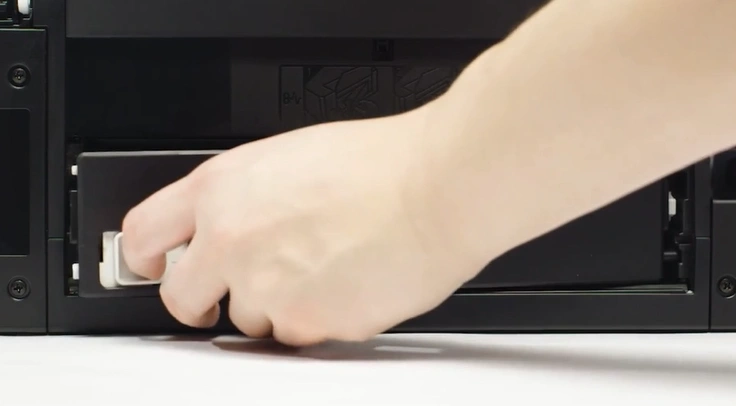
11. Plug back in the power cord.
12. Next, you should turn on the printer device.
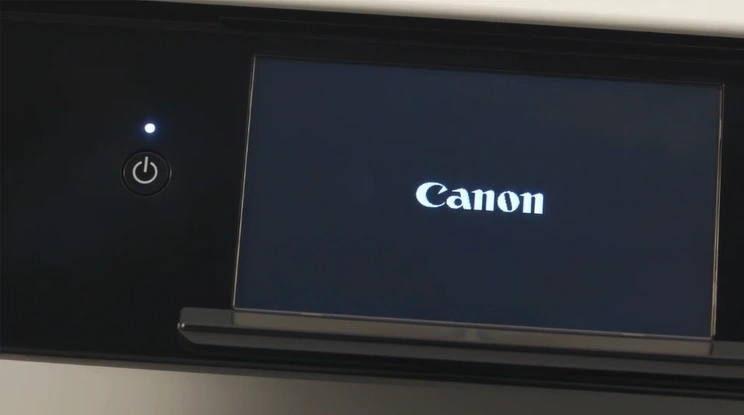
13. Check if your Canon printer still shows the error code 1300.
Method 2: Check the Cartridge Area
With the help of the steps below, you need to check the cartridge area and remove any issues. Follow the instructions carefully to quickly get rid of the error code 1300 from your device.
1. First of all, turn on your Canon printer.
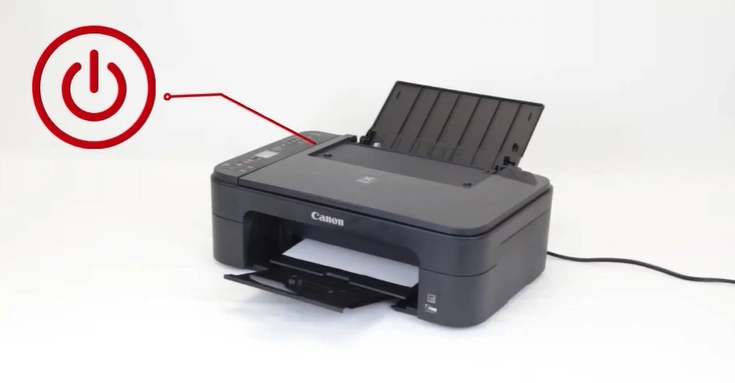
2. Then, remove the power cord from your printer.
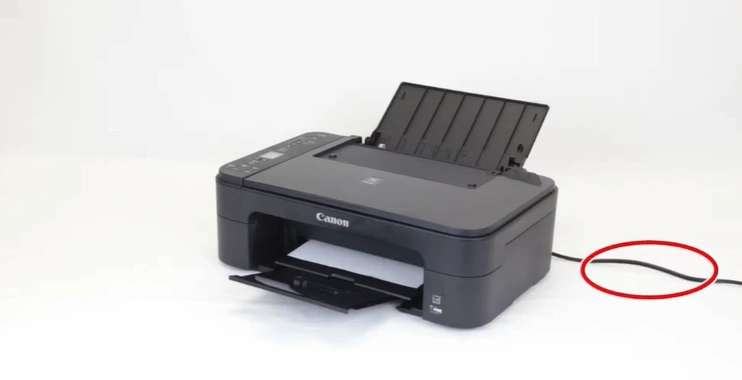
3. Open the cover of the printer.
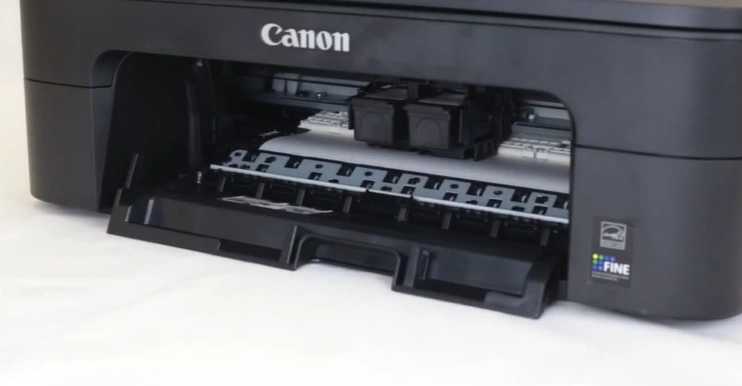
4. Gently move the FINE cartridge to the right.
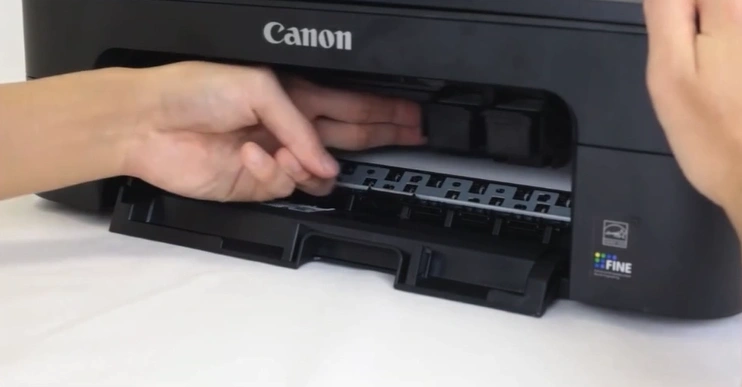
5. Remove jammed papers slowly without touching other parts of the printer.
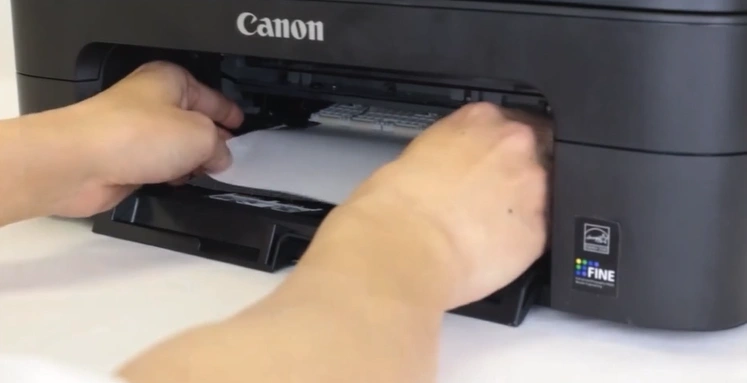
6. Check and remove any remaining pieces of paper.
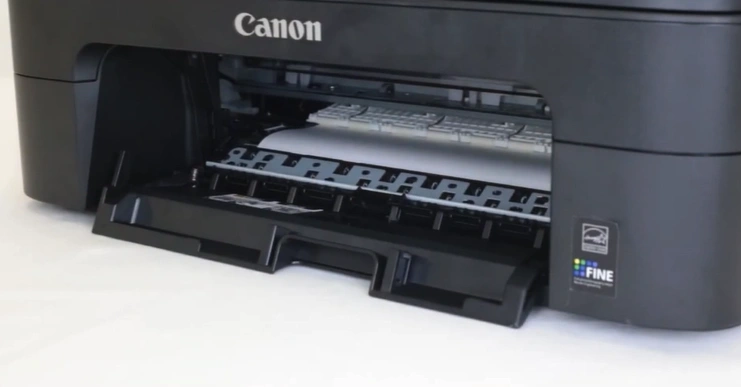
7. Now, slowly remove the jammed paper.
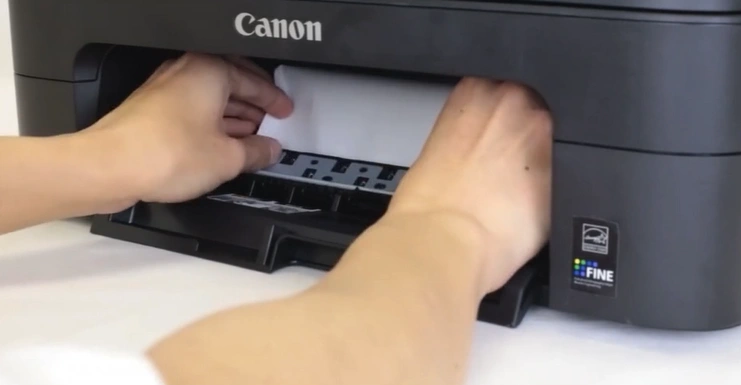
8. Finally, confirm if your printer is out of the error state.
Also Read:- [Resolved] Canon Printer Misaligned Printing
Sum Up
We hope your Canon printer error code 1300 issue is fixed after using these two solutions. Make sure you are following the steps carefully to avoid facing any issues and complications. In addition, if you are unable to remove the problem on your device, then it would be good to get your hands on more solutions and guides to quickly remove the issue. With the help of the expert solutions, you can get your printer working perfectly again without putting much effort.

